


Convert HTML to PDF using C# and .NET is a common requirement for SaaS applications that need invoices, reports, or formal documents. In 2025, developers want stable libraries that integrate seamlessly with .NET 6+ projects and provide reliable rendering.
The objective is to generate production-ready PDFs directly from HTML templates without rebuilding everything with low-level drawing commands. Leveraging the right tools not only accelerates development but also reduces operational overhead.
Overview of top HTML to PDF Conversion Libraries for C#
HTML to PDF conversion libraries in the .NET ecosystem render web-based templates into final PDF documents. Unlike traditional libraries where developers must manually draw text and shapes—such as PdfSharp or MigraDoc—these libraries allow direct usage of HTML and CSS. This reduces complexity while preserving design fidelity.

We’ll explore the top options for converting HTML to PDF in C# for 2025:
- Playwright
- iTextSharp
- PuppeteerSharp
Playwright
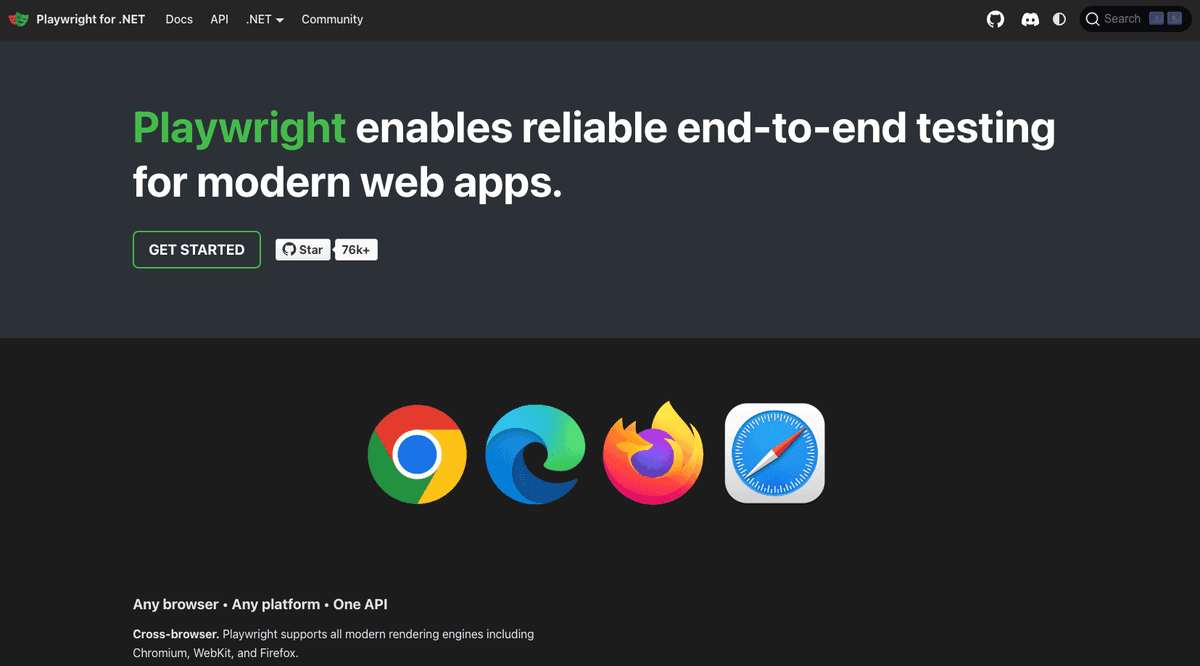
Playwright for .NET provides a high-level API to automate Chromium, Firefox, or WebKit browsers. Its ability to render complex HTML5 and CSS3 layouts makes it one of the most robust solutions for PDF generation. By leveraging the browser engine directly, Playwright ensures pixel-perfect output that mirrors what end-users see in the browser.
Example:
using Microsoft.Playwright;
using System.Threading.Tasks;

class Program
{
    public static async Task Main()
    {
        using var playwright = await Playwright.CreateAsync();
        await using var browser = await playwright.Chromium.LaunchAsync(new BrowserTypeLaunchOptions
        {
            Headless = true
        });

        var context = await browser.NewContextAsync();
        var page = await context.NewPageAsync();

        // Load HTML content
        await page.SetContentAsync("<html><body><h1>Invoice</h1><p>Customer details here</p></body></html>");

        // Generate PDF with options
        await page.PdfAsync(new PagePdfOptions
        {
            Path = "output.pdf",
            Margin = new Margin { Top = "50px", Bottom = "50px", Left = "30px", Right = "30px" },
            DisplayHeaderFooter = true,
            HeaderTemplate = "<div style='font-size:10px; text-align:center;'>Header Example</div>",
            FooterTemplate = "<div style='font-size:10px; text-align:center;'>Page <span class='pageNumber'></span> of <span class='totalPages'></span></div>"
        });
    }
}
Playwright is ideal for .NET developers who need modern web rendering capabilities.
For a comprehensive tutorial on Playwright with C#, see our full-length implementation guide.
iTextSharp
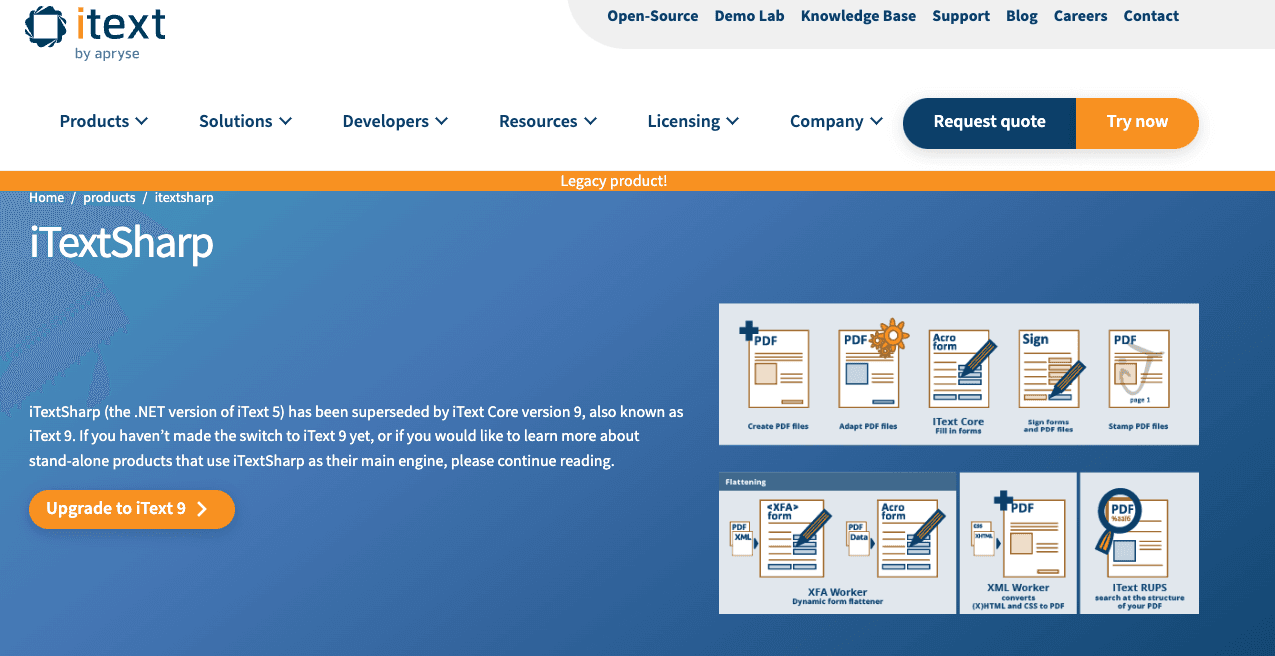
iTextSharp is the .NET port of iText, historically one of the most mature libraries for PDF generation. Early versions required constructing PDFs programmatically, but with the introduction of iText 7 (and pdfHTML), developers gained the ability to convert HTML into PDFs directly. In .NET projects, iTextSharp brings the same robust feature set, supporting security, digital signatures, and compliance-grade documents.
Example:
using iText.Html2pdf;
using System.IO;

class Program
{
    static void Main()
    {
        string html = "<html><body><h1>Invoice</h1><p>Customer details here</p></body></html>";
        using (FileStream stream = new FileStream("output.pdf", FileMode.Create))
        {
            ConverterProperties props = new ConverterProperties();
            HtmlConverter.ConvertToPdf(html, stream, props);
        }
    }
}
iTextSharp with pdfHTML is best suited for enterprise .NET applications requiring fine-grained control and advanced compliance features. You can also integrate custom headers and footers using event handlers, making it highly flexible.
For detailed instructions on mastering iTextSharp in .NET projects, consult our specialized developer guide.
PuppeteerSharp
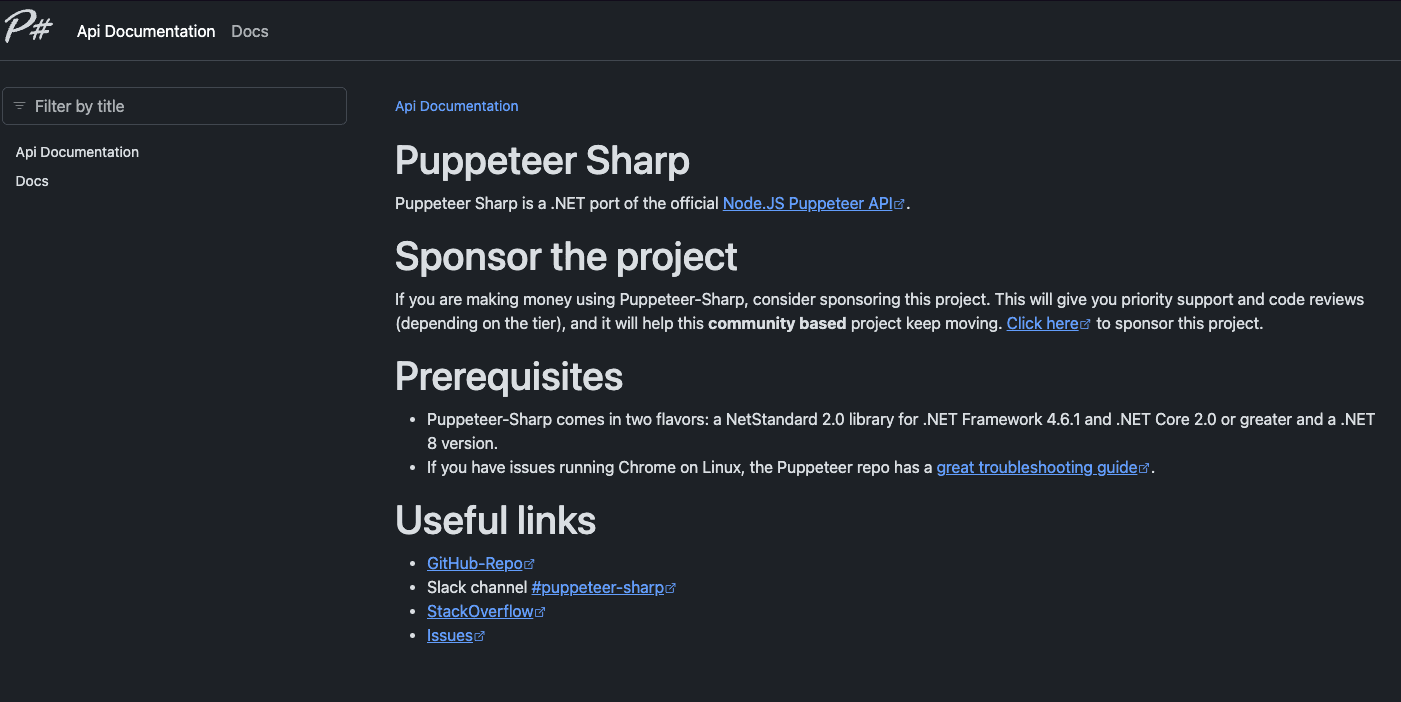
PuppeteerSharp is a .NET port of Google’s Puppeteer project, designed for headless Chrome automation. It allows developers to render HTML and export to PDF with strong CSS and JavaScript support. PuppeteerSharp integrates neatly with .NET 6 and .NET Core projects, making it a convenient option for developers already familiar with Puppeteer in Node.js.
Example:
using PuppeteerSharp;
using System.Threading.Tasks;

class Program
{
    public static async Task Main()
    {
        await new BrowserFetcher().DownloadAsync(BrowserFetcher.DefaultChromiumRevision);
        var browser = await Puppeteer.LaunchAsync(new LaunchOptions { Headless = true });
        var page = await browser.NewPageAsync();

        // Load HTML
        await page.SetContentAsync("<html><body><h1>Invoice</h1><p>Customer details here</p></body></html>");

        // Export PDF
        await page.PdfAsync("output.pdf", new PdfOptions
        {
            MarginOptions = new PuppeteerSharp.Media.MarginOptions { Top = "50px", Bottom = "50px", Left = "30px", Right = "30px" },
            DisplayHeaderFooter = true,
            HeaderTemplate = "<div style='font-size:10px; text-align:center;'>Header Example</div>",
            FooterTemplate = "<div style='font-size:10px; text-align:center;'>Page <span class='pageNumber'></span> of <span class='totalPages'></span></div>"
        });

        await browser.CloseAsync();
    }
}
PuppeteerSharp is highly effective for developers seeking a .NET-native way to replicate Puppeteer’s power. Its flexibility makes it suitable for modern report generation.
For more advanced PuppeteerSharp usage examples in .NET, view our complete walkthrough article.
Comparison between HTML to PDF libraries in C#
| Characteristics | Playwright | iTextSharp (iText 7 pdfHTML) | PuppeteerSharp |
|---|---|---|---|
| Rendering Engine | Chromium (Headless) | iText Engine | Chromium (Headless) |
| Output Quality | Full (Pixel-perfect) | Excellent | Full (Pixel-perfect) |
| Ease of Use | Easy | Moderate | Easy |
| CSS Support | Full (CSS3, Flexbox) | Good (Most CSS2, partial CSS3) | Full (CSS3, Flexbox) |
| Community Support | Excellent | Excellent | Moderate |
| Recommended Use | Dashboards, dynamic reports | Enterprise documents, compliance | Browser-like rendering for .NET apps |
Alternative: Convert HTML to PDFs using pdf noodle

Managing HTML-to-PDF conversion at scale can quickly become a nightmare!
Especially in serverless environments where cold starts, memory limits, and headless browser quirks love to break at the worst possible time (we even wrote a full article about it). Add constant template iterations, version control headaches, and the need to support non-technical contributors, and suddenly your “simple PDF library” turns into an ongoing engineering project.
pdf noodle eliminates all of that.
Instead of maintaining brittle infrastructure or wrestling with outdated pdf libraries, pdf noodle gives you a battle-tested HTML to PDF API that just works!
Fast, scalable, and designed for both developers and non-developers. You send raw HTML or use our AI-powered template builder, and pdf noodle handles the rendering, scaling, optimization, and delivery so your team doesn’t have to.
Here's an example of a simple API request to generate your pixel-perfect PDF with just a few lines of code:
using System;
using System.IO;
using RestSharp;

class Program
{
    static void Main()
    {
        var client = new RestClient("https://api.pdfnoodle.com/v1/html-to-pdf/sync");
        var request = new RestRequest(Method.POST);
        request.AddHeader("Authorization", "Bearer YOUR_API_KEY");
        request.AddJsonBody(new { html = "<h1>Invoice</h1><p>Customer details here</p>" });

        var response = client.Execute(request);

        if (response.IsSuccessful)
        {
            File.WriteAllBytes("output.pdf", response.RawBytes);
            Console.WriteLine("PDF saved as output.pdf");
        }
        else
        {
            Console.Error.WriteLine("Error: " + response.StatusCode);
            Console.Error.WriteLine(response.Content);
        }
    }
}
pdf noodle also includes a powerful AI Agent that can generate PDF templates instantly, along with a modern editor for refining the design, also using AI, to match your brand. You don't need developing or design experience to quickly update layouts, adjust styling, and manage template versions.
Here’s a quick demo showing how it works:
You can create your account and design your first template without any upfront payment.
Conclusion
For in-house implementations, Playwright for .NET is the strongest recommendation in 2025. It offers robust rendering, easy API integration, and full browser support for complex HTML. It is especially effective when generating reports or exports that must look identical to browser views. For deployment, see our Playwright on AWS Lambda guide to run at scale with .NET.
If you don't want to waste time maintaining pdfs layouts and their infrastructure or if you don't want to keep track of best practices to generate PDFs at scale, third-party PDF APIs like pdf noodle will save you hours of work and deliver a high quality pdf layout.
Try it yourself: Need a quick conversion without writing code? Use our convert HTML to PDF free — no signup required.


