The PDF generation API that creates your templates with AI
Stop building PDF infrastructure. Automate invoices, reports, and contracts in seconds with a simple API call.
Trusted by builders in 35+ countries · 1.5M+ PDFs generated
{
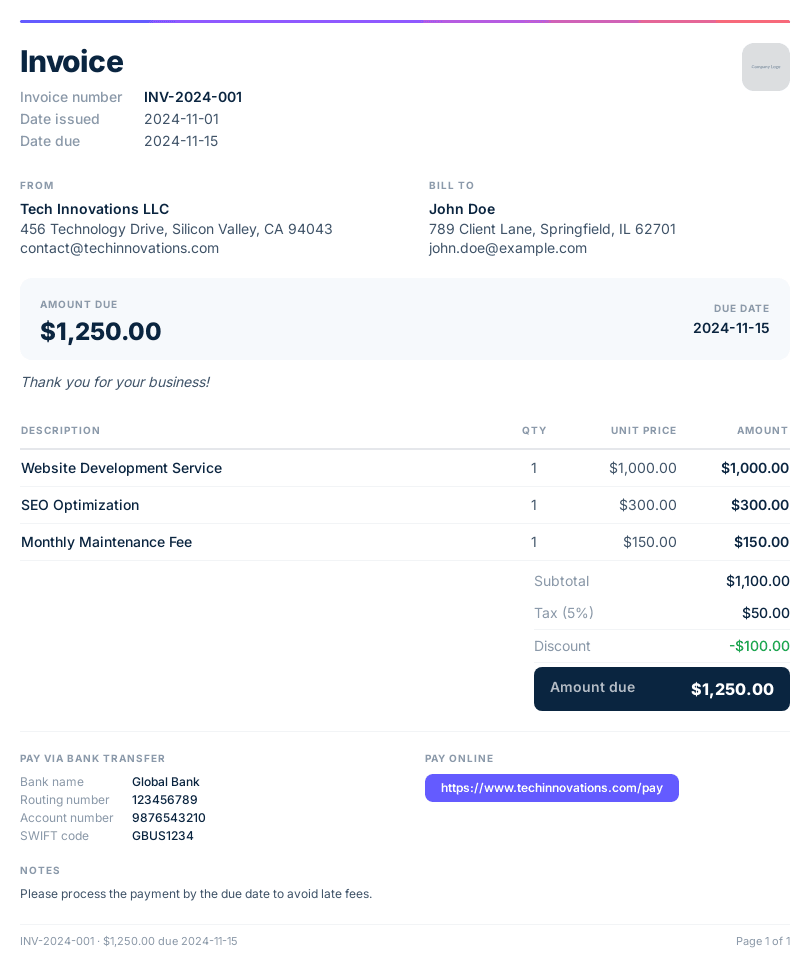
  "templateId": "inv_2f8a4b",
  "data": {
    "company_name": "Tech Innovations LLC",
    "client_name": "John Doe",
    "invoice_number": "INV-2024-001",
    "items": [
      { "description": "Website Development", "amount": "$1,000.00" },
      { "description": "SEO Optimization", "amount": "$300.00" },
      { "description": "Monthly Maintenance", "amount": "$150.00" }
    ],
    "amount_due": "$1,250.00"
  }
}
I've been loving using the product. Solves a problem I've had to solve so many times in such an absurdly easy way.

Ian Schoen
CTO at Baton Leads
Implement PDF generation today
Add PDF generation features to your product in minutes.
SDKs for Node.js, Python, PHP, and more.
1import { PdfNoodle } from 'pdfnoodle';23const pdfnoodle = new PdfNoodle('pdfnoodle_api_...');45const { data } = await pdfnoodle.pdf.fromTemplate({6 templateId: 'inv_2f8a4b',7 data: {8 company: 'Acme Corp',9 items: [10 { description: 'Consulting', amount: 4500 },11 { description: 'Development', amount: 12000 },12 ],13 total: 16500,14 },15});1{2 "signedUrl": "https://cdn.pdfnoodle.com/abc123.pdf",3 "metadata": {4 "executionTime": "1.2 seconds",5 "fileSize": "48.3 kB"6 }7}Add the pdf noodle MCP
Give your AI coding agent the ability to generate PDFs, create templates, and manage documents.
1npx -y mcp-server-pdfnoodle23# Your AI agent (Claude Code, Cursor, Windsurf, etc.) can now:4# Generate PDFs from templates5# Convert HTML to PDF6# Create templates with natural language7# Merge, split, and compress PDFsDescribe your document. Get a template in seconds.
Building new PDF templates from scratch every time is a grind. You just explain what you need. pdf noodle creates the layout, the styles, and the structure.
Create your first template
Prompt to template
Describe your document in a few words. AI generates the full template with layout, styles, and structure.

Upload a reference
Have an existing PDF or design you want to replicate? Upload it and AI rebuilds it as an editable template.
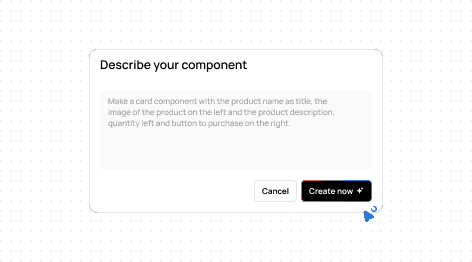
Custom components on demand
Need a custom table or layout? Describe it and AI builds it to match your brand.
Auto-fill sample data
No need to manually fill variables. AI generates realistic sample data so you can preview your template faster.
From prompt to production template in under 30 seconds.

Using pdf noodle was one of the best decisions we made. Our users wanted custom PDF reports, setup was incredibly simple, we implemented it in a few days and the feedback has been extremely positive.

Nicolas Cellani
Founder at Metrifiquei
Our customers generate thousands of PDFs in under 2 seconds per render.
1.5M+
PDFs generated
99.99%
uptime
3.5K+
templates created
35+
countries

We don't store any data sent to generate the PDF and you can store the PDF on your own bucket.
Why use a PDF generation API
instead of building your own?
Because you've already spent more time on PDF infrastructure than you'd like.
It starts simple
You pick a library, write some HTML, wrap it in a function. First PDF looks fine. Then production happens. Tables split across pages. Fonts don't embed. A customer sends data with 200 line items and the layout collapses.
Templates become a bottleneck
Someone needs the invoice header updated. Or a new contract template. Every change is a code change. Every code change is a PR, a review, a deploy. Your non-technical team can't touch templates without filing a ticket.
The infrastructure never stops growing
Puppeteer needs Chromium. Chromium needs 200-500 MB RAM per instance. wkhtmltopdf is deprecated with unpatched CVEs. Gotenberg needs Docker. Every approach has a ceiling, and you hit it right when you're scaling.
The real cost is invisible
Teams estimate 2-3 days. The reality: 2-3 weeks for v1, then 5-10 hours/month maintaining it. At $150/hr, that's $9,000-$18,000/year on something that will never be your competitive advantage.

Migrate in 3 minutes
It doesn't matter if you're coming from Puppeteer, wkhtmltopdf, another PDF API, or a custom-built solution. Upload your current PDF, let our AI replicate it, and you're live.
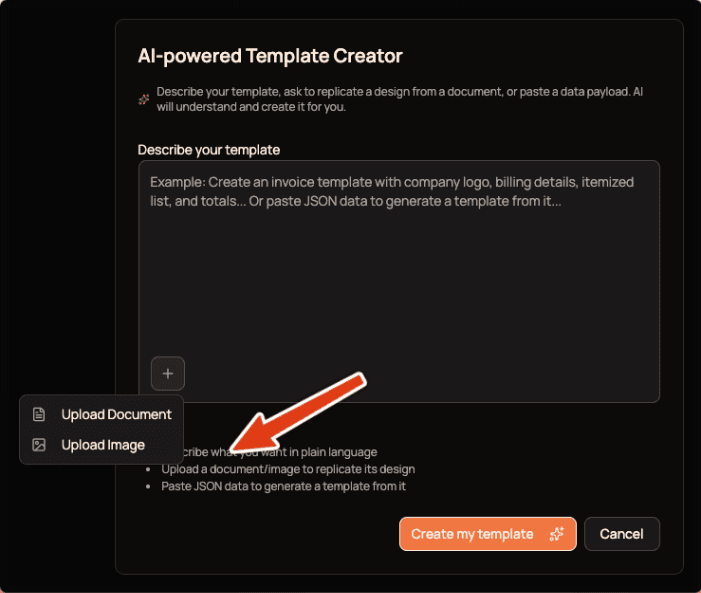
Step 1
Upload the PDF you want to migrate. Any document, any layout.
30 seconds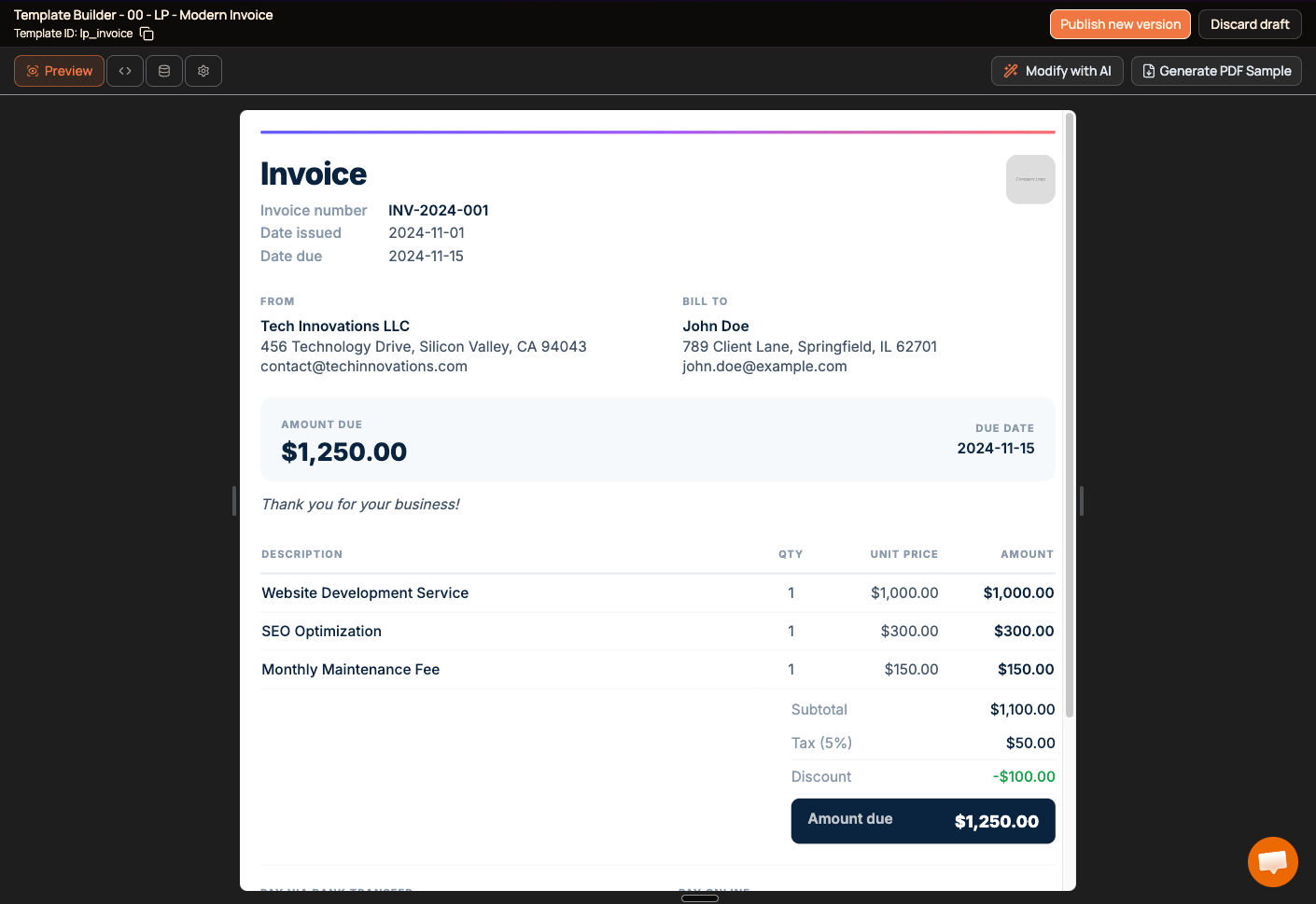
Step 2
AI replicates your template automatically. Same layout, same structure, fully editable.
30 seconds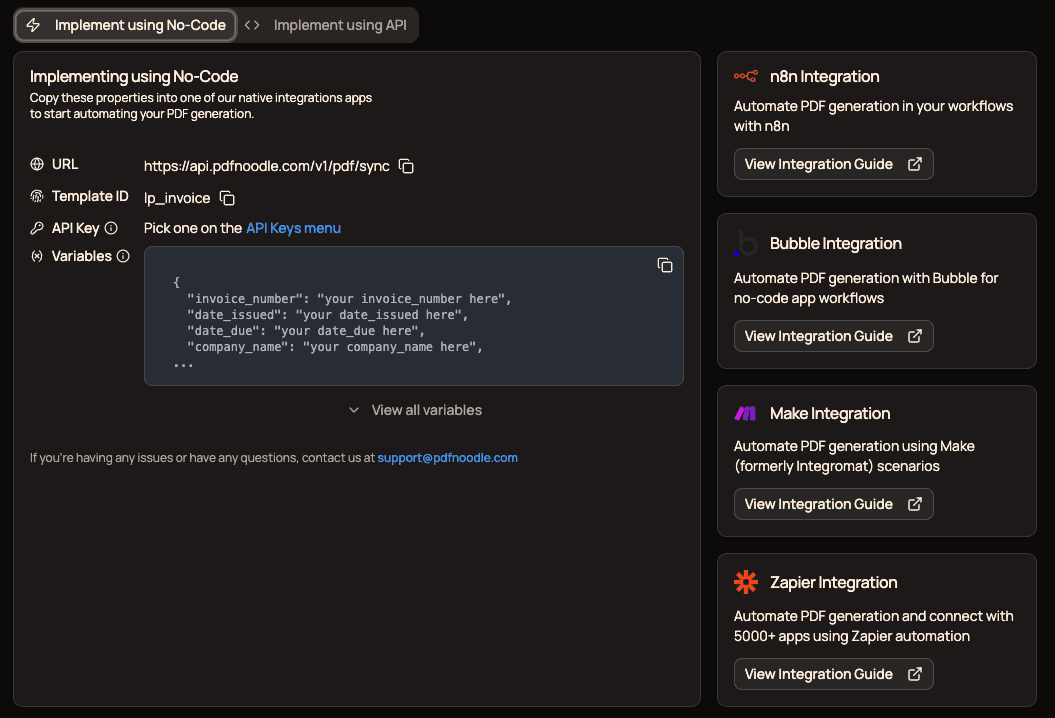
Step 3
Connect your data and call the API. Same variables, better output.
1-2 min
Generating PDFs might seem simple, but at scale, it becomes an extremely labor-intensive process. With pdf noodle, our product team started managing all the PDFs, which made updates easier and allowed our tech team to focus on our company's core business.

Cirdes Henrique
Founder & CTO at Linkana
What our customers are generating with pdf noodle
From invoices to patient reports, companies across SaaS, healthcare, fintech, and logistics use pdf noodle to automate the documents their products depend on.
Invoices & Receipts
Billing documents with dynamic line items, tax logic, and multi-currency support.
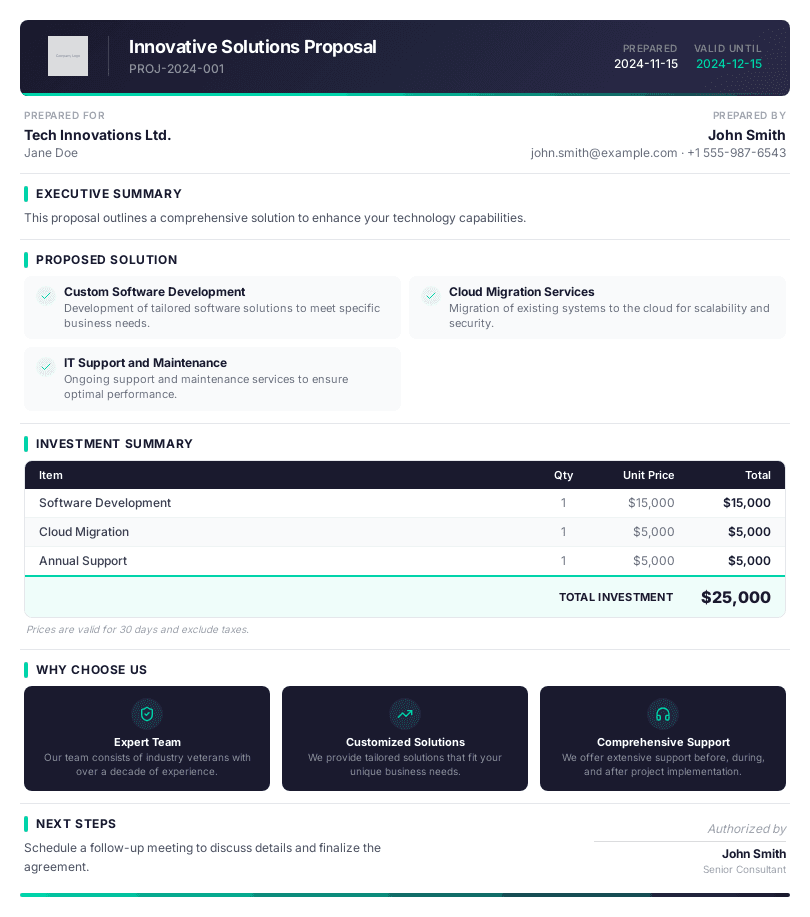
Proposals & Quotes
Sales quotes with dynamic pricing tables, custom terms, and branded cover pages.
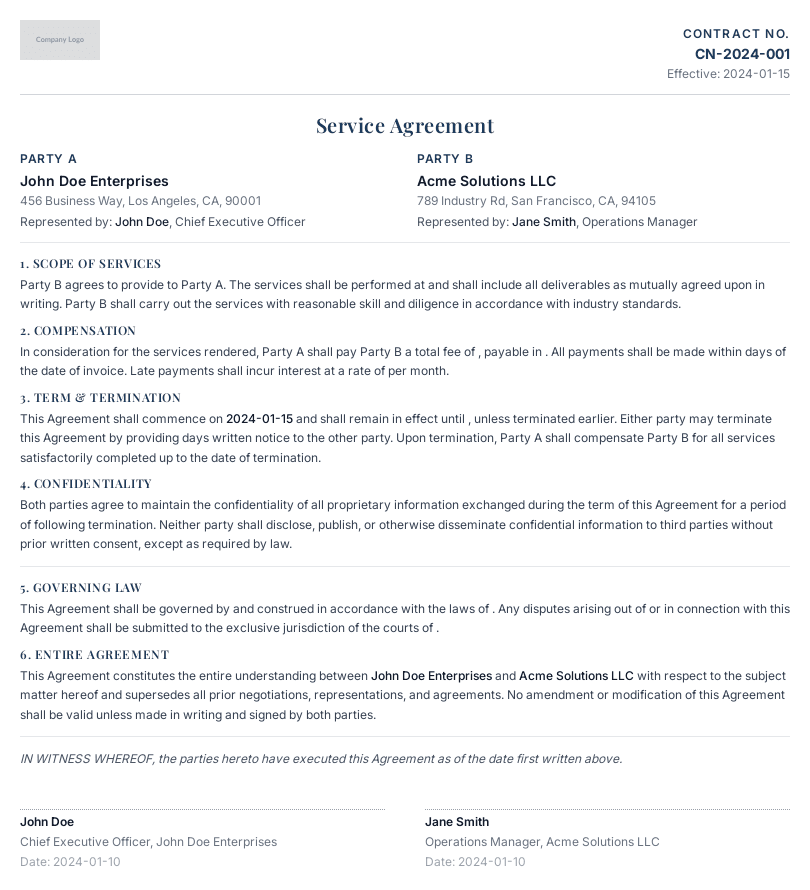
Contracts & Agreements
NDAs, service agreements, and lease contracts with variable clauses and signature blocks.
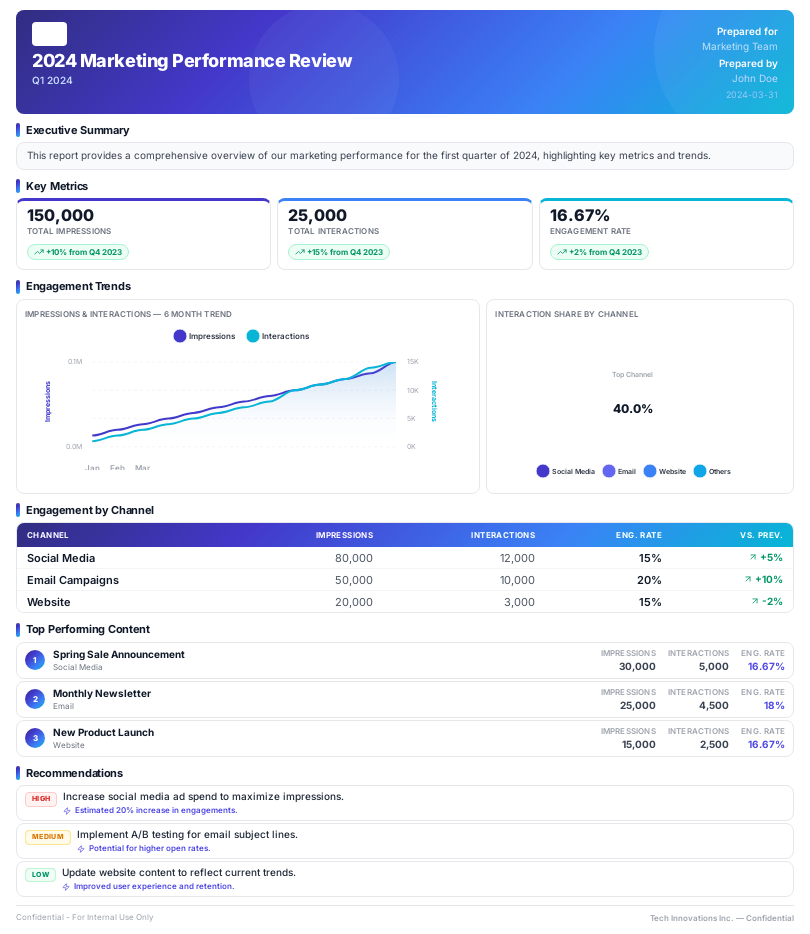
Client Reports
Analytics dashboards, performance summaries, and audit reports with live data and charts.
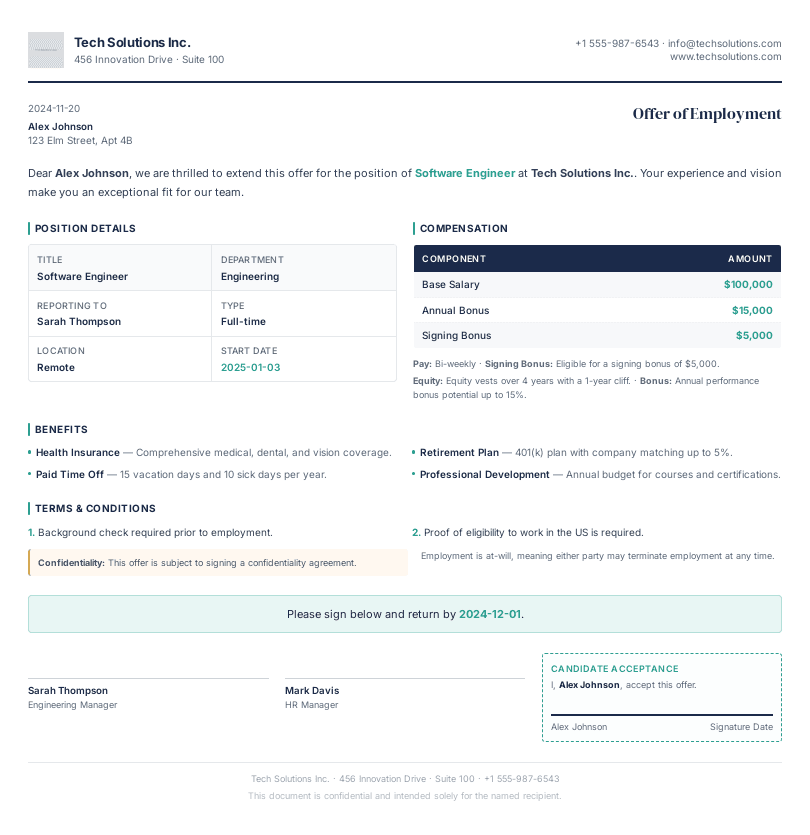
HR & Onboarding
Offer letters, employment contracts, onboarding packages, and payslips.
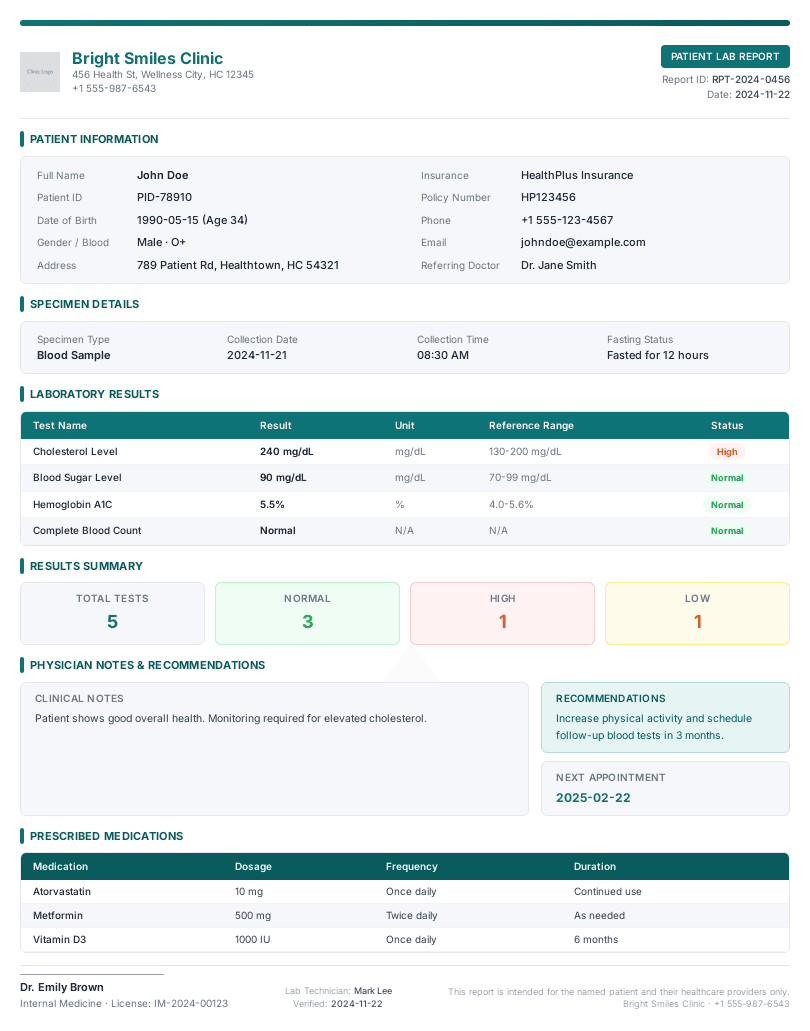
Healthcare Documents
Patient records, lab results, consent forms, and discharge summaries.
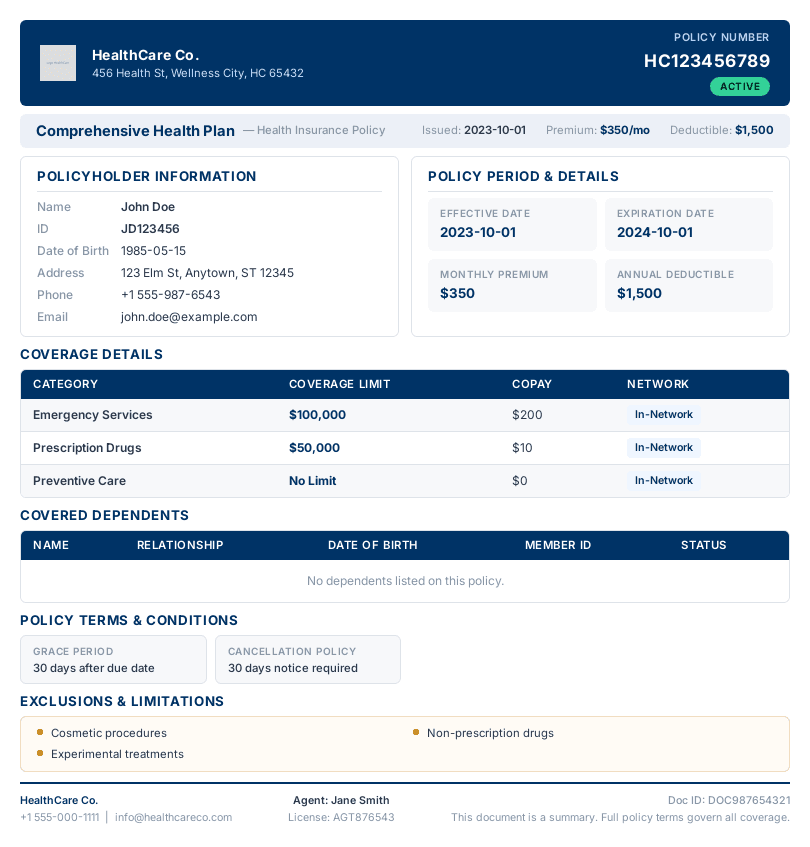
Insurance & Finance
Policy documents, claims reports, KYC forms, and account statements.
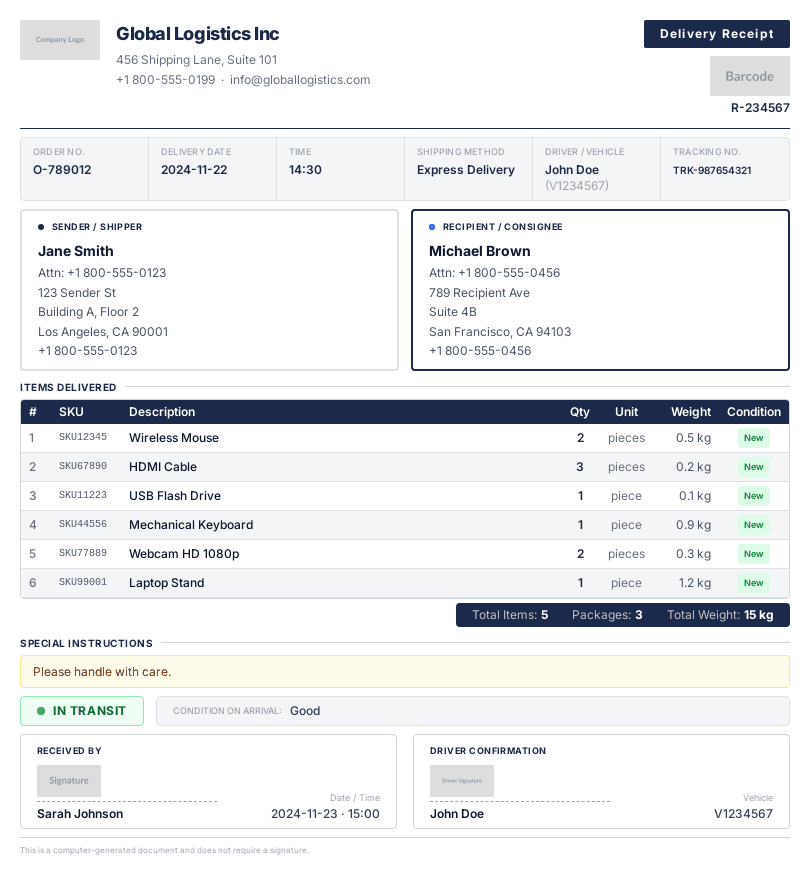
Shipping & Logistics
Shipping labels, packing slips, bills of lading, and delivery receipts.
Code or no-code.
You choose!
Connect via n8n, Make, Zapier, or Bubble. Or use our easy-to-use API and native SDKs for Python, JavaScript, PHP, and more.
See all integrations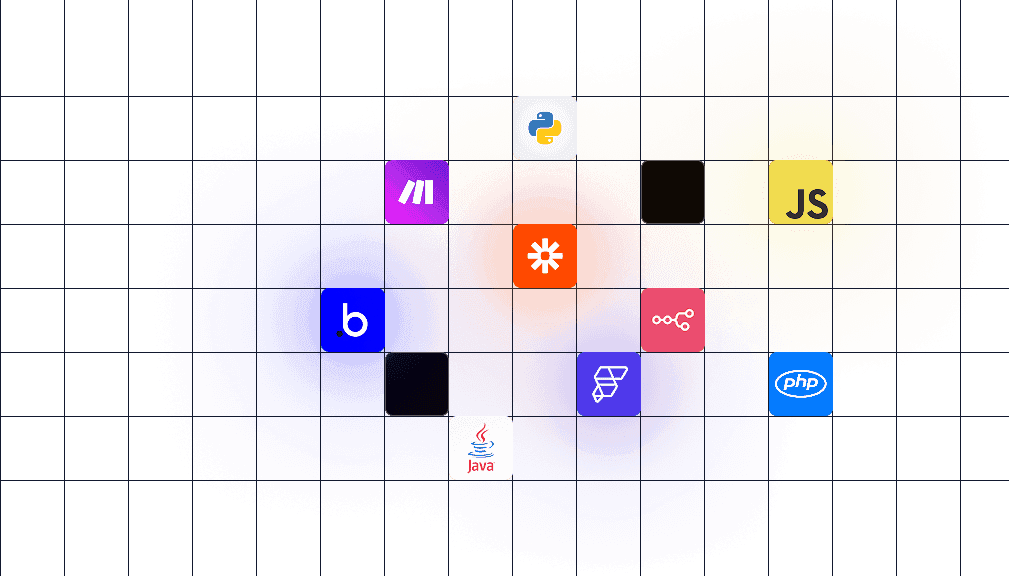
Start with the plan that fits today
Go past your included PDFs at a predictable per-PDF rate, add templates 25 at a time, and move to Production when unlimited scale makes sense. Cancel anytime.
Starter
For individuals and small teams getting started
3,000 PDFs/month included
Then $0.02 / additional PDF
5 templates included
+25 templates for $25/mo
Business
For growing businesses automating document workflows
20,000 PDFs/month included
Then $0.01 / additional PDF
100 templates included
+25 templates for $25/mo
Production
For organizations that depend on reliable document generation at scale
Unlimited PDFs
No PDF overage
500 templates included
Enterprise
For organizations with custom security, performance, or support requirements
Unlimited PDFs
Unlimited templates
All plans include unlimited users, AI capabilities, bulk generation, unlimited PDF size, copyright-free images, no-code integrations, 30-day guarantee, and 300s timeout.
Developers are asking…
What is a PDF generation API?
A PDF generation API is a service that lets you create PDF documents programmatically by sending data to an API endpoint. Instead of building your own PDF rendering pipeline with libraries like Puppeteer or wkhtmltopdf, you send a template ID and your data, and get back a ready-to-use PDF. pdf noodle’s API handles the rendering, page breaks, fonts, and scaling so you can focus on your product.
What programming languages does pdf noodle support?
We have official SDKs for Node.js, Python, and PHP. Since pdf noodle is a REST API, you can use it with any language that can make HTTP requests — Ruby, Go, Java, C#, or anything else. We also have native integrations with n8n, Make, Zapier, and Bubble for no-code workflows.
How do I migrate from Puppeteer, wkhtmltopdf, or other PDF libraries?
Whether you’re using Puppeteer, wkhtmltopdf, Gotenberg, jsPDF, pdfmake, PDFKit, ReportLab, DomPDF, or any other library, the migration is straightforward. Export your existing HTML templates, create them in pdf noodle (you can upload your HTML directly or have AI recreate the layout), and swap your rendering call for our API endpoint. Most teams complete the migration in a day.
Is my data secure? Are you GDPR and HIPAA compliant?
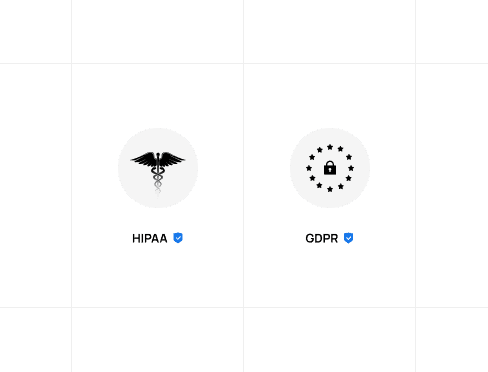
Yes. We’re GDPR and HIPAA compliant. All data is transmitted over SSL. We don’t store the payload data you send to generate PDFs — only the final output, and you can control where that’s stored. You can also connect your own AWS S3 bucket (or S3-compatible storage) and we’ll send generated PDFs directly there.
How do I generate a PDF from HTML via API?
Send your HTML and CSS to pdf noodle’s HTML-to-PDF endpoint. The API renders it using a real browser engine, handles page breaks and print styles, and returns a signed URL to the generated PDF. You can use our SDKs for Node.js, Python, and PHP, or call the REST API directly with cURL. Most documents render in under 2 seconds.
Can I generate PDFs at scale with unlimited volume?
Yes. Production includes unlimited PDF generation with no PDF overage, as long as usage stays within our terms of service. Starter and Business include 3,000 and 20,000 PDFs per month, and generation keeps going past that at $0.02 or $0.01 per additional PDF, so you can scale before moving to Production.
How does AI template creation work?
Describe what you need in plain text — for example, “create a professional invoice with logo, line items, and total” — and AI generates a full template with layout, styles, and structure. You can also upload an existing PDF or image and AI will recreate it as an editable template. Once created, you can refine the template with follow-up prompts or edit it manually in the visual builder.
How long does it take to generate a PDF?
Most PDFs render in under 2 seconds. Complex documents with many pages or heavy images may take slightly longer, but we’re built for speed at any scale.
Create your first template
Describe a template. Call the API. Ship it. 7-day free trial, full access.
Try it now

