


Convert HTML to PDF using Java is one of the most practical ways to transform dynamic web content into reliable, printable documents. Developers often search for the best libraries in 2025 to ensure consistent styling, stable performance, and scalable PDF generation.
The primary intent is clear: create invoices, reports, and records directly from HTML templates without rebuilding documents pixel by pixel. By leveraging the right library, teams save development hours and deliver more predictable results.
Overview of top HTML to PDF Conversion Libraries for Java
HTML to PDF conversion libraries take existing HTML templates and render them into PDF documents. Unlike traditional PDF generation libraries, where developers must position elements manually, such as with Apache PDFBox, OpenPDF, or FOP, HTML converters let you use familiar web technologies (HTML, CSS, and JavaScript) to define layouts.
This approach eliminates the complexity of crafting a PDF canvas by hand and ensures styling matches your web or application UI. The trade-off is dependency on rendering engines, which may have varying levels of CSS or JavaScript support. Still, the productivity gains far outweigh the drawbacks for most SaaS applications.
In this article, we’ll compare the most relevant libraries to convert HTML to PDF using Java in 2025:
- Playwright
- Flying Saucer
- iText (iText 7)
Playwright
Playwright, originally a browser automation library, has evolved into a powerful solution for rendering PDFs directly from HTML. By controlling a headless Chromium browser, it supports modern HTML5, advanced CSS3, and even client-side JavaScript rendering. This makes it ideal for complex layouts such as dashboards or styled reports.
Example:
import com.microsoft.playwright.*;

public class HtmlToPdfExample {
    public static void main(String[] args) {
        try (Playwright playwright = Playwright.create()) {
            Browser browser = playwright.chromium().launch();
            BrowserContext context = browser.newContext();
            Page page = context.newPage();

            // Load your HTML content
            page.setContent("<html><body><h1>Invoice</h1><p>Customer details here</p></body></html>");

            // Save PDF with advanced options
            page.pdf(new Page.PdfOptions()
                .setPath("output.pdf")
                .setMargin(new Margin().setTop("50px").setBottom("50px").setLeft("30px").setRight("30px"))
                .setDisplayHeaderFooter(true)
                .setHeaderTemplate("<div style='font-size:10px; text-align:center;'>Header Example</div>")
                .setFooterTemplate("<div style='font-size:10px; text-align:center;'>Page <span class='pageNumber'></span> of <span class='totalPages'></span></div>")
            );
        }
    }
}
Playwright excels where accuracy and fidelity to browser rendering are paramount.
For a deeper guide on Playwright and advanced PDF generation scenarios, check our dedicated tutorial.
Flying Saucer
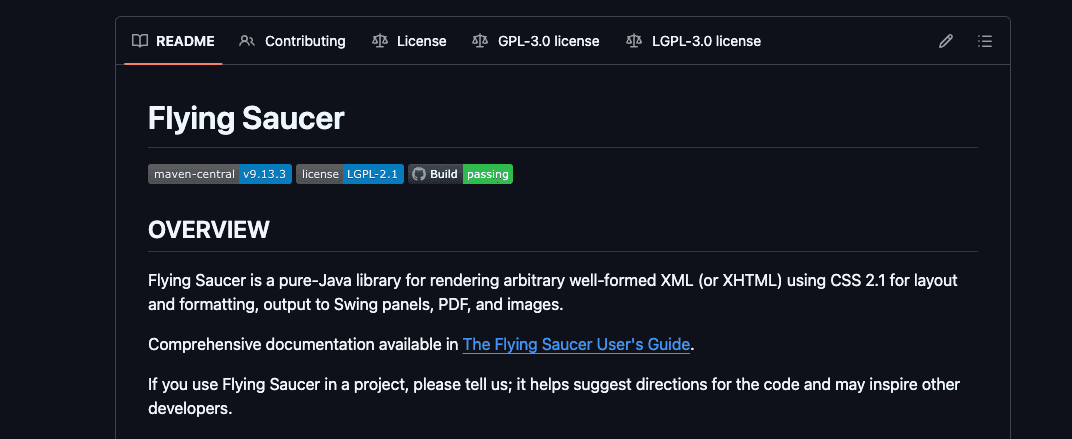
Flying Saucer is a lightweight Java library dedicated to XHTML and CSS rendering into PDF. Unlike Playwright, it does not rely on a headless browser but instead uses a rendering engine tailored for server-side processing. It supports CSS2 standards reasonably well and works best for structured documents such as invoices or contracts.
Example:
import org.xhtmlrenderer.pdf.ITextRenderer;
import java.io.FileOutputStream;

public class HtmlToPdfExample {
    public static void main(String[] args) throws Exception {
        String html = "<html><body><h1>Invoice</h1><p>Customer details here</p></body></html>";

        ITextRenderer renderer = new ITextRenderer();
        renderer.setDocumentFromString(html);
        renderer.layout();
        renderer.createPDF(new FileOutputStream("output.pdf"));
    }
}
Flying Saucer is dependable for predictable server-side rendering, though limited in advanced CSS and JavaScript support. While it does not natively support header and footer injection as Playwright does, you can simulate them by embedding repeated HTML elements across pages.
If you want to dive into a full Flying Saucer implementation with styled documents, explore our complete walkthrough.
iText
iText is one of the most well-known Java libraries for PDF generation. Initially, it required manual composition of documents. However, starting with iText 7, the library introduced pdfHTML, a powerful add-on that supports converting HTML and CSS into PDFs. This upgrade turned iText from a low-level PDF builder into a complete HTML-to-PDF tool.
Example:
import com.itextpdf.html2pdf.ConverterProperties;
import com.itextpdf.html2pdf.HtmlConverter;
import java.io.FileOutputStream;

public class HtmlToPdfExample {
    public static void main(String[] args) throws Exception {
        String html = "<html><body><h1>Invoice</h1><p>Customer details here</p></body></html>";
        ConverterProperties props = new ConverterProperties();
        HtmlConverter.convertToPdf(html, new FileOutputStream("output.pdf"), props);
    }
}
iText 7 with pdfHTML is suited for enterprise projects requiring legal compliance, digital signatures, and encryption features, while still benefiting from HTML input. It supports custom headers and footers through PDF event handlers, giving fine-grained control over document styling.
For a step-by-step guide on implementing iText with pdfHTML, visit our in-depth reference article.
Comparison between HTML to PDF libraries in Java
| Characteristics | Playwright | Flying Saucer | iText 7 (pdfHTML) |
|---|---|---|---|
| Rendering Engine | Chromium (Headless) | Custom XHTML Engine | Proprietary iText Engine |
| Output Quality | Full (Pixel-perfect) | Moderate | Excellent |
| Ease of Use | Easy | Moderate | Easy |
| CSS Support | Full (CSS3, Flexbox) | Moderate (CSS2) | Good (Most CSS2, partial CSS3) |
| Community Support | Excellent | Moderate | Excellent |
| Recommended Use | Complex layouts, dashboards | Invoices, structured documents | Enterprise-grade reports, compliance documents |
Alternative: Convert HTML to PDF at Scale Using pdf noodle
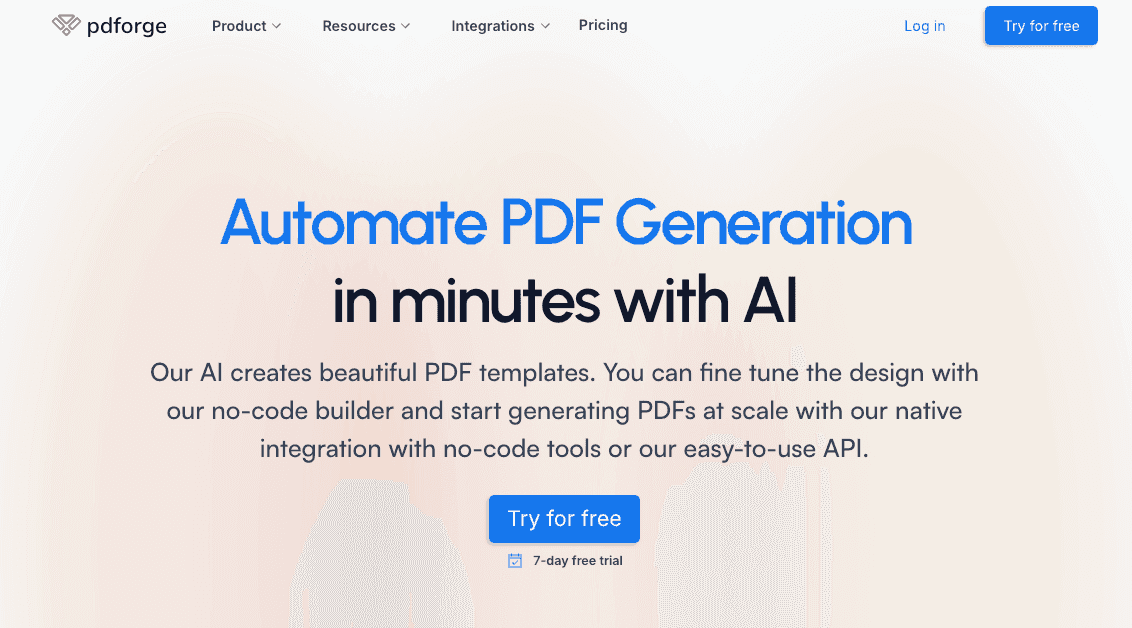
Managing HTML to PDF conversion at scale poses challenges, particularly with serverless architectures (see our detailed article) and frequent template updates. pdf noodle simplifies these challenges by providing a robust HTML to PDF API for direct HTML to PDF conversion:
import okhttp3.*;
import java.io.FileOutputStream;

public class PdfNoodleExample {
    public static void main(String[] args) throws Exception {
        OkHttpClient client = new OkHttpClient();
        String apiKey = "YOUR_API_KEY";

        String json = "{ \"html\": \"<h1>Invoice</h1><p>Customer details here</p>\" }";

        RequestBody body = RequestBody.create(json, MediaType.get("application/json"));
        Request request = new Request.Builder()
            .url("https://api.pdfnoodle.com/v1/html-to-pdf/sync")
            .addHeader("Authorization", "Bearer " + apiKey)
            .post(body)
            .build();

        try (Response response = client.newCall(request).execute()) {
            if (response.isSuccessful()) {
                byte[] pdfBytes = response.body().bytes();
                try (FileOutputStream fos = new FileOutputStream("output.pdf")) {
                    fos.write(pdfBytes);
                }
                System.out.println("PDF saved as output.pdf");
            } else {
                System.err.println("Error: " + response.code());
                System.err.println(response.body().string());
            }
        }
    }
}
pdf noodle also includes a powerful AI Agent that generates PDF templates instantly and a modern no-code editor for quick design fine-tuning. Its intuitive platform allows non-developers to manage templates efficiently. Here's a quick demo on how it works:
You can create your account, experience our no-code builder and create your first layout template without any upfront payment clicking here.
Conclusion
If you decide to build in-house, Playwright is the most versatile option for 2025. It delivers pixel-perfect rendering, full JavaScript support, and seamless handling of complex layouts. Its browser-driven engine ensures your PDFs look identical to what users see on screen. For deployment guidance, you can also check our Playwright on AWS Lambda guide.
For scaling projects, the complexity of managing multiple templates and high-volume PDF generation makes libraries harder to maintain. In this case, pdf noodle stands out with its API-first and AI-powered approach, removing the burden of maintaining layouts or infrastructure while ensuring a reliable, scalable, and cost-effective solution for SaaS businesses that want to generate PDFs at scale without worrying about best practices or design overhead.
Try it yourself: Need a quick conversion without writing code? Use our free HTML to PDF tool — no signup required.


