


Introduction to PDF Generation in Java
There are multiple ways to generate PDFs using Java, so this article filters the best libraries to create polished PDF documents in 2025.
Whether you favor browser-based conversions or direct rendering, you can find a solution that aligns with your project’s scale and complexity. This post focuses on four popular options—OpenPDF, Flying Saucer, iText, and Playwright.
Each provides unique advantages, so it’s crucial to match features with your SaaS requirements before choosing.
Browser-Based PDF Libraries: HTML to PDF Conversion
Browser-based solutions rely on embedded or external engines to transform web pages into PDFs. By leveraging technologies like CSS and JavaScript, they preserve layout fidelity and allow you to create rich designs. They are especially useful for SaaS applications serving interactive or heavily styled content.
PDF Generation with Playwright
Playwright is a powerful automation library that drives headless browsers to capture and convert HTML into PDF. It supports Chromium, Firefox, and WebKit, ensuring cross-engine consistency for complex layouts.
Installation and Setup
Add the following dependency to your Maven pom.xml:
<dependency>
    <groupId>com.microsoft.playwright</groupId>
    <artifactId>playwright</artifactId>
    <version>1.30.0</version>
</dependency>
Generating an Invoice PDF from HTML
import com.microsoft.playwright.*;

public class PlaywrightPdfGenerator {
    public static void main(String[] args) {
        try (Playwright playwright = Playwright.create()) {
            BrowserType browserType = playwright.chromium();
            Browser browser = browserType.launch(new BrowserType.LaunchOptions().setHeadless(true));
            Page page = browser.newPage();

            page.setContent("<!DOCTYPE html>\n<html>\n<head>\n<title>Invoice</title>\n<style>\n.invoice-header { font-size: 24px; font-weight: bold; }\n.invoice-line { margin-bottom: 8px; }\n</style>\n</head>\n<body>\n<div class=\"invoice-header\">Sample Invoice</div>\n<div class=\"invoice-line\">Item: Premium Subscription</div>\n<div class=\"invoice-line\">Price: $49.99</div>\n</body>\n</html>");

            page.pdf(new Page.PdfOptions().setPath("invoice-playwright.pdf"));
            browser.close();
        }
    }
}
Browser-based rendering ensures that CSS and embedded scripts appear as intended, making it ideal for user-facing documents. Playwright suits teams that want a flexible environment for dynamic or interactive pages.
For more extensive coverage on Playwright’s capabilities with Java, explore our full guide on advanced features and best practices in PDF generation.
PDF Generation with Flying Saucer
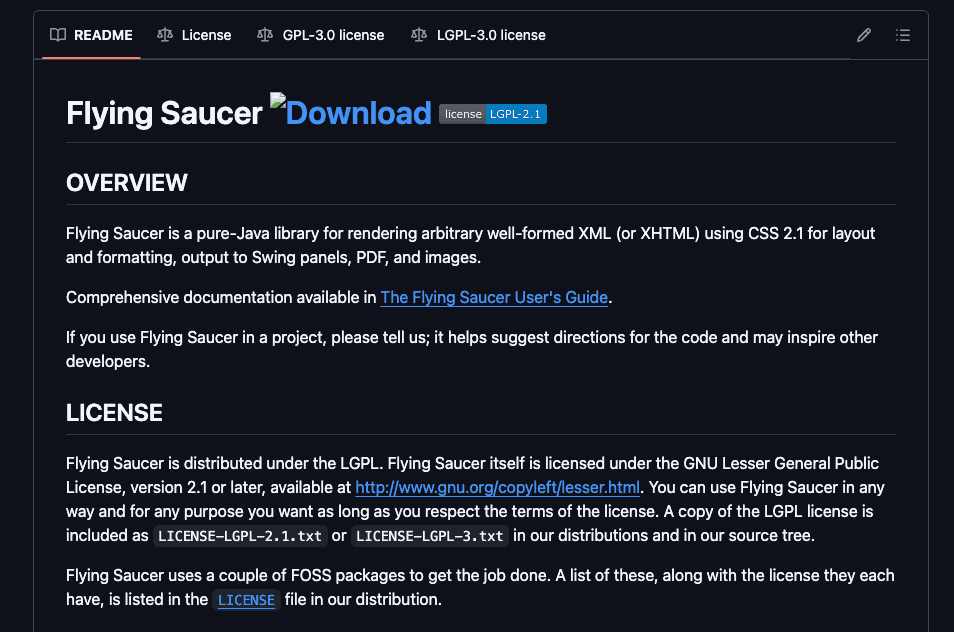
Flying Saucer is a Java library dedicated to rendering XHTML and CSS directly to PDF, relying on iText under the hood. Its lightweight structure makes it an excellent fit for smaller applications or those using server-side templating.
Installation and Maven Configuration
<dependency>
    <groupId>org.xhtmlrenderer</groupId>
    <artifactId>flying-saucer-pdf</artifactId>
    <version>9.1.22</version>
</dependency>
Creating a Styled PDF from Thymeleaf
import org.xhtmlrenderer.pdf.ITextRenderer;
import java.io.ByteArrayOutputStream;
import java.io.FileOutputStream;

public class FlyingSaucerPdfGenerator {
    public static void main(String[] args) throws Exception {
        String htmlContent = "<!DOCTYPE html>\n<html>\n<head>\n<title>Invoice</title>\n<style>\n.invoice-header { font-size: 24px; font-weight: bold; }\n.invoice-line { margin-bottom: 8px; }\n</style>\n</head>\n<body>\n<div class=\"invoice-header\">Sample Invoice</div>\n<div class=\"invoice-line\">Item: Premium Subscription</div>\n<div class=\"invoice-line\">Price: $49.99</div>\n</body>\n</html>";

        ITextRenderer renderer = new ITextRenderer();
        renderer.setDocumentFromString(htmlContent);
        renderer.layout();

        ByteArrayOutputStream bos = new ByteArrayOutputStream();
        renderer.createPDF(bos);

        try (FileOutputStream fos = new FileOutputStream("invoice-flyingsaucer.pdf")) {
            fos.write(bos.toByteArray());
        }
    }
}
Flying Saucer renders CSS accurately, offering strong alignment with frameworks like Spring Boot. It is ideal for those who have existing XHTML or Thymeleaf templates.
For additional insights on Flying Saucer’s extended features and common troubleshooting steps, consult our full guide that delves deeper into the library’s capabilities.
Non-Browser-Based PDF Libraries: Canvas API and Direct Rendering
Non-browser-based libraries bypass a web engine. Instead, they employ lower-level APIs or rendering canvases to construct PDFs. These solutions typically have smaller memory footprints and offer more specialized control over the PDF structure.
PDF Generation with OpenPDF
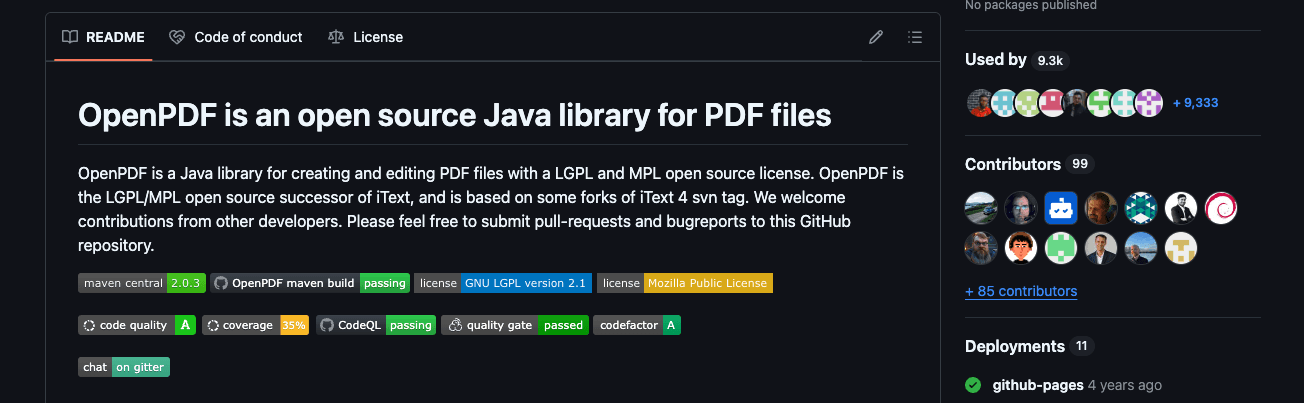
OpenPDF is an open-source library free of external dependencies. It supports annotations, tables, and forms through direct rendering commands.
Installation
<dependency>
    <groupId>com.github.librepdf</groupId>
    <artifactId>openpdf</artifactId>
    <version>1.3.29</version>
</dependency>
Generating a Report with Tables and Charts
import com.lowagie.text.*;
import com.lowagie.text.pdf.PdfWriter;
import java.io.FileOutputStream;

public class OpenPdfGenerator {
    public static void main(String[] args) throws Exception {
        Document document = new Document();
        PdfWriter writer = PdfWriter.getInstance(document, new FileOutputStream("invoice-openpdf.pdf"));
        document.open();

        Paragraph header = new Paragraph("Sample Invoice");
        document.add(header);

        Table table = new Table(2);
        table.addCell("Item:");
        table.addCell("Premium Subscription");
        table.addCell("Price:");
        table.addCell("$49.99");
        document.add(table);

        document.close();
        writer.close();
    }
}
OpenPDF suits developers who want a fully Java-based approach. It excels in smaller teams desiring no added overhead for html to pdf conversions.
Consult an in-depth OpenPDF guide for more advanced functionalities, including partial form filling and encryption configuration.
PDF Generation with iText
iText is synonymous with rich PDF feature sets, such as digital signatures, form creation, and encryption. Its robust ecosystem and community-backed documentation attract enterprise-level projects.
Installation
<dependency>
    <groupId>com.itextpdf</groupId>
    <artifactId>itext7-core</artifactId>
    <version>7.2.5</version>
</dependency>
Creating Secure PDFs
import com.itextpdf.kernel.pdf.*;
import com.itextpdf.layout.Document;
import com.itextpdf.layout.element.Paragraph;

public class ItextPdfGenerator {
    public static void main(String[] args) throws Exception {
        PdfWriter writer = new PdfWriter("invoice-itext.pdf", new WriterProperties().setStandardEncryption(
            "userpass".getBytes(),
            "ownerpass".getBytes(),
            EncryptionConstants.ALLOW_PRINTING,
            EncryptionConstants.ENCRYPTION_AES_128
        ));
        PdfDocument pdf = new PdfDocument(writer);
        Document document = new Document(pdf);

        document.add(new Paragraph("Sample Invoice"));
        document.add(new Paragraph("Item: Premium Subscription"));
        document.add(new Paragraph("Price: $49.99"));
        document.close();
    }
}
iText’s licensing model balances commercial and open-source usage, with strong reliability for critical reporting needs.
A comprehensive iText guide is available for those wanting to leverage advanced functionalities like text extraction, stamping, or Java integration tips.
Third-Party PDF Generation API
Third-party APIs remove the complexities of library maintenance and heavy local rendering. They are designed for fast adoption, particularly in distributed SaaS teams.
Generation PDF with pdf noodle

Managing HTML-to-PDF conversion at scale can quickly become a nightmare!
Especially in serverless environments where cold starts, memory limits, and headless browser quirks love to break at the worst possible time (we even wrote a full article about it). Add constant template iterations, version control headaches, and the need to support non-technical contributors, and suddenly your “simple PDF library” turns into an ongoing engineering project.
pdf noodle eliminates all of that.
Instead of maintaining brittle infrastructure or wrestling with outdated pdf libraries, pdf noodle gives you a battle-tested PDF generation API that just works!
Fast, scalable, and designed for both developers and non-developers. You send raw HTML or use our AI-powered template builder, and pdf noodle handles the rendering, scaling, optimization, and delivery so your team doesn’t have to.
Here's an example of a simple API request to generate your pixel-perfect PDF with just a few lines of code:
using System;
using System.Net.Http;
using System.Text;
using System.Threading.Tasks;

namespace PdfApiIntegration
{
    class Program
    {
        static async Task Main(string[] args)
        {
            var client = new HttpClient();
            client.DefaultRequestHeaders.Add("Authorization", "Bearer your-api-key");
            var requestBody = new
            {
                html = "your-html"
            };
            var content = new StringContent(
                Newtonsoft.Json.JsonConvert.SerializeObject(requestBody),
                Encoding.UTF8,
                "application/json"
            );
            var response = await client.PostAsync("https://api.pdfnoodle.com/v1/html-to-pdf/sync", content);
            if (response.IsSuccessStatusCode)
            {
                var pdfBytes = await response.Content.ReadAsByteArrayAsync();
                File.WriteAllBytes("invoice.pdf", pdfBytes);
                Console.WriteLine("PDF generated using PDFForge API.");
            }
            else
            {
                Console.WriteLine("Error generating PDF: " + response.ReasonPhrase);
            }
        }
    }
}
pdf noodle also includes a powerful AI Agent that can generate PDF templates instantly, along with a modern editor for refining the design, also using AI, to match your brand. You don't need developing or design experience to quickly update layouts, adjust styling, and manage template versions.
Here’s a quick demo showing how it works:
You can create your account and design your first template without any upfront payment.
If you want to explore other Third Party APIs, we listed all the top 7 PDF Generation APIs in 2025 for PDF Automation. Take a look and choose the best option for you!
Comparison of Top PDF Libraries for Java in 2025
| Library          | Ease of Use | Ease of Implementation | Layout Complexity | Resource Heavy | Recommended Usage                    |
|------------------|-------------|------------------------|-------------------|----------------|--------------------------------------|
| Playwright       | Medium      | Medium                 | High (CSS, JS)    | Medium         | Dynamic web content, real-time data  |
| Flying Saucer    | High        | High                   | Medium            | Low            | Static templates, server-side usage  |
| OpenPDF          | High        | High                   | Low               | Low            | Minimal overhead, open-source focus  |
| iText            | Medium      | Medium                 | Medium            | Medium         | Enterprise features, encryption      |
| pdf noodle          | High        | Low                    | High              | Low            | SaaS platforms needing scalable API  |
Conclusion
Choosing the right library hinges on priorities around flexibility, cost, and performance. The final decision should reflect the type of content you’re generating, team expertise, and any licensing concerns.
Browser-based libraries like Playwright and Flying Saucer excel at handling complex layouts, styling, and embedded scripts. They produce highly accurate PDF renditions of HTML. By contrast, non-browser-based solutions such as OpenPDF and iText can be more optimal for scenarios that demand tight integration, minimal dependencies, or enterprise-grade capabilities like digital signatures.
If you don't want to waste time maintaining pdfs layouts and their infrastructure or if you don't want to keep track of best practices to generate PDFs at scale, third-party PDF APIs like pdf noodle will save you hours of work and deliver a high quality pdf layout.
Try it yourself: Need a quick conversion without writing code? Use our online HTML to PDF converter — no signup required.


