


What is a PDF generation API?
A PDF generation API is a hosted service that creates PDF documents from your data through API calls. You send structured data (HTML, JSON, or form fields), the service renders the PDF, and returns the file. This means your team doesn't maintain PDF libraries, headless browsers, font management, or scaling infrastructure.
PDF generation APIs are commonly used to automate invoices, reports, contracts, certificates, and any document that needs to be branded, consistent, and generated at scale. Instead of building and maintaining your own PDF pipeline, you offload the rendering, page breaks, font embedding, and delivery to a managed service.
Common use cases
- Invoices and receipts. Turn billing data into branded, professional PDFs automatically. Triggered by payment events, CRM updates, or e-commerce transactions.
- Reports and dashboards. Convert analytics, financial summaries, or operational data into formatted PDF reports for clients or internal teams.
- Contracts and legal documents. Generate agreements, NDAs, and terms of service with dynamic fields populated from your database or CRM.
- Certificates. Course completions, training programs, event attendance. Generate hundreds or thousands at once from a spreadsheet or database.
- HR documents. Offer letters, payroll summaries, onboarding packets, performance reviews.
- Shipping and logistics. Packing slips, shipping labels, customs forms, delivery confirmations.
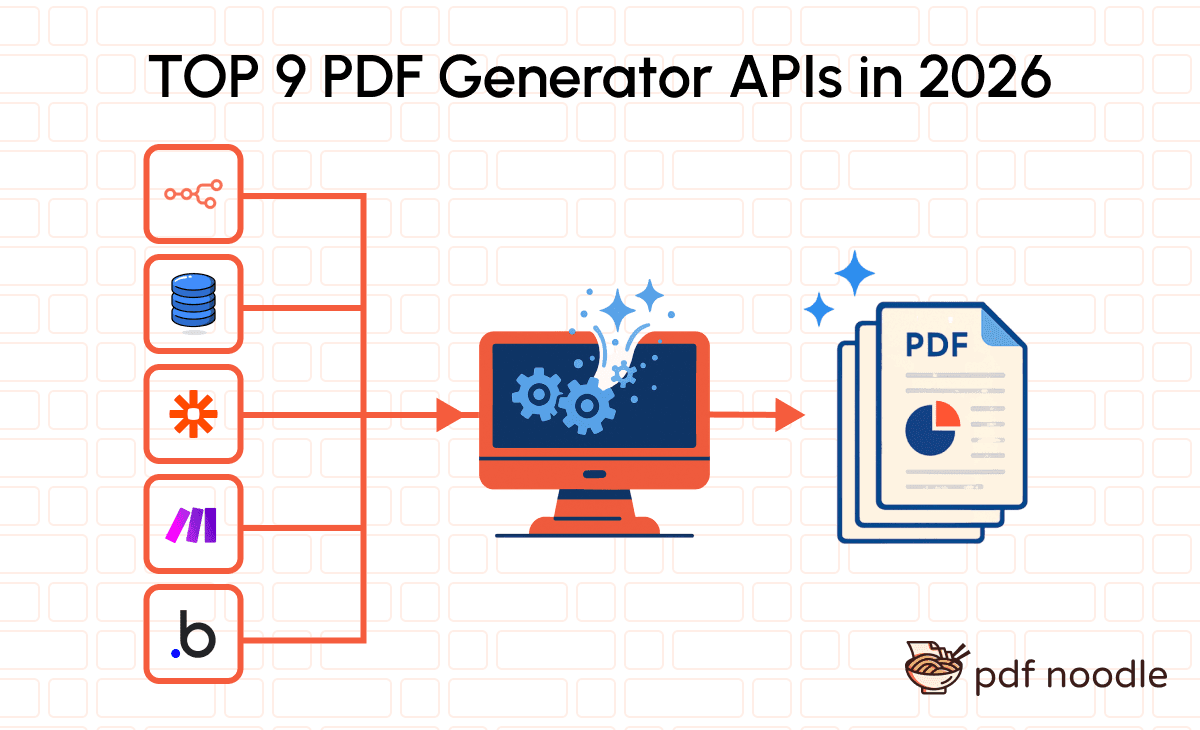
Should you use a PDF generation API or build it yourself?
Most teams don't start by searching for a PDF API. They start by picking a library, writing some HTML, and wrapping it in a function. The first PDF looks fine. Then production happens.
It starts simple. You have a Puppeteer script generating invoices. It works on your machine. Then tables split across pages. Fonts don't embed on the server. Images timeout. A customer sends data with 200 line items and the layout collapses. Now you're debugging PDFs instead of building your product.
Templates become a bottleneck. Someone on the team needs the invoice header updated, or a new contract template, or "can you customize this PDF for that customer?" Every change is a code change. Every code change is a PR, a review, a deploy. Your non-technical team can't touch templates without filing a ticket.
The infrastructure never stops growing. Puppeteer needs Chromium. Chromium needs 200-500 MB RAM per instance. wkhtmltopdf is deprecated with unpatched CVEs. Gotenberg needs Docker. Every approach has a ceiling, and you hit it right when you're scaling.
The real cost is invisible. Teams estimate 2-3 days to "add PDF generation." The reality: 2-3 weeks for v1, then 5-10 hours per month maintaining it. At $150/hr engineering cost, that's $9,000-$18,000 per year on something that will never be your competitive advantage. A managed API costs a fraction of one engineer's monthly time on PDF bugs.
| Building it yourself | Using a PDF generation API | |
|---|---|---|
| Time to first PDF | Days to weeks | Minutes to hours |
| New template | Code + design + deploy | Design in a hosted editor, no deploy needed |
| Template updates | Engineering ticket, PR, deploy | Non-technical team members can edit directly |
| Infrastructure | Chromium, Docker, font management, scaling | Zero. Fully managed by the provider. |
| Ongoing maintenance | 5-10 hrs/month | Handled by the API provider |
| True annual cost | $9,000-$18,000+ in engineering time | $420-$3,000/year depending on volume |
| Complex layouts | Debug page breaks, tables, and fonts yourself | Handled by the rendering engine |
| Scales to 50K+ PDFs/mo | Major infrastructure project | Built into the service |
Common DIY approaches and their limitations
If you're currently building PDFs in-house, you're likely using one of these:
- Puppeteer / Playwright. The most common approach. Free and flexible, but each instance needs 200-500 MB RAM, generates PDFs in 2-5 seconds, and page break handling is a constant pain. Not designed for PDFs, and it shows at scale. Read our guide on scaling HTML to PDF with AWS Lambda to see the complexity involved.
- wkhtmltopdf. Officially dead. Archived in January 2023 with unpatched CVEs. If you're still using it, you need to migrate. The project will never receive security updates again.
- Gotenberg. Docker-based API wrapping headless Chromium. Self-hosted, which means you still manage the infrastructure. No template builder, no AI assistance.
- React-PDF. React-native approach with lineHeight regressions and packaging issues. No prebuilt UI for non-developers.
A PDF generation API eliminates all of this. You get managed infrastructure, visual template editors, and automatic scaling without maintaining a single headless browser instance.
How we evaluated these PDF generation APIs
We compared 9 PDF generation APIs using these criteria:
- Template creation experience. How do you build and manage document templates? Drag-and-drop editor, HTML/CSS, or something else? Can non-technical team members update templates without engineering involvement?
- Dynamic data handling. Can the API merge dynamic content, handle conditional rendering, repeat sections for arrays, and support various data formats (JSON, XML, CSV)?
- API and developer experience. Quality of documentation, availability of SDKs, webhook support, async generation, and how quickly a developer can ship the first PDF.
- Scalability and reliability. Performance under high-volume demands, generation speed, uptime guarantees, and infrastructure maturity.
- Integrations. Compatibility with no-code tools (Zapier, n8n, Make, Bubble) and popular platforms.
- Pricing transparency. Clear, predictable pricing models. Are there hidden costs? What happens when you exceed your plan limits?
- Security and compliance. Encryption, data retention policies, SOC 2, HIPAA, GDPR, and ISO certifications.
The 9 best PDF generation APIs in 2026
pdf noodle
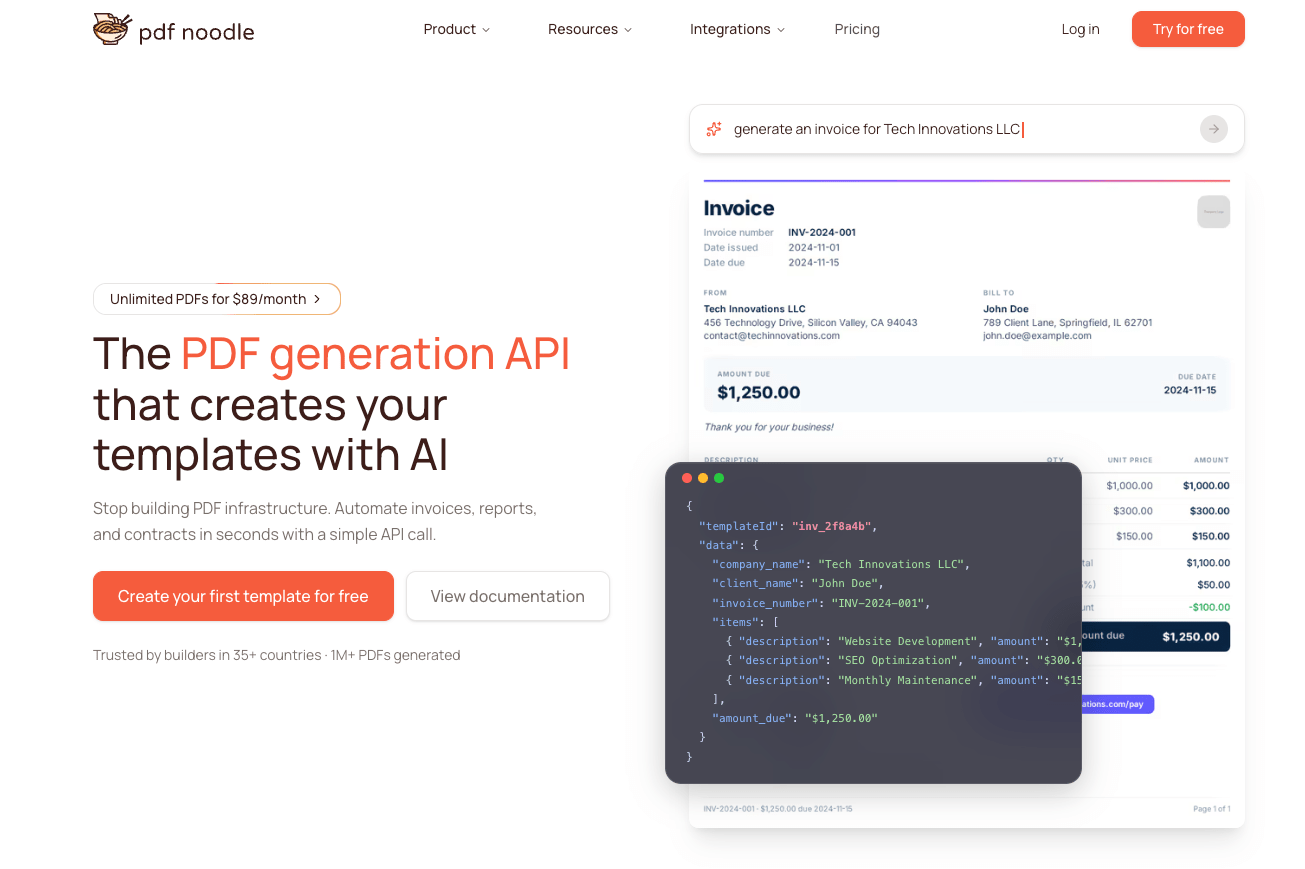
pdf noodle takes a fundamentally different approach to PDF generation. Instead of starting with a blank canvas or writing HTML from scratch, you describe your document in plain language and get a production-ready template in seconds. The AI template engine handles layout, styling, and variable placement, so your team ships the first PDF workflow in minutes instead of weeks.
Template editor. Vibe-coded visual HTML templates. Describe what you need, and the AI generates a fully functional template. Refine it visually with the drag-and-drop editor or switch to full HTML/CSS for pixel-perfect control. Non-technical team members can update templates without engineering tickets.
Generating PDFs. Send data via REST API or connect through native integrations with n8n, Make, Zapier, and Bubble. The API handles page breaks, dynamic tables, conditional rendering, QR codes, and charts automatically. There's also a white-label builder you can embed in your SaaS product, so your users can customize their own documents.
Pricing. 7-day free trial with full access.
| Plan | Price | PDFs/month |
|---|---|---|
| Starter | $35/mo | 1,000 |
| Business | $89/mo | Unlimited |
| Scale | $199/mo | Unlimited |
| Enterprise | Custom | Unlimited |
pdf noodle is the only PDF generation API that offers unlimited PDF generation. Business plans at $89/month and above include unlimited PDFs with no caps, no overages, and no surprises. No other provider in this list offers this at any price point.
Strengths:
- AI template creation that eliminates the design bottleneck
- Unlimited PDFs on Business+ plans (unique in the market)
- White-label builder for embedding in your product
Trade-offs:
- No free plan (7-day trial instead)
- Newer platform compared to some established competitors
Best for: SaaS companies and no-code builders who want to ship PDF workflows fast and scale without worrying about volume limits.
CraftMyPDF
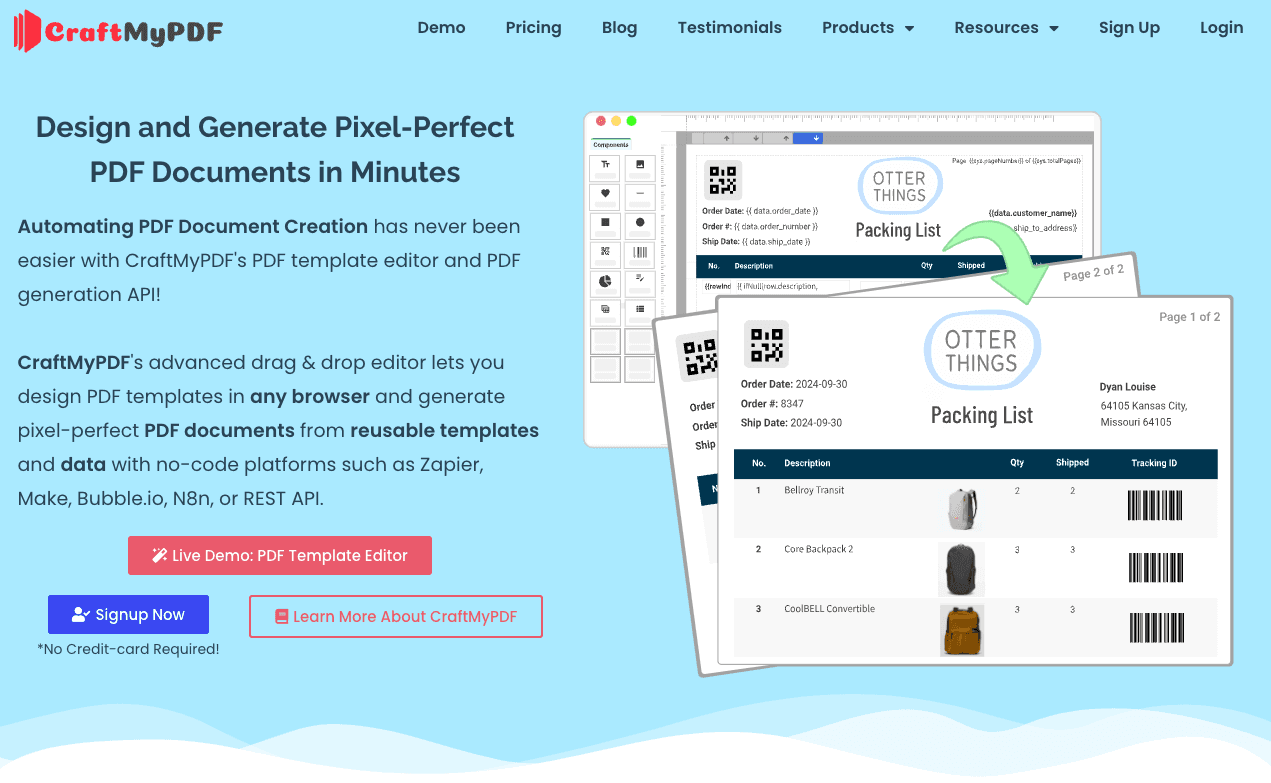
CraftMyPDF treats PDFs as first-class design assets rather than rendered by-products of HTML. The platform centers around a drag-and-drop editor where you position elements precisely, define repeating sections for tables and lists, and bind JSON data predictably. It also offers an extensive template marketplace with pre-built designs for common document types. For a detailed comparison, see our CraftMyPDF alternative page.
Template editor. Drag-and-drop with a JavaScript-style expression engine for data transformation, calculations, and conditional logic. Components include text, images, tables, charts, QR codes, barcodes, and fillable form fields. Also offers a white-label embeddable editor via iframe. Same founder (Jacky Tan) also runs APITemplate.io.
Generating PDFs. REST API with synchronous and asynchronous generation. Regional API endpoints (data processed within your chosen region). Integrations with Zapier, Make, n8n, Bubble, Airtable, and Wix Velo.
Pricing. Monthly billing available. Annual saves up to 17%.
| Plan | Price (monthly) | PDFs/month |
|---|---|---|
| Free | $0 | 50 |
| Lite | $29/mo | 1,200 |
| Plus | $49/mo | 3,000 |
| Professional | $99/mo | 12,000 |
| Premium | $299/mo | 40,000 |
| Business | $499/mo | 150,000 |
Strengths:
- Mature drag-and-drop editor with strong expression engine
- Template marketplace with ready-to-use designs
- White-label editor and regional API endpoints
Trade-offs:
- No AI template creation (all templates built manually)
- Template designs look dated compared to modern alternatives
- Drag-and-drop builder doesn't handle dynamic data well (tables, conditional sections)
- No unlimited plan (capped at 150,000 PDFs on highest tier at $499/month)
Best for: Teams generating structured, Word-like documents (invoices, certificates, reports) where layout stays mostly static.
APITemplate.io
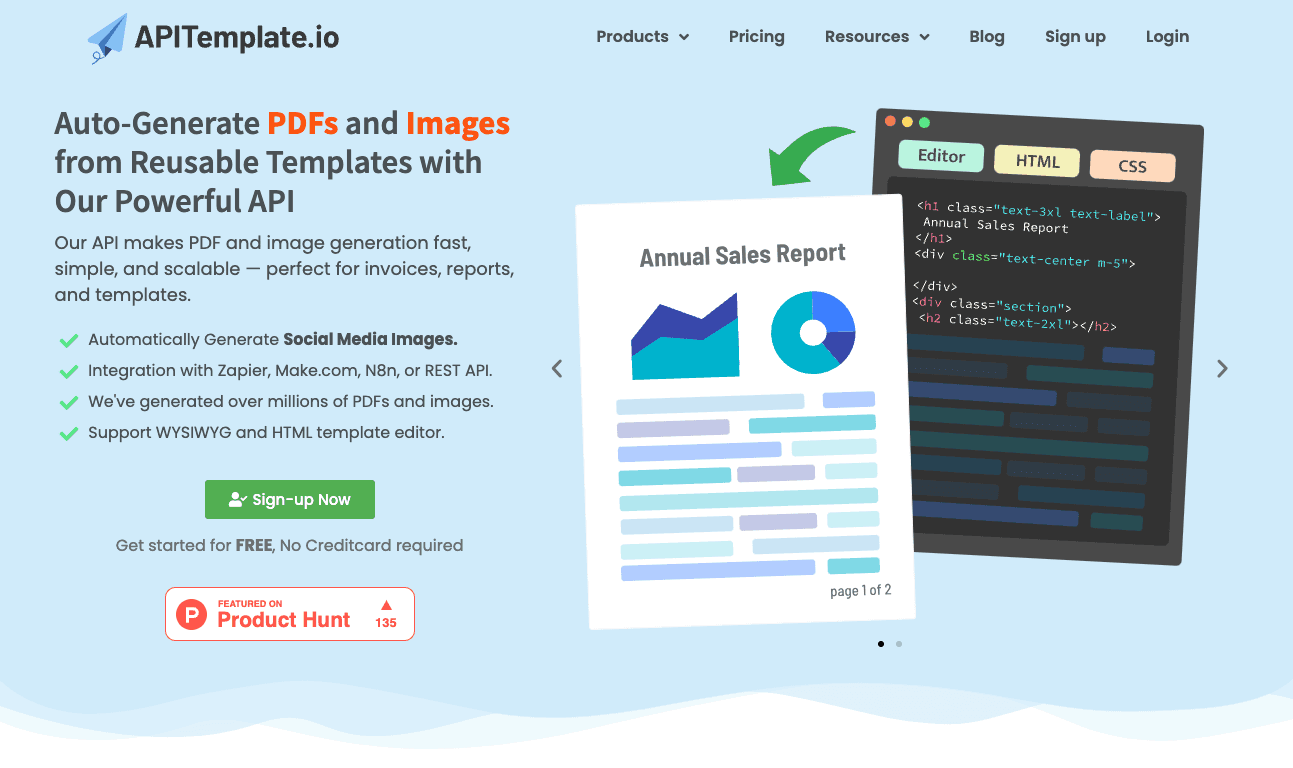
APITemplate.io is positioned as a flexible rendering service that generates both PDFs and images from templates. It offers multiple editor approaches (visual WYSIWYG and raw HTML), making it accessible to teams with different skill sets. For a detailed comparison, see our APITemplate alternative page.
Template editor. Visual editor plus HTML editor for PDFs. The visual editor handles basic layouts, while the HTML editor gives full control with Jinja2 template language for dynamic data, conditionals, and loops. Also supports URL-to-PDF rendering for capturing existing web pages.
Generating PDFs. REST API with synchronous and asynchronous parallel processing. Regional API endpoints in US, EU, Singapore, and Australia. Integrations with Zapier, Make, n8n, and Airtable. Real-time side-by-side preview panel.
Pricing. Image + PDF plans (monthly billing, annual saves up to 20%).
| Plan | Price (monthly) | Images & PDFs/month |
|---|---|---|
| Free | $0 | 50 |
| Starter | $35/mo | 1,500 |
| Standard | $89/mo | 9,000 |
| Enterprise | $179/mo | 20,000 |
Strengths:
- Dual editor approach (visual + HTML) for different skill levels
- PDF and image generation in one API
- Regional API endpoints for data residency compliance
- Low entry price for PDF-only plans ($19/month)
Trade-offs:
- No AI template creation
- Visual editor looks dated and doesn't handle dynamic data well (same builder family as CraftMyPDF)
- Jinja2 syntax required for dynamic data (coding experience needed)
- HTML-based templates accumulate layout complexity over time
Best for: Teams that primarily need image generation (social media graphics, marketing visuals) with occasional PDF output. Stronger as an image API than a PDF API.
PDFMonkey
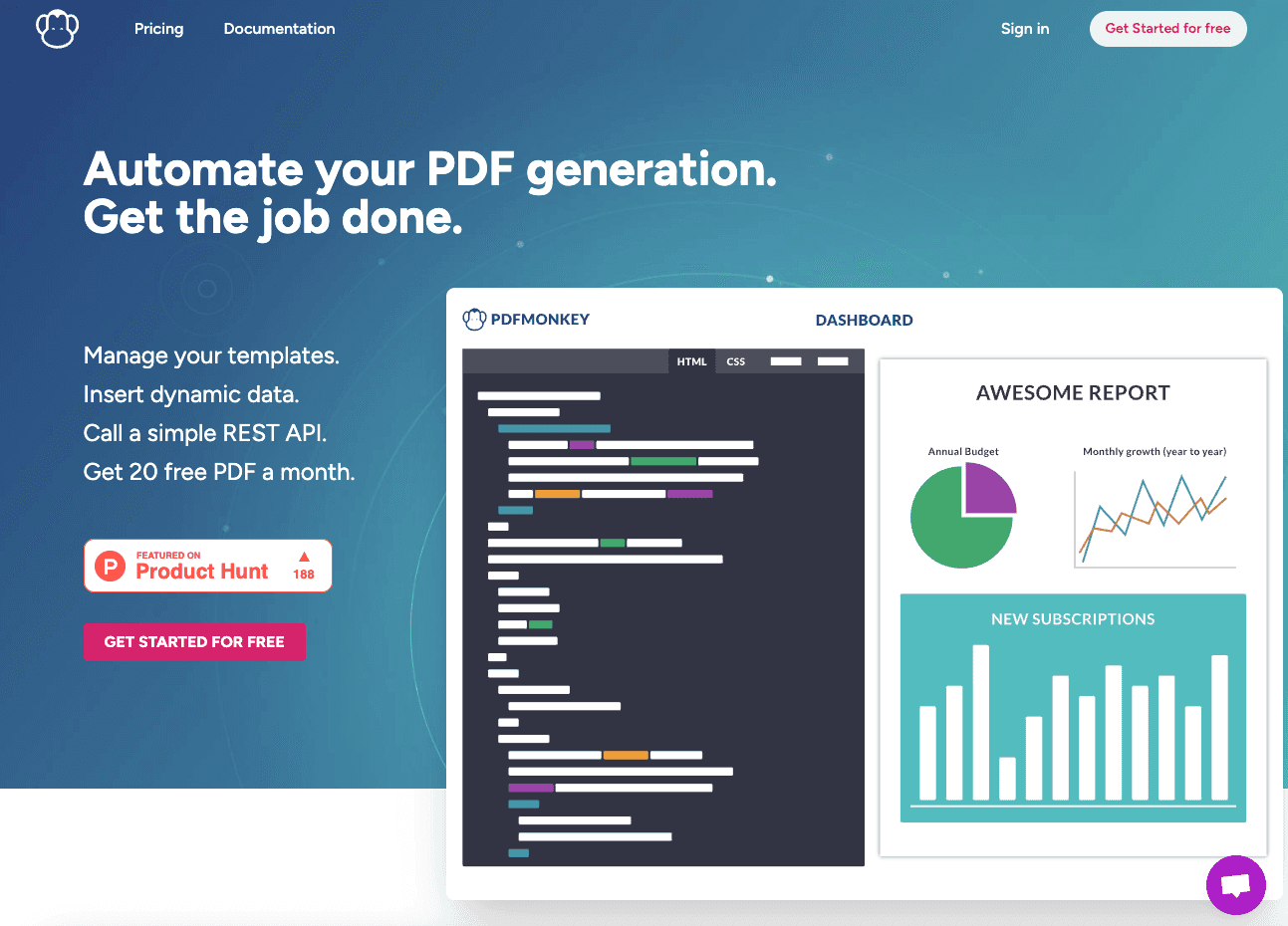
PDFMonkey is built around the idea that PDF generation should be simple and transparent. You write templates in HTML/CSS, inject JSON data, and get PDFs back via REST API. The platform supports any web technology that works in a browser: Tailwind CSS, Google Fonts, external JavaScript libraries, and chart rendering services. For a detailed comparison, see our PDFMonkey alternative page.
Template editor. HTML-based only. You write templates in HTML and CSS directly in the dashboard. No drag-and-drop visual builder for template layout (a new visual Builder was introduced in early 2026, but it's still maturing). Supports external CSS, fonts, and JS libraries on paid plans.
Generating PDFs. REST API with Chrome-based rendering engine. Average generation time under 2 seconds. Webhook notifications when documents are ready. Integrations with Make, Zapier, FlutterFlow, and Glide.
Pricing (EUR, excludes VAT). Boost packs available at EUR 5 for 1,000 extra documents.
| Plan | Price | PDFs/month |
|---|---|---|
| Free | EUR 0 | 20 |
| Starter | EUR 5/mo | 300 |
| Pro | EUR 15/mo | 3,000 |
| Pro+ | EUR 60/mo | 5,000 |
| Premium | EUR 300/mo | 60,000 |
Strengths:
- Cheapest entry point in the market (EUR 5/month)
- Fast generation times (under 2 seconds average)
- Full web tech support (anything that works in a browser works in PDFMonkey)
- Transparent, straightforward pricing
Trade-offs:
- No visual drag-and-drop editor (HTML/CSS knowledge required)
- No AI template creation
- European servers only
Best for: Developers who prefer writing HTML/CSS templates directly and want the lowest entry price for low-volume use.
PDF Generator API
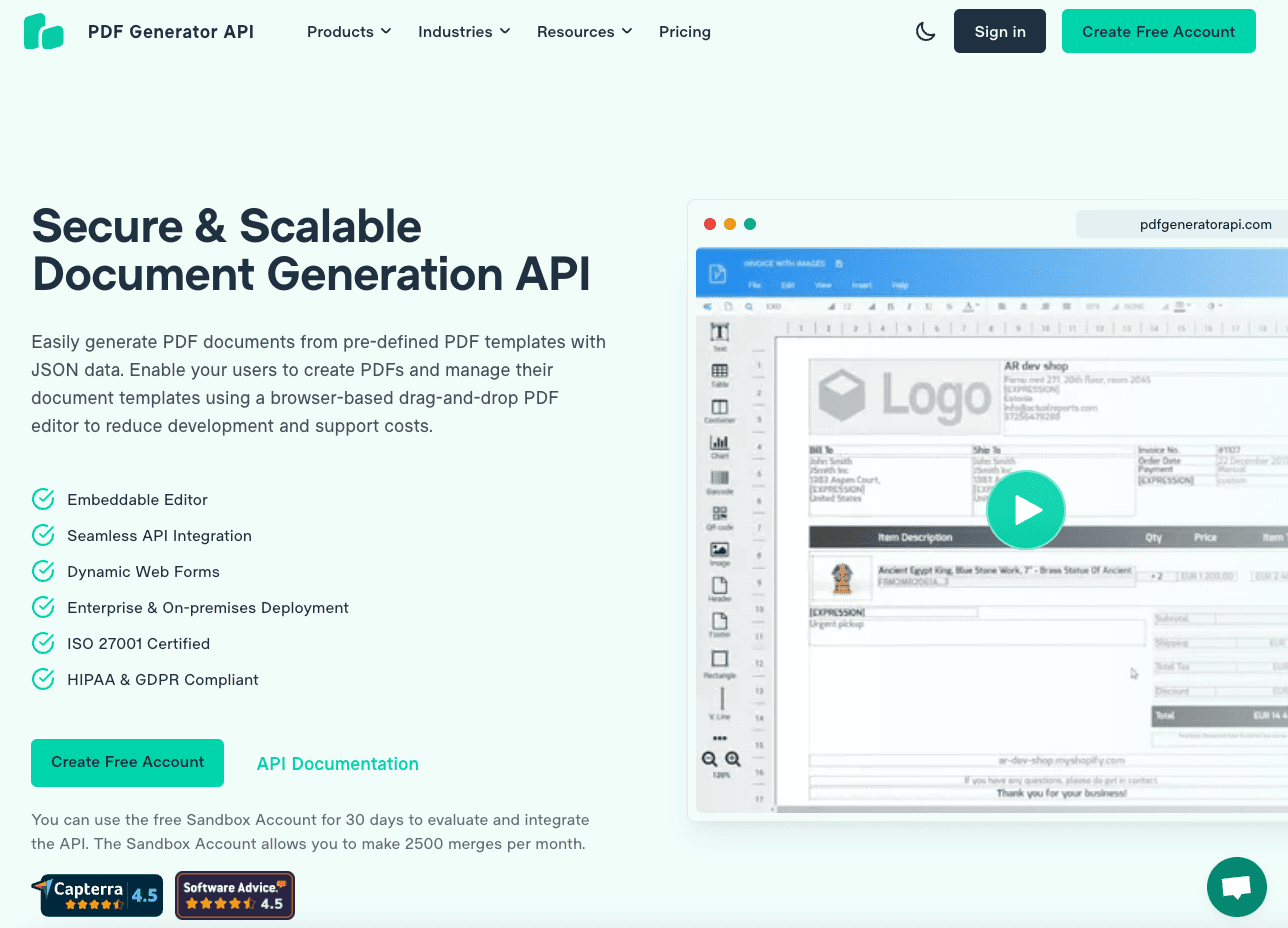
PDF Generator API positions itself as a secure, enterprise-grade document generation platform. The platform has been around for over 10 years and emphasizes compliance, security certifications, and structured document workflows. It also offers Dynamic Web Forms for collecting data and generating PDFs in one step. For a detailed comparison, see our PDF Generator API alternative page.
Template editor. Drag-and-drop WYSIWYG editor with smart components (tables, barcodes, QR codes, content blocks) and an expression language for dynamic data. The editor is embeddable as a white-label solution in your application. Version control and multi-workspace support included.
Generating PDFs. REST API with callback URL support for asynchronous generation. SDKs in JavaScript, Python, PHP, and Ruby. Also offers an eInvoice API and Fill PDF Form API. Batch generation and retry logic built in.
Pricing (EUR). 14-day free trial. 1 credit = up to 5 pages. Multi-page documents consume multiple credits.
| Plan | Price (monthly) | Credits/month |
|---|---|---|
| Starter | EUR 52/mo | 1,000 |
| Basic | EUR 88/mo | 5,000 |
| Professional | EUR 177/mo | 15,000 |
| Premium | EUR 355/mo | 50,000 |
| Enterprise | EUR 621/mo | 250,000 |
Strengths:
- ISO 27001:2022 certified, HIPAA and GDPR compliant
- White-label embeddable editor
- 10+ years of enterprise maturity
- eInvoice API for European compliance
Trade-offs:
- No AI template creation
- Template editor feels outdated after 10+ years without a major redesign
- Credit system based on page count can get expensive for multi-page documents
- Limited no-code integrations
Best for: Enterprises in regulated environments that need ISO 27001 certification and structured document workflows.
Nutrient DWS
Nutrient DWS (formerly PSPDFKit) is less of a PDF generation tool and more of a document processing platform. Its main differentiator is chaining multiple operations in a single API call: generate a PDF from HTML, then apply OCR, add a watermark, redact sensitive data, and attach a digital signature, all in one request. Used by Disney, IBM, UBS, and Dropbox.
Template editor. None. Nutrient takes a pure HTML/CSS approach. You write HTML files and submit them via API with assets (fonts, images, CSS). There's no visual template builder or drag-and-drop editor.
Generating PDFs. REST API with 30+ processing tools that can be combined in one call. Type-safe Python and TypeScript SDKs with IDE autocomplete. Zapier integration for no-code workflows. MCP server for AI agent integrations. SOC 2 Type II, HIPAA, and GDPR compliant. Self-hosted option available via Document Engine.
Pricing. Nutrient's pricing is one of the most complex in this space. Credits vary by operation: PDF generation (0.5 credits), watermarking (1 credit), OCR (2 credits), digital signatures (10 credits). Combining operations adds their costs together, making it hard to predict your actual per-PDF cost without mapping out your exact workflow.
| Plan | Price | Credits/month |
|---|---|---|
| Free | $0 | 200 |
| Paid | From $75/mo | 1,000+ |
| Custom | Custom | Custom |
Strengths:
- 30+ document processing tools in one API (OCR, redaction, signatures, form filling)
- SOC 2 Type II certified with self-hosted option
- Multi-step workflows in a single API call reduce complexity
- Enterprise-grade with major customer logos
Trade-offs:
- No visual template editor (HTML/CSS only)
- Credit-based pricing is harder to predict for complex workflows
- Primarily a processing tool, not a template-first generation platform
- Higher entry price than most competitors ($75/month)
Best for: Teams that need more than just PDF generation, combining creation with OCR, redaction, signatures, and conversion in complex document workflows.
DocRaptor
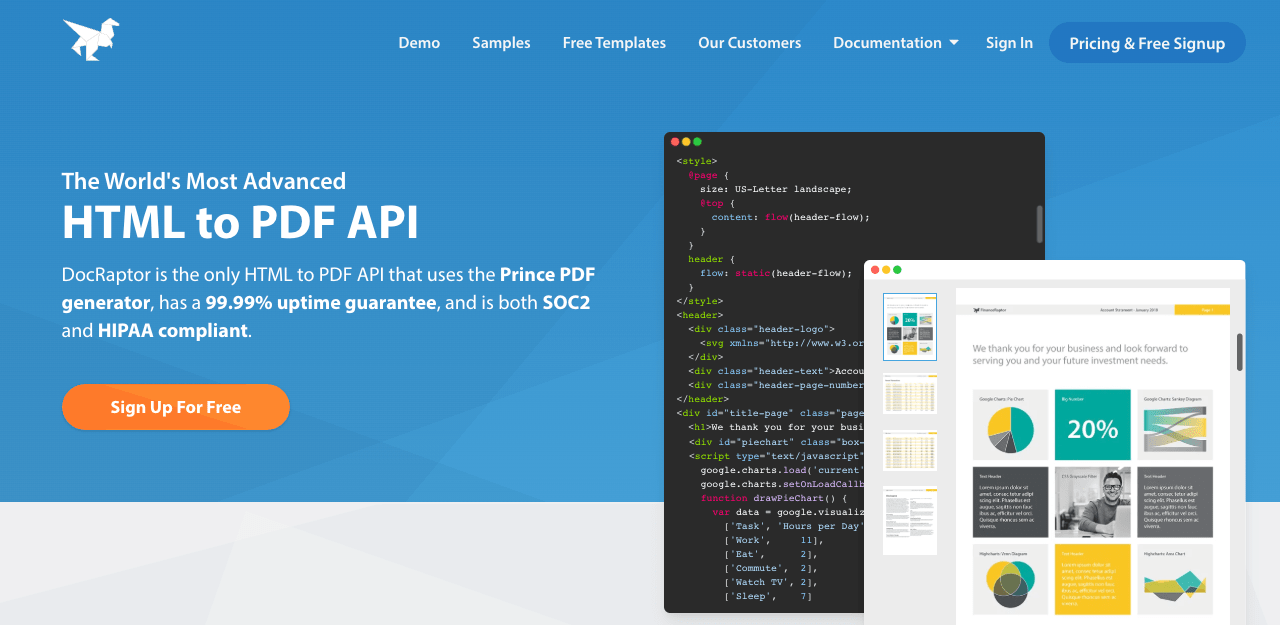
DocRaptor is the only PDF API powered by the PrinceXML rendering engine, which delivers the highest CSS fidelity in the market. PrinceXML's chairman literally wrote the W3C CSS Paged Media specification, and that precision shows in the output. If your documents need to meet strict printing or accessibility standards, DocRaptor is built for that.
Template editor. None. Pure HTML/CSS/JavaScript approach. DocRaptor doesn't try to abstract away HTML. Instead, it gives you print-oriented CSS properties, explicit page control, precise typography, and advanced float positioning (footnotes, charts to top/bottom/inside/outside of pages). Also supports PDF-specific JavaScript for direct access to PDF objects.
Generating PDFs. REST API with synchronous and asynchronous generation. 99.99% uptime guaranteed. Supports XLS/XLSX output in addition to PDF. Free unlimited watermarked test documents (no usage cap). Document hosting at unbranded URLs for sharing. Encrypted in transit and at rest.
Pricing. Unlimited watermarked test documents on all plans. Overage rates from $0.03 to $0.12 per document.
| Plan | Price | Documents/month |
|---|---|---|
| Free | $0 | 5 (watermarked) |
| Basic | $15/mo | 125 |
| Professional | $29/mo | 325 |
| Premium | $75/mo | 1,250 |
| Max | $149/mo | 5,000 |
| Bronze | $399/mo | 15,000 |
| Silver | $1,000/mo | 40,000 |
| Enterprise | Custom | Custom |
Strengths:
- PrinceXML engine produces the highest-quality PDF output in the market
- Accessible PDFs (WCAG 2.0, Section 508, ISO-14289)
- SOC2, HIPAA, and GDPR compliant
- Also generates XLS/XLSX output, not just PDFs
- Free unlimited test documents (watermarked) for development
Trade-offs:
- No visual template editor (requires strong HTML/CSS skills)
- No AI features
- Expensive per document at scale
- Slower iteration on layout changes compared to visual editors
Best for: Organizations that need print-grade CSS fidelity, accessible PDFs, or regulatory compliance in document output.
PDF.co
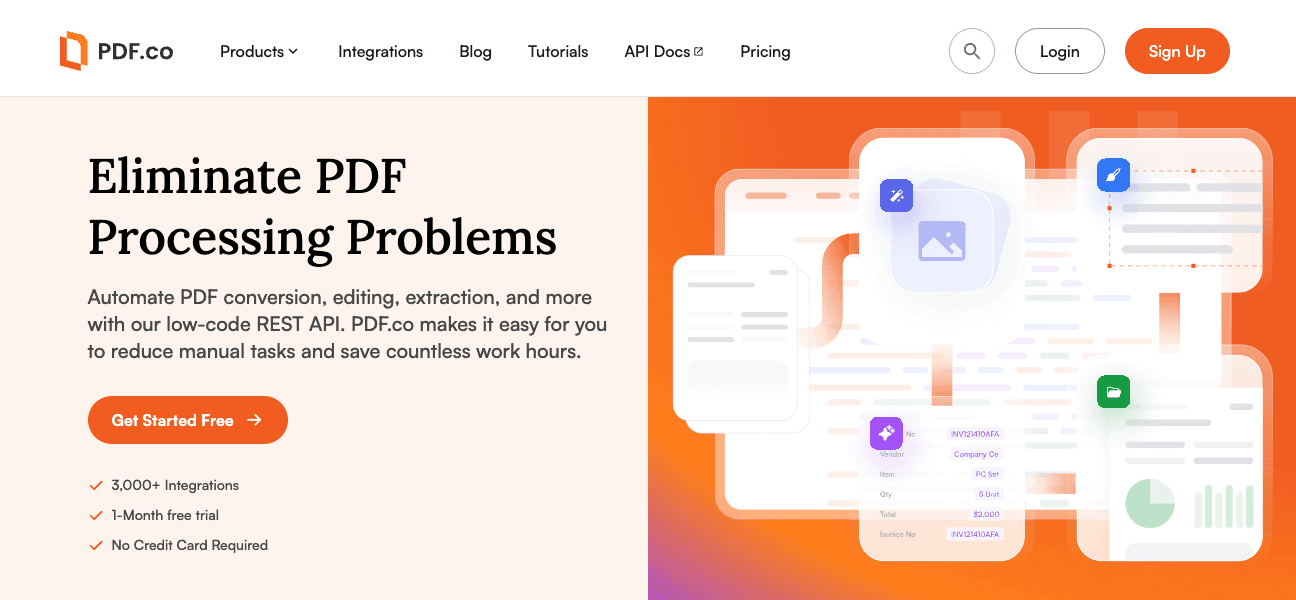
PDF.co is a general-purpose PDF automation platform rather than a focused generation tool. Where other APIs on this list specialize in creating PDFs from templates, PDF.co covers the entire document lifecycle: creation, parsing, extraction, conversion, classification, and manipulation. Its headline feature is AI-powered invoice parsing that turns PDF invoices into structured JSON without manual templates. For a detailed comparison, see our PDF.co alternative page.
Template editor. None. PDF.co doesn't have a visual template builder. It's primarily a processing and extraction tool. For generation, you send HTML via API and get a PDF back, but there's no template management system.
Generating PDFs. REST API with HTML-to-PDF conversion. The real value is in extraction and processing: OCR, data extraction from PDFs/scans/invoices, document classification, format conversion (PDF to Excel/CSV/XML/JSON/HTML/image), merging, splitting, watermarking. Over 50,000 users. Integrations with Zapier (7,000+ apps) and Make.
Pricing. Credit-based. HTML-to-PDF costs approximately 9 credits per page.
| Plan | Price | Credits/month | ~Pages |
|---|---|---|---|
| Basic | $9.99/mo | 16,500 | ~8,250 |
| Personal | $24.99/mo | 37,000 | ~18,500 |
| Business 1 | $49.99/mo | 80,500 | ~40,250 |
| Business 2 | $99.99/mo | 159,850 | ~79,925 |
| Business 3 | $299.99/mo | 483,000 | ~241,500 |
Strengths:
- Widest feature breadth for PDF processing (extraction, conversion, OCR, classification)
- AI-powered invoice parsing (no templates needed)
- 50,000+ users, battle-tested infrastructure
- Good for teams that need more than just generation
Trade-offs:
- Not primarily a PDF generation tool (generation is a secondary feature)
- No visual template editor or template management
- Credit-based pricing is hard to estimate
- No AI for template creation (AI only for parsing/extraction)
Best for: Teams where PDF generation is one part of a larger document processing pipeline that includes extraction, conversion, and OCR.
Anvil PDF
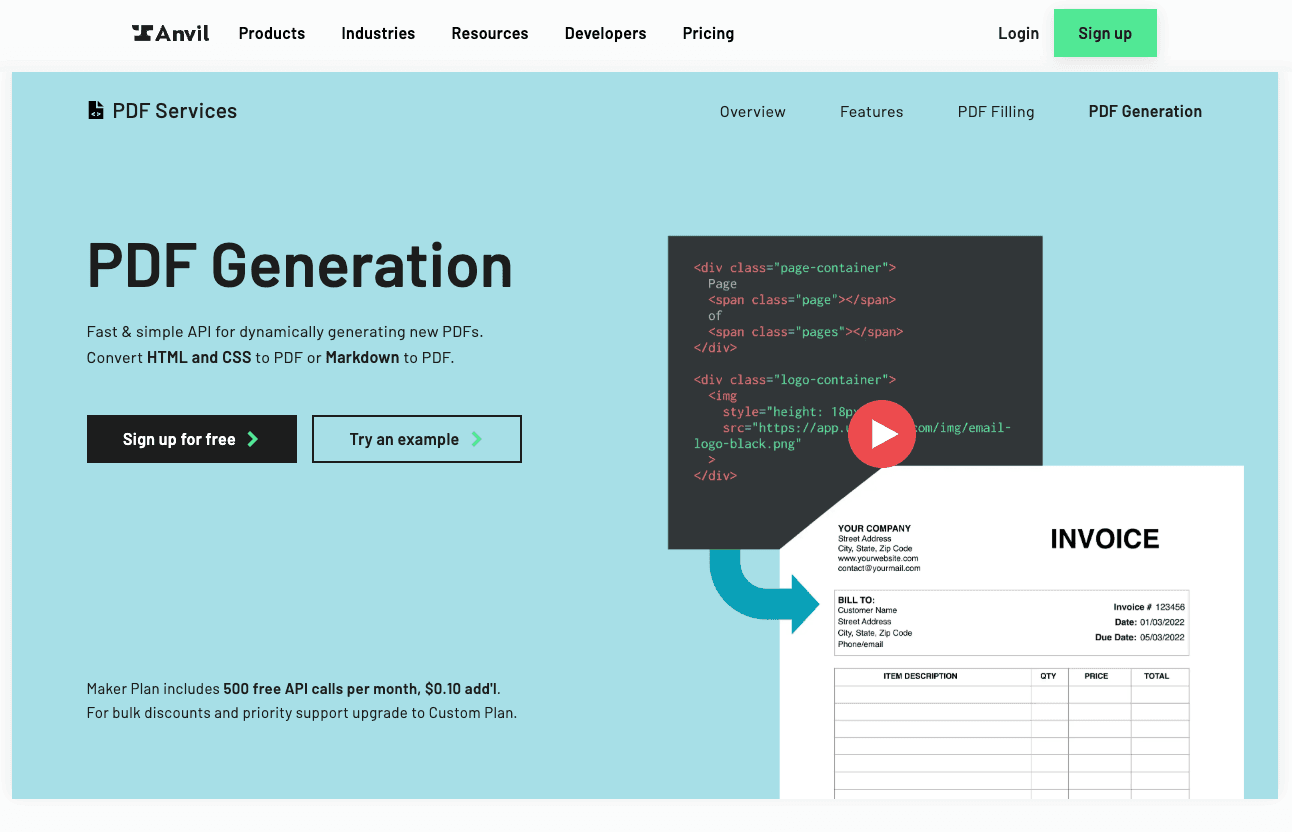
Anvil is more than a PDF generator. It combines PDF generation, form filling, e-signatures, and workflow automation into a single platform. If your document workflow involves collecting data via forms, generating a PDF, then getting it signed, Anvil handles the entire chain without switching between tools.
Template editor. Form-focused. There's a visual editor, but it works by uploading a static PDF and positioning fill fields on top of it — useful for form filling, but not for generating dynamic documents from scratch. You can also generate PDFs from HTML/CSS or Markdown strings. The platform's strength is in fillable PDF forms and e-signature workflows rather than designed document templates.
Generating PDFs. REST API that returns PDFs directly. Supports HTML/CSS and expanded Markdown syntax (with tables). Client-side encryption option for sensitive payloads. Language-specific API clients for multiple platforms. React/Vue frontend integration examples available.
Pricing. Pay-per-use with no monthly subscription required. Volume discounts at 10,000+ requests.
| Plan | Price | Details |
|---|---|---|
| Free | $0 | 2,500 credits to start |
| Pay-per-use | $0.10/PDF | No minimums |
| Workflow API | From $425/mo | Signatures + forms + PDFs |
Strengths:
- Combined PDF generation + form filling + e-signatures in one platform
- Pay-per-use pricing with no monthly commitment for basic generation
- Good for sporadic or unpredictable document volumes
- PKI-based digital certificates for document signing
Trade-offs:
- Visual editor limited to positioning fields on static PDFs — not suited for dynamic document generation
- No AI features
- Pay-per-use gets expensive at high volume ($0.10/PDF = $1,000 for 10,000 PDFs)
- Better suited for simple documents than complex, design-heavy layouts
Best for: Regulated industries (finance, healthcare) that need structured document workflows combining form filling, PDF generation, and e-signatures.
Comparison between solutions
| Solution | Start Price | Free Tier | Template Editor | AI Features | Unlimited Option | Best For |
|---|---|---|---|---|---|---|
| pdf noodle | $35/mo (1K PDFs) | 7-day trial | Vibe-coded visual HTML templates | AI template creation, auto-populate | Yes ($89/mo+) | SaaS and no-code workflows |
| CraftMyPDF | $29/mo (1.2K PDFs) | 50/mo | Drag-and-drop | No | No (150K cap at $499/mo) | Static, Word-like documents |
| APITemplate.io | $35/mo (1.5K) | 50/mo | Visual + HTML | No | No (20K cap at $179/mo) | Static visual PDFs and images |
| PDFMonkey | EUR 5/mo (300 PDFs) | 20/mo | HTML-based only | No | No | Developers with low volume |
| PDF Generator API | EUR 52/mo (1K credits) | 14-day trial | Drag-and-drop | No | No | Enterprise workflows |
| Nutrient DWS | $75/mo (1K credits) | 200 credits/mo | No editor | No | No | Complex multi-step processing |
| DocRaptor | $15/mo (125 docs) | 5 watermarked | No editor | No | No | Print-grade compliance |
| PDF.co | $9.99/mo (credits) | No | No editor | AI invoice parsing | No | Processing pipelines |
| Anvil PDF | $0.10/PDF | 2,500 credits | Form-focused | No | No | Finance and healthcare workflows |
Pricing comparison
Every API structures plans differently (some by PDFs, others by credits or pages), making direct plan-to-plan comparison difficult. Instead, here's what you'd pay at three tiers: entry, mid-range, and high-volume.
| Solution | Entry Plan | Mid Plan | Top Plan |
|---|---|---|---|
| pdf noodle | $35/mo — 1,000 PDFs | $89/mo — Unlimited PDFs | $199/mo — Unlimited PDFs |
| CraftMyPDF | $29/mo — 1,200 PDFs | $99/mo — 12,000 PDFs | $499/mo — 150,000 PDFs |
| APITemplate.io | $35/mo — 1,500 PDFs | $89/mo — 9,000 PDFs | $179/mo — 20,000 PDFs |
| PDFMonkey | EUR 5/mo — 300 PDFs | EUR 15/mo — 3,000 PDFs | EUR 300/mo — 60,000 PDFs |
| PDF Generator API | EUR 52/mo — 1,000 credits | EUR 177/mo — 15,000 credits | EUR 621/mo — 250,000 credits |
| Nutrient DWS | $75/mo — 1,000 credits | Custom | Custom |
| DocRaptor | $15/mo — 125 docs | $75/mo — 1,250 docs | $1,000/mo — 40,000 docs |
| PDF.co | $9.99/mo — ~8,250 pages | $49.99/mo — ~40,250 pages | $299.99/mo — ~241,500 pages |
| Anvil PDF | $0.10/PDF — pay-per-use | $0.10/PDF — pay-per-use | $425/mo — workflow API |
Note on credits vs. PDFs: PDF Generator API credits cover up to 5 pages each, so multi-page documents cost more. Nutrient DWS credits vary by operation (0.5-10 credits per action). PDF.co uses ~9 credits per page. Always check each provider's pricing page for the latest numbers.
Frequently asked questions
-
What is the best free PDF generator API? Several APIs offer free tiers: CraftMyPDF (50 PDFs/month), APITemplate.io (50/month), PDFMonkey (20/month), Nutrient DWS (200 credits/month), and Anvil (2,500 free credits). DocRaptor offers unlimited watermarked test documents for development. For full-featured testing before committing, pdf noodle offers a 7-day free trial with access to all features including AI template creation.
-
How do PDF generator APIs compare to Puppeteer or wkhtmltopdf? APIs handle infrastructure, scaling, and maintenance for you. Puppeteer requires managing headless Chromium instances (200-500 MB RAM each), security patches, and concurrency. wkhtmltopdf is officially dead (archived January 2023) with unpatched CVEs. APIs are faster to ship and more reliable at scale, while libraries save per-document costs at high volume but add significant engineering overhead. For a deeper comparison, read our guide on scaling HTML to PDF with AWS Lambda and Playwright.
-
What's the difference between template-based and HTML-to-PDF generation? Template-based APIs (like pdf noodle and CraftMyPDF) let you design documents visually and inject data via JSON. HTML-to-PDF APIs (like PDFMonkey and DocRaptor) convert raw HTML/CSS into PDFs. Template-based approaches are faster to iterate on and allow non-technical team members to update layouts. HTML-to-PDF offers more flexibility for developers who already have HTML templates, but accumulates CSS complexity over time as edge cases appear.
-
How long does it take to generate a PDF with an API? Simple PDFs (single page, basic text and tables) take 1-3 seconds. Complex documents with custom fonts, images, charts, and many pages take 3-10 seconds. PDFMonkey reports average times under 2 seconds. Most APIs support asynchronous generation with webhook callbacks for high-volume use cases where you don't need the PDF instantly.
-
Can I integrate a PDF generator API with no-code tools? Yes. Most modern PDF APIs integrate with automation platforms. pdf noodle has native integrations with n8n, Make, Zapier, and Bubble. CraftMyPDF and APITemplate.io also integrate with these platforms. For AI agent workflows, pdf noodle and Nutrient DWS both offer MCP server integrations.
-
How much does a PDF generator API cost? Entry pricing ranges from free tiers (20-50 PDFs/month) to EUR 5-$35/month for basic plans. Mid-tier plans run $29-$149/month for 1,000-12,000 PDFs. For high volume, pdf noodle offers unlimited PDFs on Business plans starting at $89/month, making it the most cost-effective option at scale. At 50,000+ PDFs/month, most competitors charge $300-$800/month while pdf noodle stays at $89/month.
-
What's the best PDF generator API for SaaS products? For SaaS integration, look for APIs with REST documentation, webhook support, template versioning, and white-label options so your users can customize their own documents. pdf noodle and CraftMyPDF both offer embeddable white-label editors. PDF Generator API also has an embeddable editor. The key differentiator is whether the editor supports AI-assisted template creation (currently only pdf noodle) or requires manual design.
-
Can PDF generator APIs handle dynamic data and conditional logic? Yes, but capabilities vary significantly. pdf noodle and CraftMyPDF offer built-in conditional logic components in their visual editors. APITemplate.io uses Jinja2 syntax for conditional rendering (requires coding knowledge). PDFMonkey supports dynamic data through HTML templating with JavaScript. PDF Generator API has an expression language for dynamic content. The question is whether conditional logic can be configured visually or requires writing code.
-
Are PDF generator APIs secure enough for sensitive documents? Security varies by provider. For regulated industries, check for: PDF Generator API (ISO 27001:2022, HIPAA, GDPR), DocRaptor (SOC2, HIPAA, GDPR), Nutrient DWS (SOC 2 Type II, HIPAA, GDPR, self-hosted option). Most providers offer HTTPS encryption and configurable data retention policies. For maximum control, Nutrient's Document Engine and Carbone offer self-hosted deployment.
-
Is there an open-source PDF generator API? Carbone offers an open-source community edition with multi-format output (PDF, DOCX, XLSX, ODT). Gotenberg is an open-source Docker-based API using headless Chromium. pdfme is an MIT-licensed visual PDF designer in TypeScript/React. These options give you full control but require self-hosting and lack AI features, managed hosting, and the template-first workflow that commercial APIs provide.
Conclusion
Choosing the right PDF generation API depends on your workflow, team, and scale:
- Ship fast with AI and unlimited volume. pdf noodle if you want to describe a document and get a production-ready template in seconds, with unlimited PDF generation on Business plans.
- Word-like document templates. CraftMyPDF if you're generating structured documents (invoices, certificates, reports) with mostly static layouts.
- Visual images and marketing materials. APITemplate.io if you need banners, social images, and occasional PDFs from visual templates.
- HTML-first development for low volume. PDFMonkey if your developers prefer writing HTML/CSS templates directly and your volume is modest.
- Print-grade output. DocRaptor if you need high-DPI print quality, accessible PDFs, or the highest CSS rendering fidelity.
- Enterprise compliance. PDF Generator API (ISO 27001) or DocRaptor (SOC2, HIPAA) for regulated environments with strict certification requirements.
- Complex document processing. Nutrient DWS or PDF.co if you need PDF generation combined with OCR, redaction, signatures, extraction, and other processing in multi-step workflows.
- Full document lifecycle. PDF.co for extraction and processing pipelines, or Anvil for combined form filling, generation, and e-signatures.
The landscape keeps evolving, and the right choice today depends on whether you value speed of implementation, design control, compliance certifications, or processing breadth. For most SaaS teams and no-code builders, the combination of AI template creation and unlimited volume makes pdf noodle the fastest path from zero to production-ready PDF workflows.


