


Overview: Top PDF Libraries C# 2025
This article explores the top PDF libraries for C# in 2025 in three major approaches to handle PDF generation: browser-based libraries, non-browser-based libraries, and third-party API solutions. Whether you’re generating HTML-to-PDF documents, creating PDFs programmatically, or looking for scalable third-party services, this guide covers the best libraries available for developers.
Browser-Based vs. Non-Browser-Based vs. Third-Party
Browser-based libraries (PuppeteerSharp and Playwright) rely on a headless browser engine to convert HTML to PDF, offering high fidelity with JavaScript and CSS.
Non-browser-based libraries (iTextSharp, PdfSharp, and QuestPDF) use canvas-like APIs and excel at structured documents without a full rendering engine.
Third-party APIs (pdf noodle) handle the PDF creation process on their own servers, simplifying scaling and template management.
In-Depth Look at Top PDF Libraries C# 2025
Generate PDFs using PuppeteerSharp
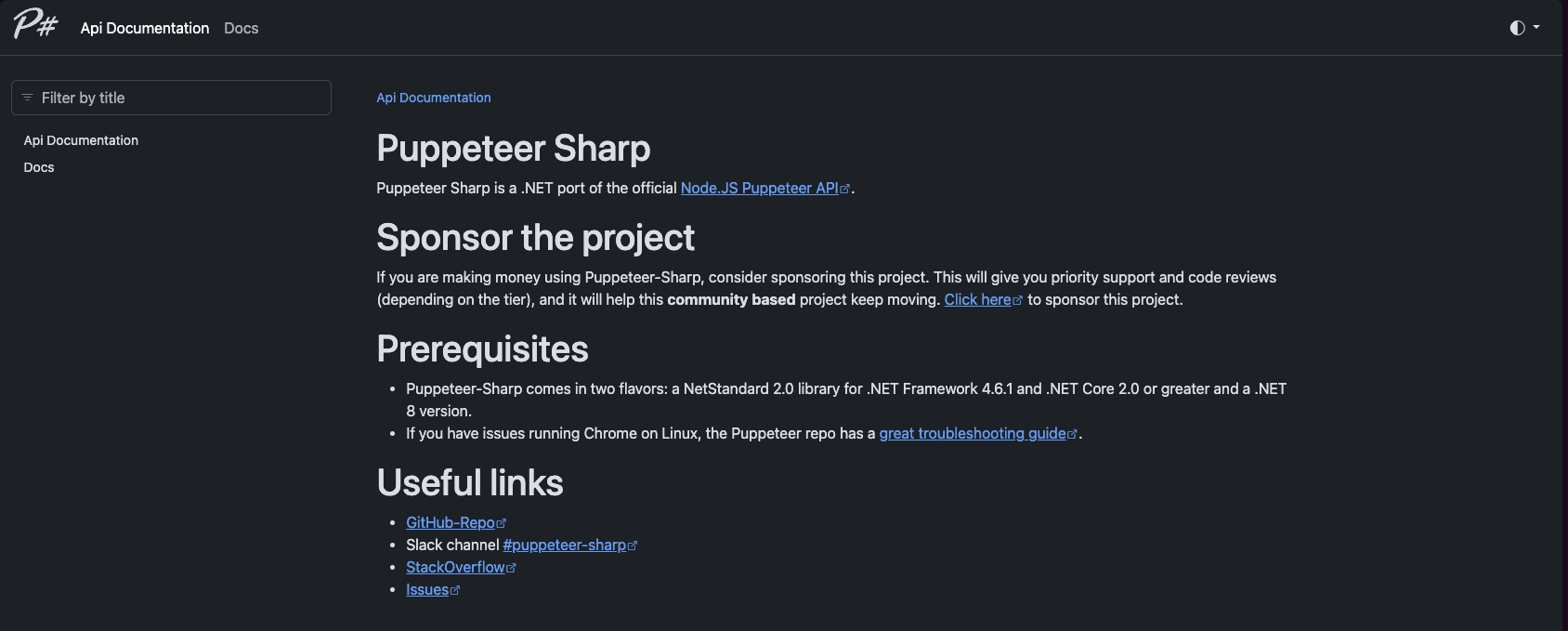
PuppeteerSharp leverages the Chromium engine for precise rendering. It excels at JavaScript-heavy pages and dynamic visuals.
Installation for .NET
dotnet add package PuppeteerSharpGenerating PDFs from URLs
using PuppeteerSharp;
using System.Threading.Tasks;

public class PdfGenerator
{
    public static async Task GeneratePdfFromUrl()
    {
        await new BrowserFetcher().DownloadAsync();
        using var browser = await Puppeteer.LaunchAsync(new LaunchOptions { Headless = true });
        var page = await browser.NewPageAsync();
        await page.GoToAsync("https://www.example.com");
        await page.PdfAsync("output-url.pdf");
    }
}
Generating a Detailed HTML Invoice
using PuppeteerSharp;

public class DetailedPdfInvoice
{
    public static async Task GenerateDetailedInvoice()
    {
        await new BrowserFetcher().DownloadAsync();
        using var browser = await Puppeteer.LaunchAsync(new LaunchOptions { Headless = true });
        var page = await browser.NewPageAsync();
        string htmlContent = @"
<html>
  <head>
    <style>
      .header { text-align: center; font-weight: bold; font-size: 20px; }
      table { width: 100%; border-collapse: collapse; }
      th, td { border: 1px solid #dddddd; padding: 8px; text-align: left; }
      .footer { text-align: center; margin-top: 20px; font-style: italic; }
    </style>
  </head>
  <body>
    <div class='header'>Invoice #101</div>
    <table>
      <tr><th>Item</th><th>Qty</th><th>Price</th></tr>
      <tr><td>Widget A</td><td>2</td><td>$50</td></tr>
      <tr><td>Widget B</td><td>1</td><td>$75</td></tr>
    </table>
    <p class='footer'>Thank you for your business!</p>
  </body>
</html>";
        await page.SetContentAsync(htmlContent);
        await page.PdfAsync("detailed-invoice.pdf");
    }
}
This library supports page sizes, margins, and precise control over CSS, making it a favorite for HTML to PDF tasks. It suits modern .NET projects that demand JavaScript-heavy rendering.
If you want to deep dive on Generating PDF with PuppeteerSharp, you can check out our full guide on how to do it.
Generate PDFs using Playwright
Playwright supports multiple browsers (Chromium, WebKit, Firefox) for comprehensive testing and PDF generation.
Setup and Configuration
dotnet add package Microsoft.Playwright
dotnet playwright install
Generating PDF from a Dynamic Webpage
using Microsoft.Playwright;

public class PlaywrightPdfGenerator
{
    public static async Task ConvertPageToPdf()
    {
        using var playwright = await Playwright.CreateAsync();
        var browser = await playwright.Chromium.LaunchAsync(new BrowserTypeLaunchOptions { Headless = true });
        var page = await browser.NewPageAsync();
        await page.GotoAsync("https://www.example.com");
        await page.PdfAsync(new PagePdfOptions
        {
            Path = "webpage-playwright.pdf",
            Format = "A4"
        });
        await browser.CloseAsync();
    }
}
Generating a Detailed HTML Invoice with Playwright
using Microsoft.Playwright;
public static class PlaywrightInvoice
{
    public static async Task CreateDetailedInvoice()
    {
        using var playwright = await Playwright.CreateAsync();
        var browser = await playwright.Chromium.LaunchAsync(new BrowserTypeLaunchOptions { Headless = true });
        var page = await browser.NewPageAsync();
        string htmlInvoice = @"
<html>
  <head>
    <style>
      .header { text-align: center; font-size: 20px; }
      table { width: 100%; border-collapse: collapse; margin-top: 20px; }
      th, td { border: 1px solid #ccc; padding: 10px; }
      .footer { text-align: center; margin-top: 30px; font-style: italic; }
    </style>
  </head>
  <body>
    <div class='header'>Invoice #202</div>
    <table>
      <tr><th>Description</th><th>Quantity</th><th>Price</th></tr>
      <tr><td>Service X</td><td>3</td><td>$20</td></tr>
      <tr><td>Product Y</td><td>1</td><td>$100</td></tr>
    </table>
    <p class='footer'>We appreciate your patronage!</p>
  </body>
</html>";

        await page.SetContentAsync(htmlInvoice);
        await page.PdfAsync(new PagePdfOptions
        {
            Path = "playwright-detailed-invoice.pdf",
            Format = "A4"
        });
        await browser.CloseAsync();
    }
}
This approach allows advanced control over layout and style, making it a popular choice for .NET professionals who need multi-browser testing.
If you want to deep dive on Generating PDF with Playwright, you can check out our full guide on how to do it.
Generate PDFs using iTextSharp
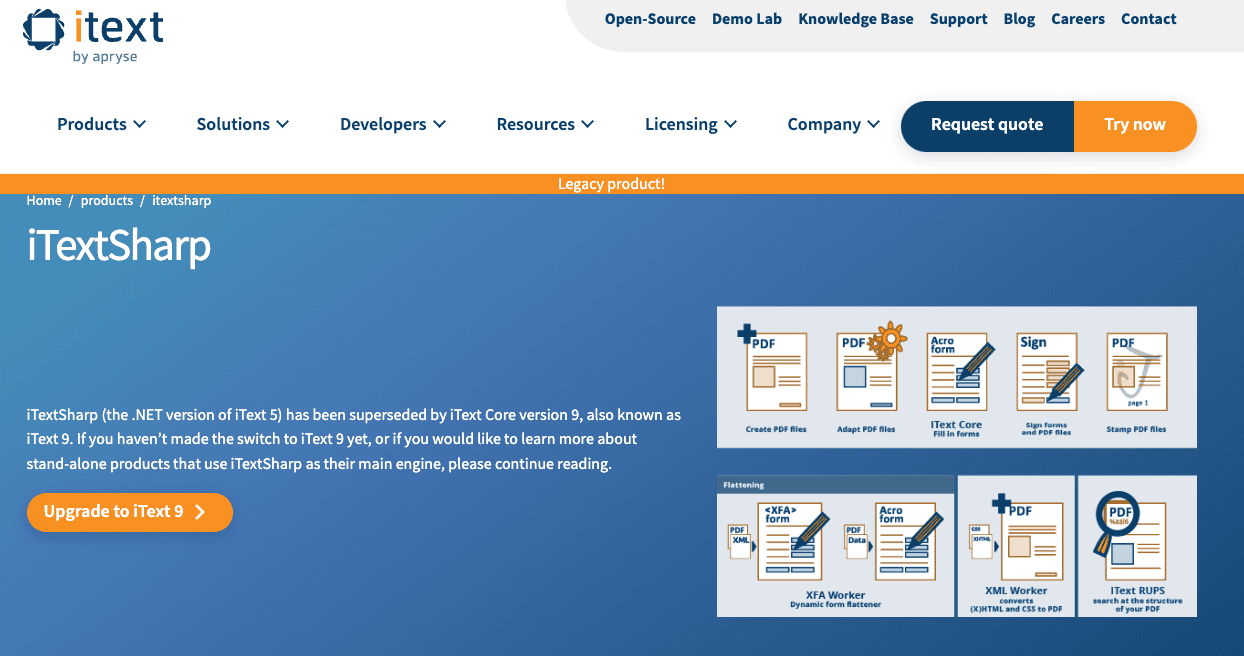
iTextSharp uses a programmatic approach for robust PDF composition. It provides encryption, form fields, and watermarking.
Installation
dotnet add package iTextSharpGenerating a Structured Invoice
using iTextSharp.text;
using iTextSharp.text.pdf;
using System.IO;
using System;
using iTextSharp.text.html.simpleparser;
using System.Collections.Generic;

public class ItextSharpInvoice
{
    public static void CreateInvoicePdf()
    {
        string dynamicHtml = @"
<html>
  <head>
    <style>
      .header { text-align: center; font-size: 20px; font-weight: bold; }
      table { width: 100%; border: 1px solid #ccc; border-collapse: collapse; }
      th, td { padding: 8px; border: 1px solid #ccc; }
      .footer { text-align: center; margin-top: 30px; font-style: italic; }
    </style>
  </head>
  <body>
    <div class='header'>Invoice #303</div>
    <table>
      <tr><th>Product</th><th>Units</th><th>Price</th></tr>
      <tr><td>Gadget A</td><td>2</td><td>$30</td></tr>
      <tr><td>Gadget B</td><td>4</td><td>$25</td></tr>
    </table>
    <p class='footer'>Thank you for choosing us!</p>
  </body>
</html>";

        using var ms = new MemoryStream();
        using var doc = new Document();
        PdfWriter writer = PdfWriter.GetInstance(doc, ms);
        doc.Open();

        using var sr = new StringReader(dynamicHtml);
        HTMLWorker parser = new HTMLWorker(doc);
        parser.Parse(sr);

        doc.Close();
        File.WriteAllBytes("itextsharp-invoice.pdf", ms.ToArray());
    }
}
This library suits complex corporate requirements, thanks to its advanced manipulation and security features.
If you want to deep dive on Generating PDF with ITextSharp, you can check out our full guide on how to do it.
Generate PDFs using PdfSharp
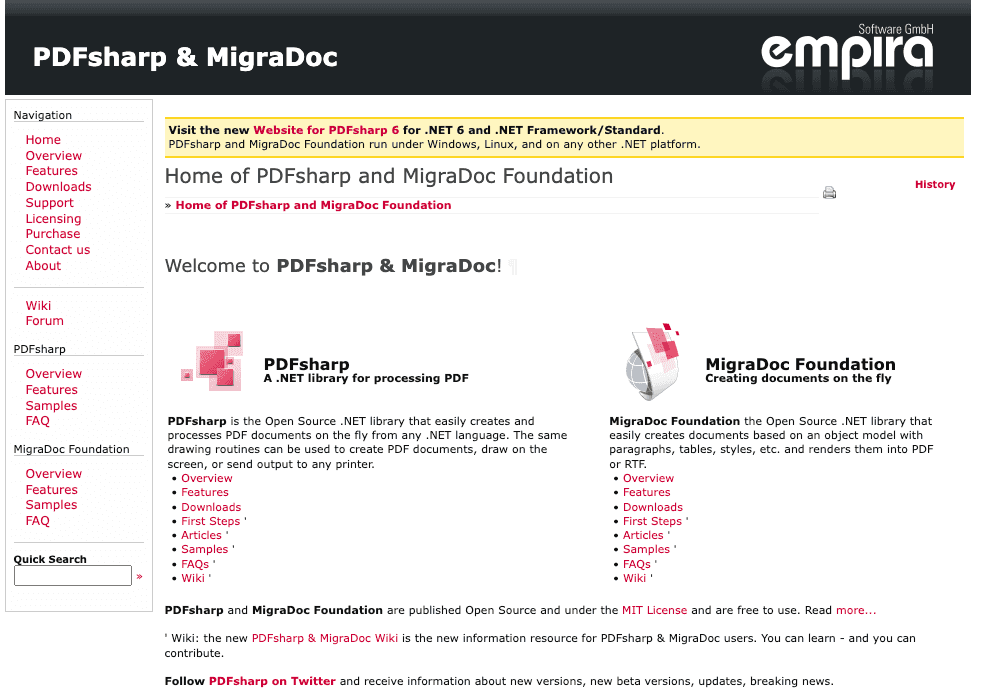
PdfSharp is a lightweight library that is simpler than iTextSharp, focusing on core PDF layout and rendering.
Adding PdfSharp
dotnet add package PdfSharpCoreCode Example for PDF Creation
using PdfSharpCore.Pdf;
using PdfSharpCore.Drawing;
using System.IO;

public class PdfSharpInvoice
{
    public static void CreateInvoice()
    {
        PdfDocument doc = new PdfDocument();
        PdfPage page = doc.AddPage();
        XGraphics gfx = XGraphics.FromPdfPage(page);
        gfx.DrawString("Invoice #404",
            new XFont("Arial", 20, XFontStyle.Bold),
            XBrushes.Black, new XPoint(40, 60));
        // Manually draw table lines or shapes for data
        gfx.DrawLine(XPens.Black, 40, 80, page.Width - 40, 80);
        gfx.DrawString("Item: Hammer, Qty: 5, Total: $15",
            new XFont("Arial", 12), XBrushes.Black,
            new XPoint(40, 100));
        gfx.DrawString("Thank you for your purchase!",
            new XFont("Arial", 12, XFontStyle.Italic),
            XBrushes.Black, new XPoint(40, 150));
        string filename = "pdfsharp-invoice.pdf";
        doc.Save(filename);
    }
}
This option is fast, but manual layout can be time-consuming for large reports. It works well for straightforward tasks.
If you want to deep dive on Generating PDF with PDFSharp, you can check out our full guide on how to do it.
Generate PDFs using QuestPDF
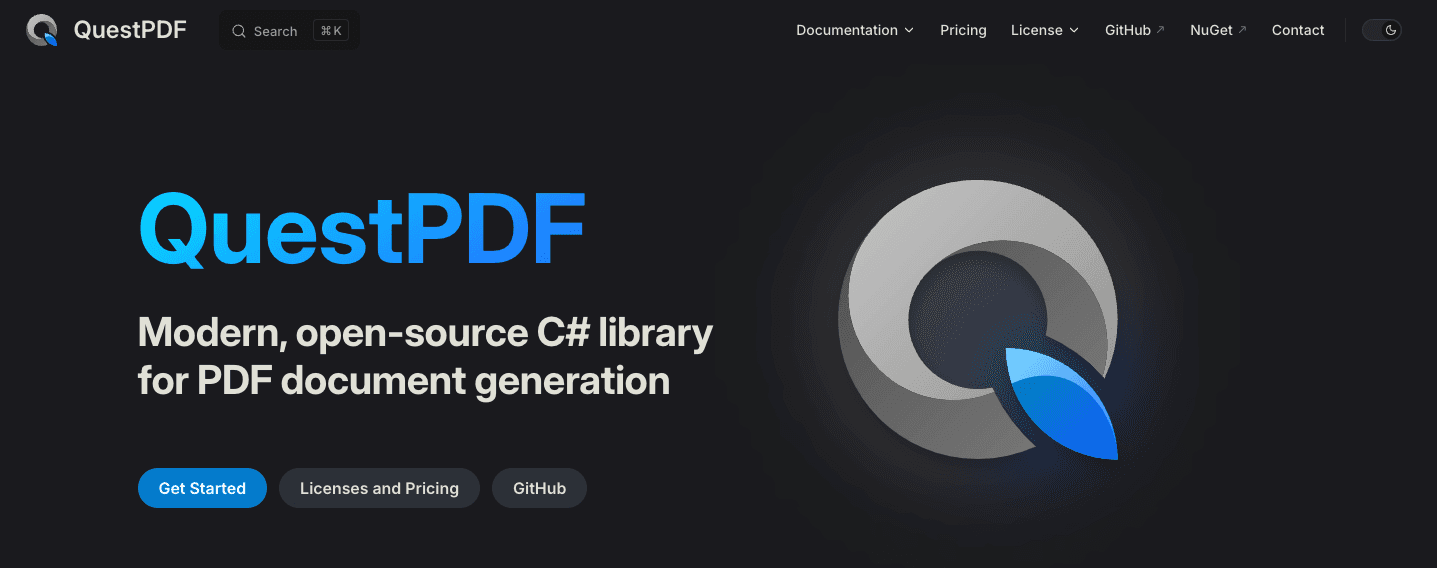
QuestPDF adopts a declarative pattern to compose PDFs using chainable syntax.
Installation
dotnet add package QuestPDFGenerating a Detailed Invoice
using QuestPDF.Fluent;
using QuestPDF.Infrastructure;
using QuestPDF.Helpers;

public static class QuestPdfInvoice
{
    public static void CreateInvoicePdf()
    {
        var document = Document.Create(container =>
        {
            container.Page(page =>
            {
                page.Size(PageSizes.A4);
                page.Margin(1, Unit.Centimetre);
                page.DefaultTextStyle(x => x.FontSize(12));
                page.Header()
                    .Text("Invoice #505")
                    .Bold().FontSize(20).AlignCenter();
                page.Content().Column(col =>
                {
                    col.Item().Text("Date: 2025-01-10");

                    col.Item().Table(table =>
                    {
                        table.ColumnsDefinition(columns =>
                        {
                            columns.ConstantColumn(100);
                            columns.ConstantColumn(100);
                            columns.ConstantColumn(100);
                        });
                        table.Cell().Element(CellStyle).Text("Item");
                        table.Cell().Element(CellStyle).Text("Qty");
                        table.Cell().Element(CellStyle).Text("Price");
                        table.Cell().Element(CellStyle).Text("T-Shirt");
                        table.Cell().Element(CellStyle).Text("3");
                        table.Cell().Element(CellStyle).Text("$45");
                        table.Cell().Element(CellStyle).Text("Jeans");
                        table.Cell().Element(CellStyle).Text("1");
                        table.Cell().Element(CellStyle).Text("$40");
                    });

                    col.Item().Text("Thank you for shopping!")
                        .Italic().AlignCenter().PaddingTop(20);
                });
            });
        });
        document.GeneratePdf("questpdf-invoice.pdf");
    }
    static IContainer CellStyle(IContainer container)
    {
        return container.Border(1).Padding(5);
    }
}
Its fluent syntax is intuitive, enabling dynamic layouts without direct drawing commands. Excellent for structured documents, forms, or catalogs.
If you want to deep dive on Generating PDF with QuestPDF, you can check out our full guide on how to do it.
Generation PDF with pdf noodle

Managing HTML-to-PDF conversion at scale can quickly become a nightmare!
Especially in serverless environments where cold starts, memory limits, and headless browser quirks love to break at the worst possible time (we even wrote a full article about it). Add constant template iterations, version control headaches, and the need to support non-technical contributors, and suddenly your “simple PDF library” turns into an ongoing engineering project.
pdf noodle eliminates all of that.
Instead of maintaining brittle infrastructure or wrestling with outdated pdf libraries, pdf noodle gives you a battle-tested PDF generation API that just works!
Fast, scalable, and designed for both developers and non-developers. You send raw HTML or use our AI-powered template builder, and pdf noodle handles the rendering, scaling, optimization, and delivery so your team doesn’t have to.
Here's an example of a simple API request to generate your pixel-perfect PDF with just a few lines of code:
using System;
using System.Net.Http;
using System.Text;
using System.Threading.Tasks;

namespace PdfApiIntegration
{
    class Program
    {
        static async Task Main(string[] args)
        {
            var client = new HttpClient();
            client.DefaultRequestHeaders.Add("Authorization", "Bearer your-api-key");
            var requestBody = new
            { html = "your-html" };
            var content = new StringContent(
                Newtonsoft.Json.JsonConvert.SerializeObject(requestBody),
                Encoding.UTF8,
                "application/json"
            );
            var response = await client.PostAsync("https://api.pdfnoodle.com/v1/html-to-pdf/sync", content);
            if (response.IsSuccessStatusCode)
            {
                var pdfBytes = await response.Content.ReadAsByteArrayAsync();
                File.WriteAllBytes("invoice.pdf", pdfBytes);
                Console.WriteLine("PDF generated using PDFForge API.");
            }
            else
            {
                Console.WriteLine("Error generating PDF: " + response.ReasonPhrase);
            }
        }
    }
}
pdf noodle also includes a powerful AI Agent that can generate PDF templates instantly, along with a modern editor for refining the design, also using AI, to match your brand. You don't need developing or design experience to quickly update layouts, adjust styling, and manage template versions.
Here’s a quick demo showing how it works:
You can create your account and design your first template without any upfront payment.
If you want to explore other Third Party APIs, we listed all the top 7 PDF Generation APIs in 2025 for PDF Automation. Take a look and choose the best option for you!
Comparison of Top PDF Libraries C# 2025
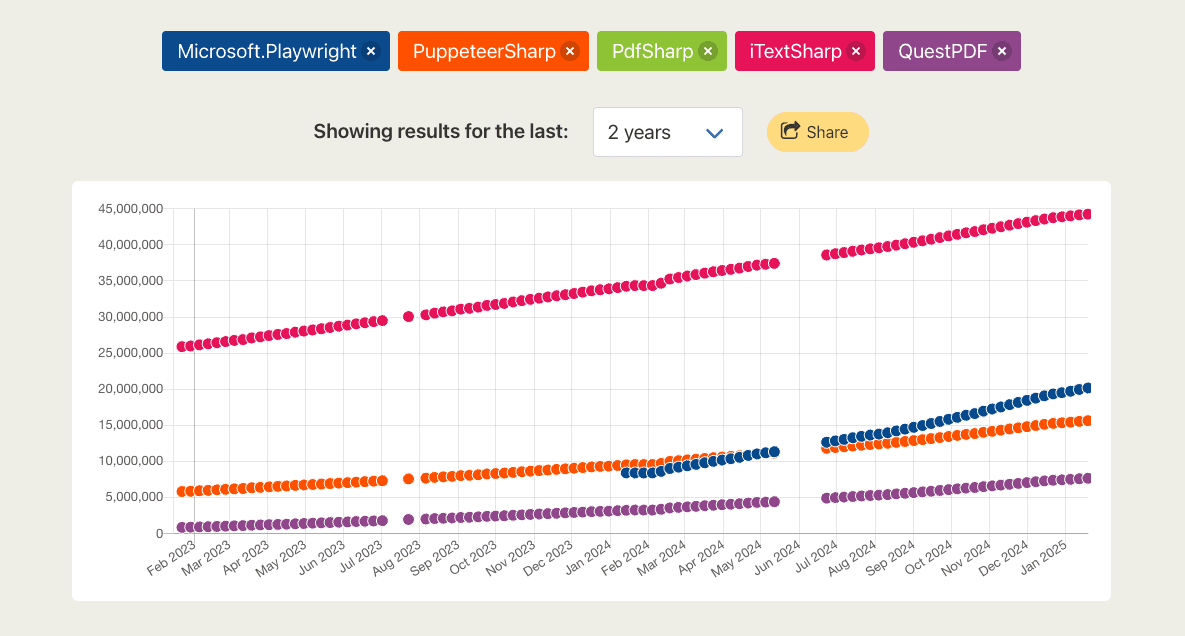
Below is a high-level view of performance, complexity, and recommended usage:
| Library        | Ease of Use | Ease of Implementation | Complex Layouts | Resource Heavy | Recommended Usage             |
| -------------- | ----------- | ---------------------- | --------------- | -------------- | ----------------------------- |
| PuppeteerSharp | Medium      | Moderate               | High            | High           | Dynamic HTML to PDF           |
| Playwright     | Medium      | Moderate               | High            | High           | Cross-browser flexibility     |
| iTextSharp     | Low         | Moderate               | High            | Medium         | Enterprise document workflows |
| PdfSharp       | High        | Easy                   | Low             | Low            | Quick PDF reports             |
| QuestPDF       | Medium      | Moderate               | High            | Medium         | Custom PDF layouts            |
| pdf noodle     | High        | Easy                   | High            | Low            | Scalable SaaS workflows       |
Conclusion
Choosing the best pdf generation solution depends on project size, feature needs, and performance requirements and the final decision comes down to scope, cost, and the level of control required by evolving .NET applications.
Browser-based solutions like PuppeteerSharp and Playwright stand out for intricate HTML to PDF transformations involving JavaScript or CSS and excel at modern web content.
Non-browser-based libraries such as iTextSharp, PdfSharp, and QuestPDF work best for simpler or structured documents without rendering a full web page.
If you don't want to waste time maintaining pdfs layouts and their infrastructure or if you don't want to keep track of best practices to generate PDFs at scale, third-party PDF APIs like pdf noodle will save you hours of work and deliver a high quality pdf layout.


