


Convert HTML to PDF using Ruby on Rails has become an essential requirement for SaaS startups and enterprise applications alike. In 2025, developers are seeking Rails-compatible libraries that integrate seamlessly into their applications and deliver consistent PDF output from HTML templates. Whether building invoices, reports, or dashboards, Rails developers want solutions that are reliable, scalable, and easy to maintain.
Overview of top HTML to PDF Conversion Libraries for Ruby on Rails
Rails developers can choose between libraries that render HTML into PDF using browsers or underlying engines. This is different from older Ruby PDF libraries such as Prawn or HexaPDF, which require low-level PDF building or limited styling. With HTML-based rendering, teams can rely on CSS, JavaScript, and existing ERB or HAML templates to produce professional-looking documents.
We’ll explore the top Ruby on Rails libraries for HTML to PDF conversion in 2025:
- WickedPDF
- Grover
- Puppeteer-Ruby
WickedPDF
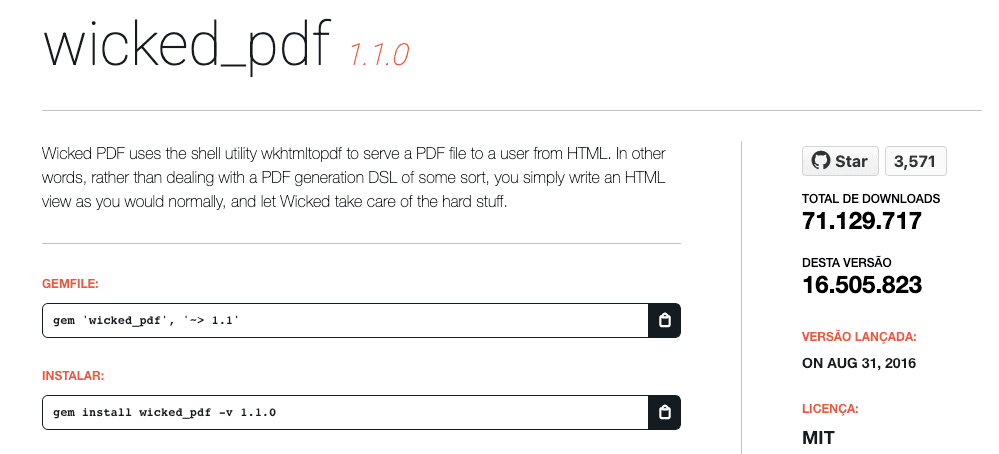
WickedPDF has been a staple in the Rails community for years. It is a Ruby gem that integrates wkhtmltopdf with Rails, allowing developers to render ERB templates directly into PDFs. It supports standard CSS and JavaScript, though some modern web features may require workarounds. Its strength lies in stability and deep Rails integration, making it a common choice for applications needing invoices or reports.
Example:
# Gemfile
gem 'wicked_pdf'
gem 'wkhtmltopdf-binary'
# Controller
class InvoicesController < ApplicationController
def show
@invoice = Invoice.find(params[:id])
respond_to do |format|
format.html
format.pdf do
render pdf: "invoice",
template: "invoices/show.html.erb",
margin: { top: 20, bottom: 20, left: 10, right: 10 },
header: { content: render_to_string(partial: 'shared/pdf_header') },
footer: { content: render_to_string(partial: 'shared/pdf_footer') }
end
end
end
endWickedPDF is a proven solution when you want tight Rails integration and easy use of existing views.
For an in-depth tutorial on WickedPDF configuration and scaling in Rails apps, visit our complete guide.
Grover
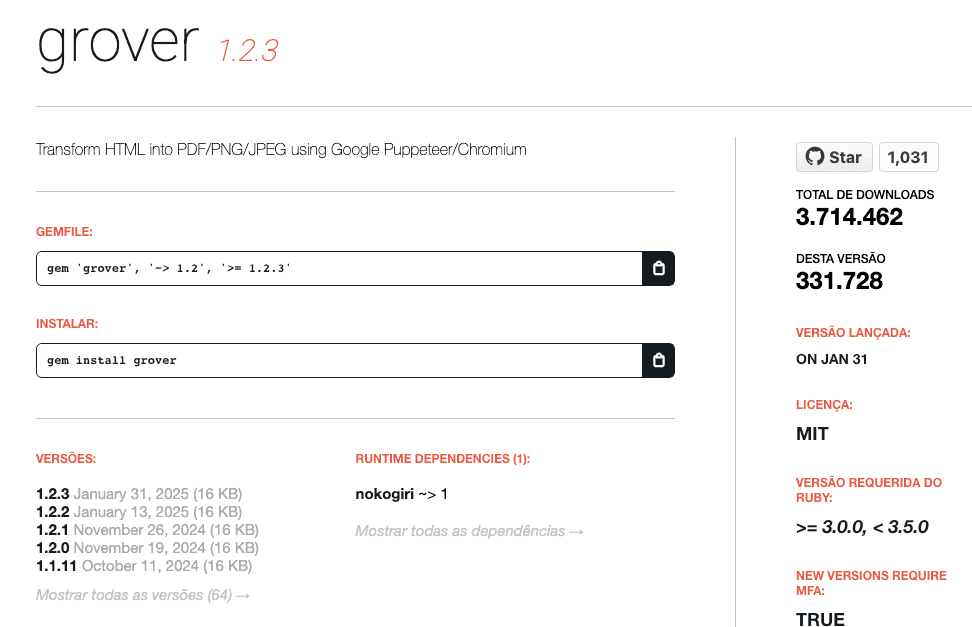
Grover is a modern Ruby gem that leverages Puppeteer under the hood, using headless Chrome to render HTML into PDFs. This allows Rails developers to access the latest CSS3, Flexbox, and JavaScript capabilities directly in their PDF output. Grover integrates easily with controllers, Rack middleware, or background jobs.
Example:
# Gemfile
gem 'grover'
# Controller
class ReportsController < ApplicationController
def show
html = render_to_string(template: "reports/show", layout: "pdf")
pdf = Grover.new(html,
display_header_footer: true,
margin: { top: '50px', bottom: '50px', left: '30px', right: '30px' },
header_template: "<div style='font-size:10px; text-align:center;'>Header Example</div>",
footer_template: "<div style='font-size:10px; text-align:center;'>Page <span class='pageNumber'></span> of <span class='totalPages'></span></div>"
).to_pdf
send_data pdf, filename: "report.pdf", type: "application/pdf"
end
endGrover is ideal for Rails teams that need modern styling capabilities and pixel-perfect output.
For a comprehensive Grover setup with Rails, check our extended usage guide.
Puppeteer-Ruby
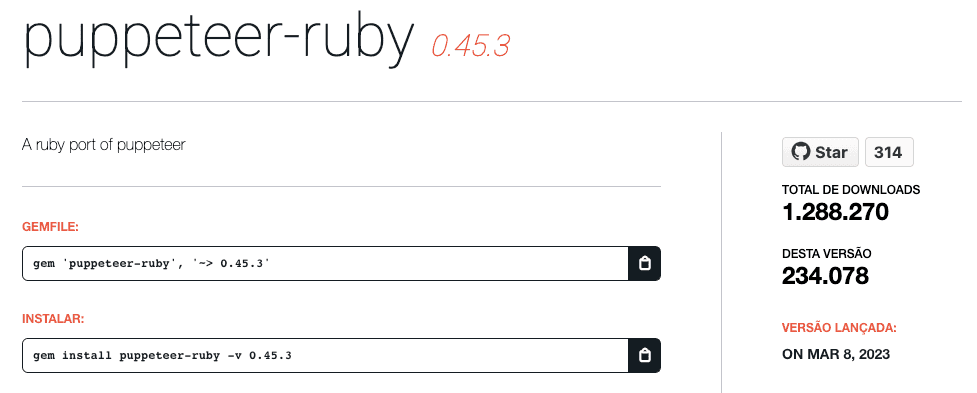
Puppeteer-Ruby is a direct Ruby port of Google’s Puppeteer library, giving Rails developers fine-grained control of headless Chromium. Unlike Grover, which provides a higher-level wrapper, Puppeteer-Ruby allows developers to script browser actions directly. This is particularly useful for dynamic pages or when simulating user interactions before capturing a PDF.
Example:
# Gemfile
gem 'puppeteer-ruby'
# Script example
require 'puppeteer'
Puppeteer.launch(headless: true) do |browser|
page = browser.new_page
page.set_content("<html><body><h1>Invoice</h1><p>Customer details here</p></body></html>")
page.pdf(path: 'output.pdf',
display_header_footer: true,
margin: { top: '50px', bottom: '50px', left: '30px', right: '30px' },
header_template: "<div style='font-size:10px; text-align:center;'>Header Example</div>",
footer_template: "<div style='font-size:10px; text-align:center;'>Page <span class='pageNumber'></span> of <span class='totalPages'></span></div>")
endPuppeteer-Ruby provides maximum flexibility when developers want raw control over Chromium’s PDF output.
For advanced scenarios with Puppeteer-Ruby in Rails projects, see our detailed implementation article.
Comparison between HTML to PDF libraries in Ruby on Rails
| Characteristics | WickedPDF | Grover | Puppeteer-Ruby |
|---|---|---|---|
| Rendering Engine | wkhtmltopdf | Chromium (Headless) | Chromium (Headless) |
| Output Quality | Moderate | Full (Pixel-perfect) | Full (Pixel-perfect) |
| Ease of Use | Easy (Rails-focused) | Easy | Moderate |
| CSS Support | Good (CSS2, partial CSS3) | Full (CSS3, Flexbox) | Full (CSS3, Flexbox) |
| Community Support | Excellent | Growing | Moderate |
| Recommended Use | Invoices, simple reports | Modern styled reports, dashboards | Advanced scripting, dynamic content PDFs |
Alternative: Convert HTML to PDFs using pdf noodle

Managing HTML-to-PDF conversion at scale can quickly become a nightmare!
Especially in serverless environments where cold starts, memory limits, and headless browser quirks love to break at the worst possible time (we even wrote a full article about it). Add constant template iterations, version control headaches, and the need to support non-technical contributors, and suddenly your “simple PDF library” turns into an ongoing engineering project.
pdf noodle eliminates all of that.
Instead of maintaining brittle infrastructure or wrestling with outdated pdf libraries, pdf noodle gives you a battle-tested HTML to PDF API that just works!
Fast, scalable, and designed for both developers and non-developers. You send raw HTML or use our AI-powered template builder, and pdf noodle handles the rendering, scaling, optimization, and delivery so your team doesn’t have to.
Here's an example of a simple API request to generate your pixel-perfect PDF with just a few lines of code:
# Controller
class PdfsController < ApplicationController
  def create
    response = HTTParty.post(
      "https://api.pdfnoodle.com/v1/html-to-pdf/sync",
      headers: {
        "Content-Type" => "application/json",
        "Authorization" => "Bearer YOUR_API_KEY"
      },
      body: { html: "<h1>Invoice</h1><p>Customer details here</p>" }.to_json
    )

    if response.code == 200
      send_data response.body,
        filename: "output.pdf",
        type: "application/pdf",
        disposition: "attachment"
    else
      render json: { error: response.body }, status: response.code
    end
  end
end
pdf noodle also includes a powerful AI Agent that can generate PDF templates instantly, along with a modern editor for refining the design, also using AI, to match your brand. You don't need developing or design experience to quickly update layouts, adjust styling, and manage template versions.
Here’s a quick demo showing how it works:
You can create your account and design your first template without any upfront payment.
Conclusion
If you prefer an in-house solution, WickedPDF remains the easiest to integrate for classic Rails applications, but Grover and Puppeteer-Ruby provide modern rendering with Chromium for more complex layouts. Among these, Grover strikes the best balance of ease of use and advanced features.
If you don't want to waste time maintaining pdfs layouts and their infrastructure or if you don't want to keep track of best practices to generate PDFs at scale, third-party PDF APIs like pdf noodle will save you hours of work and deliver a high quality pdf layout.
Try it yourself: Need a quick conversion without writing code? Use our HTML to PDF converter — no signup required.


