


Introduction to PDF Generation in Ruby on Rails with PDFKit
PDFKit is a powerful Ruby library for converting HTML views into PDFs within Rails applications, ideal for SaaS platforms that need scalable, automated document generation. Compared to other libraries like Prawn, HexaPDF, WickedPDF, and Grover, PDFKit provides a straightforward solution for turning web views into polished PDF reports.
You can check their full documentation here.
Comparison Between PDFKit and Other Ruby PDF Libraries
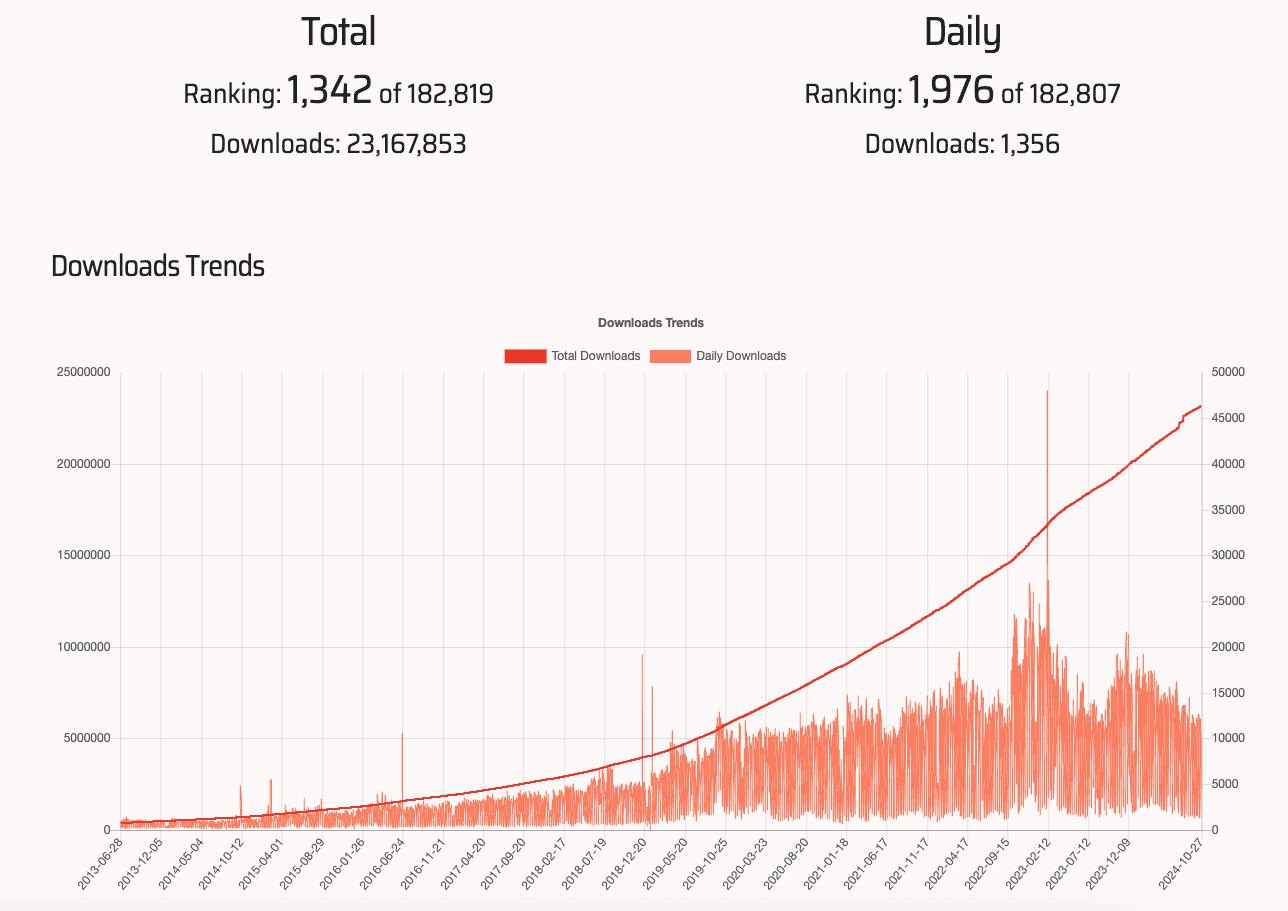
Ruby offers a range of PDF generation libraries, each with unique features:
• HexaPDF is great for complex PDF editing but is not designed for HTML-based conversion.
• WickedPDF uses wkhtmltopdf for HTML conversion but may lack advanced customization.
• Prawn offers extensive control over PDF elements, suited for custom layouts but less intuitive for HTML.
• Grover and Puppeteer-ruby leverage headless Chrome for precise HTML rendering, though they require more configuration.
For those focused on converting HTML templates, PDFKit provides an efficient balance between simplicity and functionality. If you want to dig deeper on a comparison between PDFKit and other Ruby pdf gems, we also have a detailed article with a full comparison between the best PDF gems for Ruby on rails in 2025.
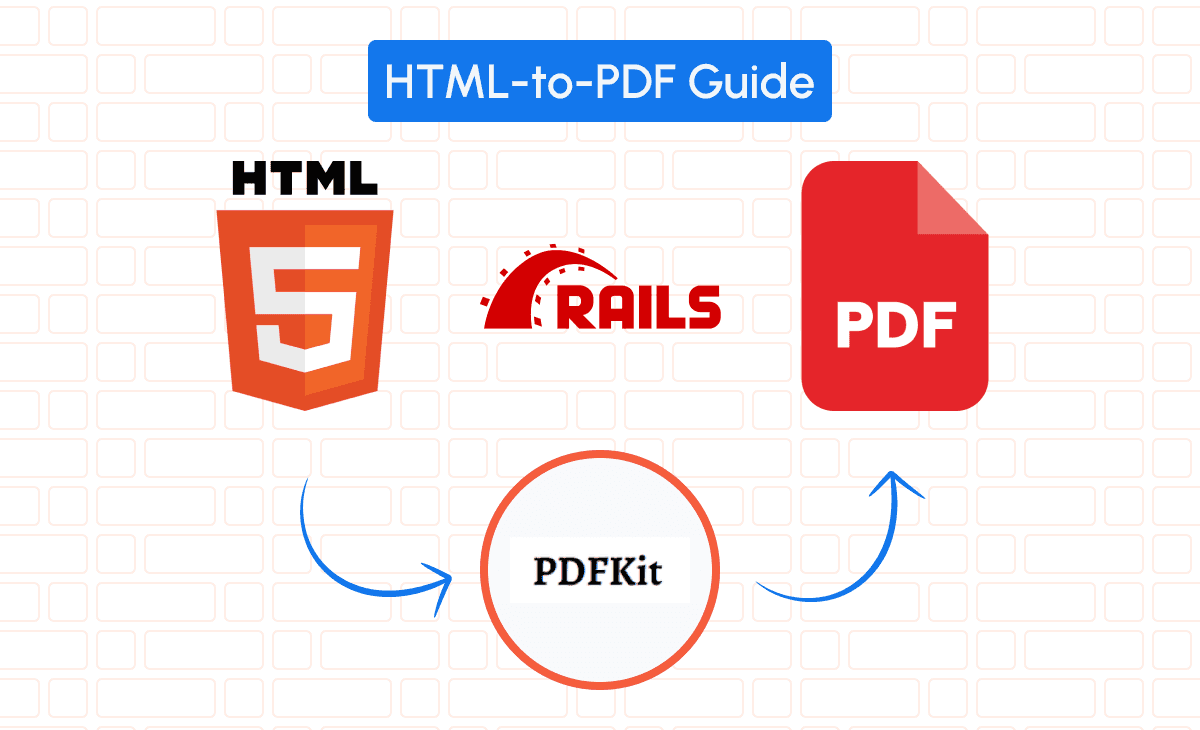
Setting Up PDFKit in a Ruby on Rails Project
To integrate PDFKit into Rails, start by adding it to your Gemfile and configuring it for PDF rendering.
Installing and Configuring PDFKit for Rails
Add PDFKit to your project by including it in the Gemfile:
gem 'pdfkit'Run bundle install and set up middleware in config/application.rb:
config.middleware.use PDFKit::Middleware, print_media_type: trueFor PDFKit to function, you’ll also need the wkhtmltopdf binary. Install it with:
sudo apt install wkhtmltopdf  # Linux
brew install wkhtmltopdf       # macOS
This configuration allows PDFKit to convert HTML views to PDFs using simple routing.
Integrating PDFKit with Rails Controllers
To generate a PDF from a specific action, configure the controller to render HTML and convert it:
class InvoicesController < ApplicationController
  def show
    @invoice = Invoice.find(params[:id])

    respond_to do |format|
      format.html  # renders the HTML view by default
      format.pdf do
        render pdf: "invoice_#{@invoice.id}",       # sets the PDF filename
               template: "invoices/show.html.erb",   # specifies the HTML template
               layout: "pdf",                        # optional, specify a PDF-specific layout
               page_size: 'A4',                      # optional, sets the page size
               show_as_html: params.key?('debug')    # helpful for debugging HTML before PDF conversion
      end
    end
  end
end
Now, accessing /invoices/1.pdf will render a PDF of the HTML view in app/views/invoices/show.html.erb.
PDFKit Main Features
PDFKit offers various essential features:
- CSS Styling: Full control over document layout and design.
- Javascript Execution: Support for dynamic elements.
- Headers and Footers: Customizable headers and footers for branding.
These capabilities make PDFKit a flexible choice for Rails applications that require dynamic, styled PDFs.
Generating PDF from HTML Using PDFKit
With PDFKit set up, the next step is to design an HTML template for a high-quality PDF document.
Designing HTML Templates for High-Quality PDFs
Carefully structured HTML templates ensure your PDFs are well-formatted. Here’s an example of a basic invoice template in ERB, located in app/views/invoices/show.html.erb:
<!DOCTYPE html>
<html>
  <head>

    <style>
          body { font-family: Arial, sans-serif; }
          .invoice { margin: auto; width: 70%; padding: 20px; }
          .header, .footer { text-align: center; font-size: 12px; }
          .content { padding: 20px; }
          .table { width: 100%; border-collapse: collapse; }
          .table, .table th, .table td { border: 1px solid black; padding: 8px; }

    </style>
  </head>
  <body>

    <div class="invoice">

      <div class="header"><h2>Invoice</h2></div>

      <div class="content">

        <p><strong>Invoice #: </strong><%= @invoice.id %></p>

        <p><strong>Date: </strong><%= @invoice.date %></p>

        <table class="table">

          <thead>
            <tr>
              <th>Description</th>
              <th>Amount</th>
            </tr>
          </thead>

          <tbody>
                      <% @invoice.items.each do |item| %>
            <tr>
              <td><%= item.description %></td>
              <td><%= item.amount %></td>
            </tr>
                      <% end %>
          </tbody>

        </table>

      </div>

      <div class="footer">Thank you for your business!</div>

    </div>
  </body>
</html>
This layout includes a consistent header, footer, and itemized table to ensure a professional look and feel.
Converting HTML to PDF with PDFKit and Rails
To generate a PDF, visit the show action endpoint with .pdf appended to the URL. For example, /invoices/1.pdf will render the invoice with ID 1 as a PDF, based on the HTML defined in app/views/invoices/show.html.erb.
This setup allows you to quickly convert HTML views to PDF by simply accessing the .pdf format.
Alternative: Convert HTML to PDF Using pdf noodle

Managing HTML-to-PDF conversion at scale can quickly become a nightmare!
Especially in serverless environments where cold starts, memory limits, and headless browser quirks love to break at the worst possible time (we even wrote a full article about it). Add constant template iterations, version control headaches, and the need to support non-technical contributors, and suddenly your “simple PDF library” turns into an ongoing engineering project.
pdf noodle eliminates all of that.
Instead of maintaining brittle infrastructure or wrestling with outdated pdf libraries, pdf noodle gives you a battle-tested PDF generation API that just works!
Fast, scalable, and designed for both developers and non-developers. You send raw HTML or use our AI-powered template builder, and pdf noodle handles the rendering, scaling, optimization, and delivery so your team doesn’t have to.
Here's an example of a simple API request to generate your pixel-perfect PDF with just a few lines of code:
require 'net/http'
require 'json'
require 'uri'

class PdfApiService
  def self.generate_pdf(html_content)
    uri = URI("https://api.pdfnoodle.com/v1/html-to-pdf/sync")
    http = Net::HTTP.new(uri.host, uri.port)
    http.use_ssl = true
    request = Net::HTTP::Post.new(uri.path, {
      'Content-Type' => 'application/json',
      'Authorization' => "Bearer your-api-key"
    })
    request.body = {
      html: html_content
    }.to_json
    response = http.request(request)
    response.body if response.is_a?(Net::HTTPSuccess)
  end
end
pdf noodle also includes a powerful AI Agent that can generate PDF templates instantly, along with a modern editor for refining the design, also using AI, to match your brand. You don't need developing or design experience to quickly update layouts, adjust styling, and manage template versions.
Here’s a quick demo showing how it works:
You can create your account and design your first template without any upfront payment.
Conclusion
For simple HTML-to-PDF conversions, PDFKit is an accessible and reliable solution for Rails applications.
When detailed control over layout is necessary, Prawn offers a more customizable approach.
If you don't want to waste time maintaining pdfs layouts and their infrastructure or if you don't want to keep track of best practices to generate PDFs at scale, third-party PDF APIs like pdf noodle will save you hours of work and deliver a high quality pdf layout.
Try it yourself: Need a quick conversion without writing code? Use our HTML to PDF tool — no signup required.


