


Overview: Best Libraries for PDF Generation in PHP
PHP offers powerful ways to create top-notch PDF documents for everything from invoicing to data reporting. This post explores top pdf libraries php 2025 and aims to equip developers with actionable insights. It highlights three approaches: browser-based libraries for converting html to pdf, non-browser-based libraries for programmatic creation, and a third-party API option.
Three Types of PHP PDF Generation Solutions
- Browser-based libraries: Render HTML and CSS into PDFs for fast, styled exports or invoices.
- Non-browser-based libraries: Use low-level drawing commands to build PDFs from scratch, perfect for custom layouts.
- Third-party API solutions: Offload rendering to the cloud for scalable and flexible document generation, ideal for modern laravel SaaS deployments.
Browser-Based PDF Libraries: Convert HTML to PDF
Browser-based libraries rely on a rendering engine to process HTML/CSS and produce a nicely formatted PDF. This method simplifies tasks involving tables, inline styles, and rapid theming.
Generate PDFs with Dompdf
Dompdf interprets HTML/CSS, making it straightforward to convert templated pages into PDFs.
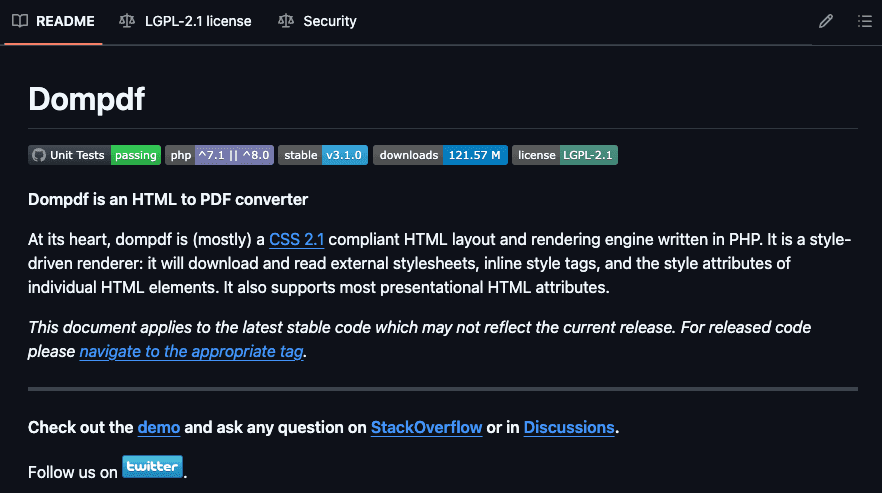
Installation and Setup
composer require dompdf/dompdfSample Code for an HTML Invoice
require 'vendor/autoload.php';

use Dompdf\Dompdf;

$dompdf = new Dompdf();

$html = <<<HTML

<!DOCTYPE html>
<html>
<head>
  <style>
    body { font-family: Arial, sans-serif; }
    header { text-align: center; font-size: 24px; margin-bottom: 20px; }
    footer { position: fixed; bottom: 0; width: 100%; text-align: center; font-size: 12px; }
    table { width: 100%; border-collapse: collapse; margin-bottom: 20px; }
    th, td { border: 1px solid #ccc; padding: 8px; text-align: left; }
  </style>
</head>
<body>
  <header>My Company - Invoice</header>

  <table>
    <tr><th>Item</th><th>Quantity</th><th>Price</th></tr>
    <tr><td>Product A</td><td>2</td><td>\$10</td></tr>
    <tr><td>Product B</td><td>1</td><td>\$15</td></tr>
  </table>

  <footer>Page 1 of 1</footer>
</body>
</html>
HTML;

$dompdf->loadHtml($html);
$dompdf->setPaper('A4', 'portrait');
$dompdf->render();
$dompdf->stream('report.pdf');
When projects call for mid-range styling or a quick html to pdf approach, Dompdf works efficiently.
Explore more details in the full guide on Dompdf .
Generate PDFs with mPDF
mPDF also converts HTML/CSS to PDFs but features greater multilingual support and robust page formatting.
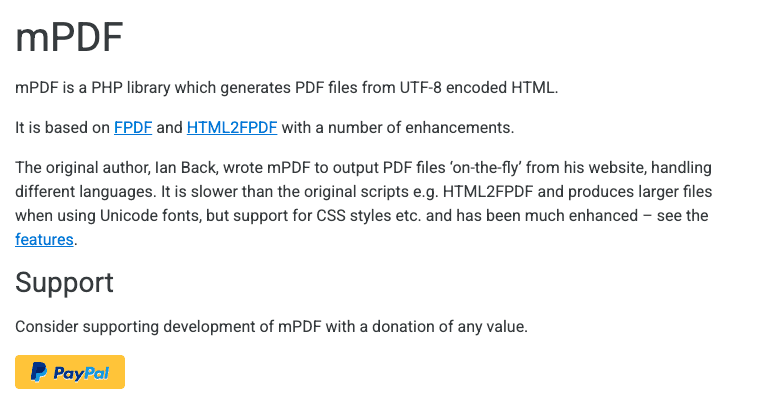
Installation and Configuration
composer require mpdf/mpdfSample Code for a Styled Document
require 'vendor/autoload.php';

$mpdf = new \Mpdf\Mpdf();

// HTML content with headers, footers, table
$html = <<<HTML

<!DOCTYPE html>
<html>
<head>
  <style>
    body { font-family: DejaVu Sans, sans-serif; }
    header { text-align: center; font-weight: bold; margin-bottom: 20px; }
    footer { text-align: center; font-size: 12px; position: fixed; bottom: 0; width: 100%; }
    table { width: 100%; border-collapse: collapse; margin-bottom: 20px; }
    th, td { border: 1px solid #000; padding: 8px; }
  </style>
</head>
<body>
  <header>Sales Report</header>

  <table>
    <tr><th>Item</th><th>Quantity</th><th>Price</th></tr>
    <tr><td>Product X</td><td>3</td><td>\$12</td></tr>
    <tr><td>Product Y</td><td>5</td><td>\$8</td></tr>
  </table>

  <footer>Powered by mPDF</footer>
</body>
</html>
HTML;

$mpdf->WriteHTML($html);
$mpdf->Output('report.pdf', 'I');
mPDF excels in international projects or large documents with advanced typographical requirements.
Explore more details in the full guide on mPDF.
Non-Browser-Based PDF Libraries: Generate PDFs with Canvas API
Non-browser-based libraries create documents through drawing commands, giving developers deeper control over layouts without relying on a rendering engine.
Generate PDFs with TCPDF
TCPDF supports advanced features like vector graphics and barcodes, catering to flexible pdf generation needs.
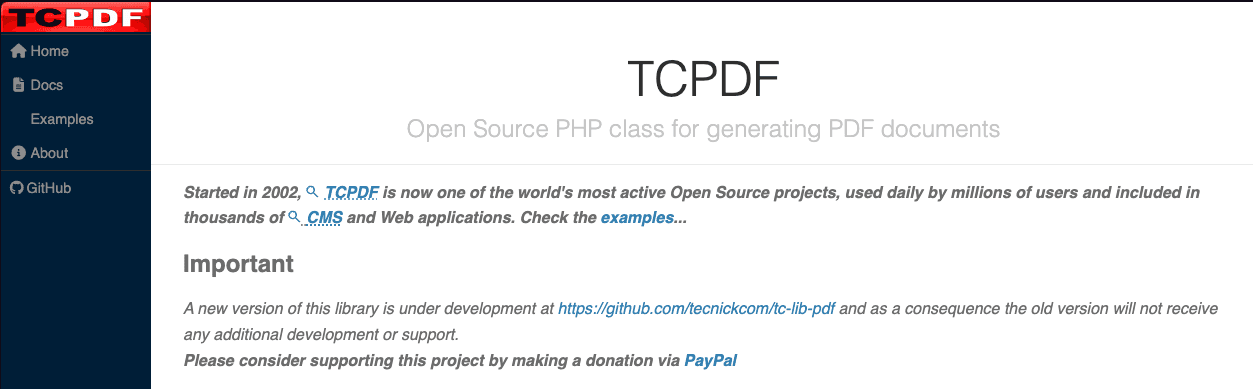
Installation
composer require tecnickcom/tcpdfSample Code for Headers, Footers, and Tables
require 'vendor/autoload.php';

$pdf = new TCPDF();
$pdf->AddPage();

// Header
$pdf->SetFont('Helvetica', 'B', 16);
$pdf->Cell(0, 10, 'Project Report', 0, 1, 'C');
$pdf->Ln(5);

// Table
$pdf->SetFont('Helvetica', '', 12);
$pdf->Cell(60, 8, 'Task', 1);
$pdf->Cell(60, 8, 'Status', 1, 1);
$pdf->Cell(60, 8, 'Frontend Module', 1);
$pdf->Cell(60, 8, 'Complete', 1, 1);

// Footer
$pdf->SetY(-25);
$pdf->SetFont('Helvetica', 'I', 10);
$pdf->Cell(0, 10, 'Page ' . $pdf->PageNo(), 0, 0, 'C');

$pdf->Output('report.pdf', 'I');
TCPDF is preferable for exacting layout requirements that go beyond simple HTML rendering.
Explore more details in the full guide on TCPDF.
Generate PDFs with FPDF
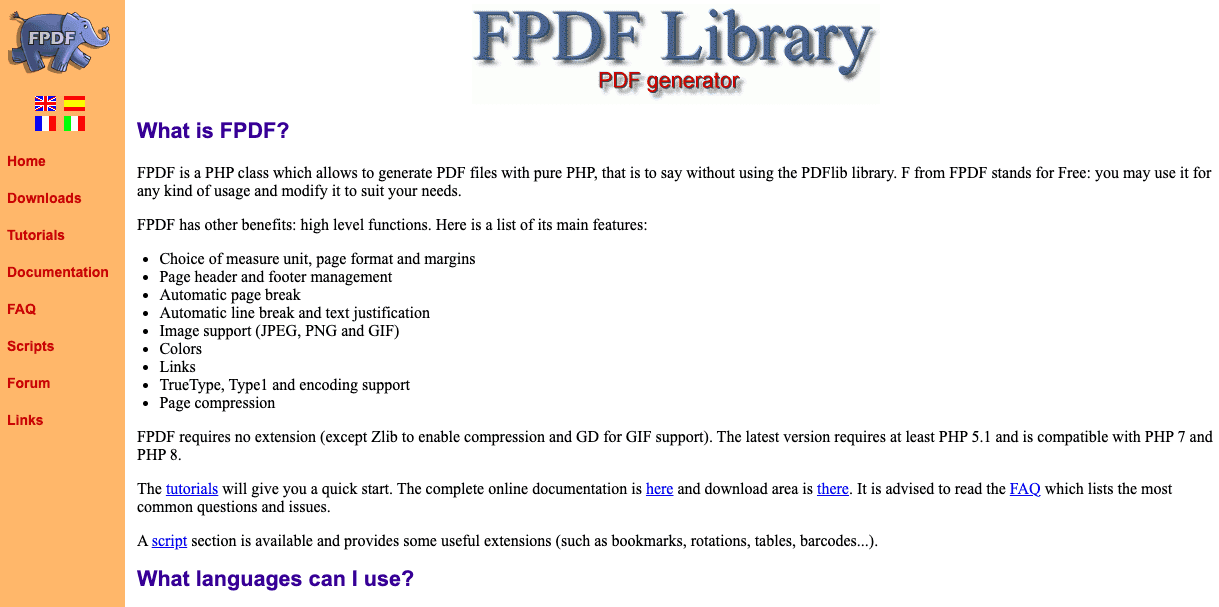
FPDF is a small, standalone library that doesn’t require external dependencies. It uses explicit positioning to place content on each page.
Download and Basic Usage
1. Download fpdf.php from the official site.
2. Include and instantiate the class.
Sample Code with Header, Footer, and Table
require 'fpdf.php';

class PDF extends FPDF {
function Header() {
$this->SetFont('Arial','B',16);
    $this->Cell(0, 10, 'Invoice Document', 0, 1, 'C');
    $this->Ln(5);
  }
  function Footer() {
    $this->SetY(-20);
    $this->SetFont('Arial','I',10);
    $this->Cell(0,10,'Page '.$this->PageNo(),0,0,'C');
}
}

$pdf = new PDF();
$pdf->AddPage();

// Table
$pdf->SetFont('Arial','',12);
$pdf->Cell(60, 8, 'Item', 1);
$pdf->Cell(60, 8, 'Price', 1, 1);
$pdf->Cell(60, 8, 'Service A', 1);
$pdf->Cell(60, 8, '$10', 1, 1);

$pdf->Output('report.pdf','I');
FPDF works best for straightforward documents or smaller projects where speed and low overhead matter.
Explore more details in the full guide on FPDF.
Third-Party API for PDF Generation: Scalable and No-Code Solutions
These services allow developers to generate PDFs via cloud-based endpoints, freeing local servers from heavy rendering tasks and easing integration with laravel or other frameworks.
Generation PDF with pdf noodle

Managing HTML-to-PDF conversion at scale can quickly become a nightmare!
Especially in serverless environments where cold starts, memory limits, and headless browser quirks love to break at the worst possible time (we even wrote a full article about it). Add constant template iterations, version control headaches, and the need to support non-technical contributors, and suddenly your “simple PDF library” turns into an ongoing engineering project.
pdf noodle eliminates all of that.
Instead of maintaining brittle infrastructure or wrestling with outdated pdf libraries, pdf noodle gives you a battle-tested PDF generation API that just works!
Fast, scalable, and designed for both developers and non-developers. You send raw HTML or use our AI-powered template builder, and pdf noodle handles the rendering, scaling, optimization, and delivery so your team doesn’t have to.
Here's an example of a simple API request to generate your pixel-perfect PDF with just a few lines of code:
$ch = curl_init('https://api.pdfnoodle.com/v1/html-to-pdf/sync');

$data = [
    'html' => $htmlContent
];

$payload = json_encode($data);
curl_setopt($ch, CURLOPT_POST, true);
curl_setopt($ch, CURLOPT_POSTFIELDS, $payload);
curl_setopt($ch, CURLOPT_HTTPHEADER, [
    'Content-Type: application/json',
    'Authorization: Bearer your-api-key'
]);

curl_setopt($ch, CURLOPT_RETURNTRANSFER, true);
$response = curl_exec($ch);
curl_close($ch);
file_put_contents('invoice.pdf', $response);
pdf noodle also includes a powerful AI Agent that can generate PDF templates instantly, along with a modern editor for refining the design, also using AI, to match your brand. You don't need developing or design experience to quickly update layouts, adjust styling, and manage template versions.
Here’s a quick demo showing how it works:
You can create your account and design your first template without any upfront payment.
If you want to explore other Third Party APIs, we listed all the top 7 PDF Generation APIs in 2025 for PDF Automation. Take a look and choose the best option for you!
Comparison Between the Best PHP PDF Library in 2025
| Feature                   | Dompdf   | mPDF   | TCPDF    | FPDF     | pdf noodle |
| ------------------------- | -------- | ------ | -------- | -------- | ---------- |
| HTML/CSS Rendering        | Yes      | Yes    | No       | No       | Yes        |
| Implementation Complexity | Medium   | Medium | Medium   | Low      | Low        |
| Layout Flexibility        | High     | High   | High     | Medium   | High       |
| Performance               | Moderate | Good   | Good     | Good     | Good       |
| Laravel Integration       | Easy     | Easy   | Moderate | Moderate | Easy       |
| Scalability               | Low      | Low    | Medium   | Medium   | High       |
Conclusion
Every solution meets different needs under the umbrella of best libraries for pdf generation.
Browser-based libraries (Dompdf and mPDF) offer elegant html to pdf transformations, while non-browser-based tools (TCPDF and FPDF) provide custom, programmatic control.
If you don't want to waste time maintaining pdfs layouts and their infrastructure or if you don't want to keep track of best practices to generate PDFs at scale, third-party PDF APIs like pdf noodle will save you hours of work and deliver a high quality pdf layout.
Try it yourself: Need a quick conversion without writing code? Use our free online HTML to PDF converter — no signup required.


