


The most effective way to convert HTML to PDF using PHP is by leveraging dedicated libraries designed to translate web templates into well-structured PDF files. Developers searching for “html to pdf,” “best libraries 2025,” or “pdf generation” are typically aiming to automate reports, invoices, or large-scale SaaS workflows.
This article presents the 3 leading PHP libraries for HTML to PDF conversion in 2025 and shows how to integrate them into your application.
Overview of Top HTML to PDF Conversion Libraries for PHP
HTML to PDF conversion libraries enable developers to write templates in HTML and CSS, then render them directly into PDFs. This approach reduces boilerplate code and ensures consistency between browser rendering and the final document.
Advantages:
- Quicker design iteration using standard web technologies.
- Simplified maintenance of recurring layouts.
- Compatibility with existing UI components.
Disadvantages:
- Varying levels of CSS support.
- Differences in rendering accuracy depending on the library.
In 2025, the most reliable options for PHP developers remain:
- domPDF: Simple, lightweight, and widely adopted.
- mPDF: Advanced, with strong CSS and multilingual capabilities.
- TCPDF: Mature, versatile, and highly configurable.
domPDF
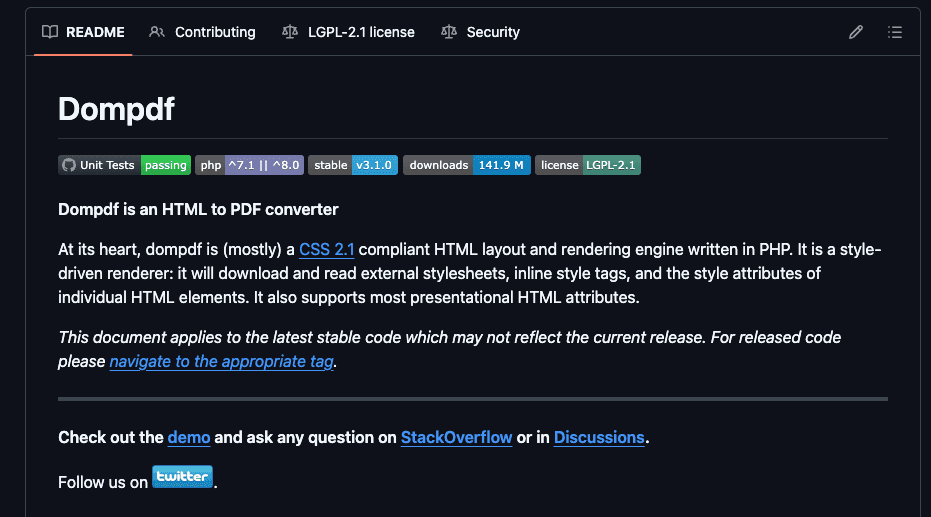
domPDF is a lightweight PHP library that supports HTML5, CSS2.1, and partial CSS3. It stands out for its simplicity and for being memory-efficient, making it an excellent fit for generating small to medium-scale documents. Its integration process is straightforward, and it delivers sharp PDF rendering without requiring much customization.
In my professional projects, I’ve consistently relied on domPDF for generating simple documents such as invoices and reports. Its ease of use and the reliable quality of the rendered output made it a trustworthy companion for projects where speed and consistency mattered most.
Installation:
composer require dompdf/dompdfBasic Usage:
<?php
use Dompdf\Dompdf;

require 'vendor/autoload.php';

$dompdf = new Dompdf();
$html = '
<html>
  <head>
    <style>
      body { font-family: Arial, sans-serif; }
      .invoice { border: 1px solid #ccc; padding: 20px; }
    </style>
  </head>
  <body>
    <div class="invoice">
      <h1>Invoice #1001</h1>
      <p>Customer: John Doe</p>
      <p>Total: $250.00</p>
    </div>
  </body>
</html>
';
$dompdf->loadHtml($html);
$dompdf->render();
$dompdf->stream("invoice.pdf");
👉 See the complete guide on domPDF to learn best practices for styling and rendering.
mPDF
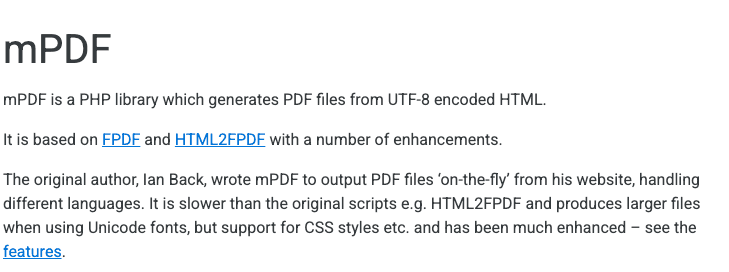
mPDF is a robust PHP library built on top of FPDF and HTML2FPDF. It provides full HTML5 and CSS3 support, including complex tables, advanced layouts, and multilingual rendering with right-to-left scripts. It is ideal when handling documents that require precise formatting and diverse language compatibility.
Installation:
composer require mpdf/mpdfBasic Usage:
<?php
require 'vendor/autoload.php';

$mpdf = new \Mpdf\Mpdf();
$html = '
<html>
  <head>
    <style>
      body { font-family: DejaVu Sans; }
      .report { background: #f9f9f9; padding: 20px; }
    </style>
  </head>
  <body>
    <div class="report">
      <h1>Monthly Report</h1>
      <p>Performance improved by 15% compared to last quarter.</p>
    </div>
  </body>
</html>
';
$mpdf->WriteHTML($html);
$mpdf->Output('report.pdf', 'D');
👉 Check out the step-by-step guide on mPDF to explore advanced features like progressive rendering and custom headers/footers.
TCPDF

TCPDF is one of the oldest and most established Open Source PHP libraries for PDF generation. It supports a wide range of features such as barcodes, QR codes, and vector graphics, making it highly versatile. While its CSS support is limited compared to domPDF or mPDF, its stability and performance make it suitable for enterprise-grade systems.
Installation:
composer require tecnickcom/tcpdfBasic Usage:
<?php
require_once('vendor/autoload.php');

$pdf = new TCPDF();
$pdf->AddPage();
$html = '
<html>
  <head>
    <style>
      body { font-family: Helvetica; }
      .statement { color: #333; }
    </style>
  </head>
  <body>
    <div class="statement">
      <h1>Financial Statement</h1>
      <p>Revenue: $120,000</p>
    </div>
  </body>
</html>
';
$pdf->writeHTML($html, true, false, true, false, '');
$pdf->Output('statement.pdf', 'I');
👉 Discover the detailed guide on TCPDF to unlock features like digital signatures and custom page formats.
Comparison Between HTML to PDF Libraries in PHP
| Feature | domPDF | mPDF | TCPDF |
|---|---|---|---|
| Rendering Engine | PHP-based | FPDF + HTML2FPDF | Custom engine |
| HTML/CSS Support | HTML5, CSS2.1, partial CSS3 | Full HTML5, CSS3 | Full HTML5, partial CSS2.1 |
| JavaScript Support | No | No | No |
| Ease of Use | Easy | Easy | Moderate |
| Performance | Moderate | Fast | Fast |
| Special Features | Lightweight, memory efficient | Complex layouts, multilingual support | Barcodes, QR codes, vector graphics |
| License | GPL/MIT | GPL | LGPL |
| Best Used For | Invoices, small projects | Complex multilingual documents | Enterprise and legacy systems with graphics |
Alternative: Convert HTML to PDF at Scale Using pdf noodle
Managing HTML to PDF conversion at scale poses challenges, particularly with serverless architectures (see our detailed article) and frequent template updates. pdf noodle simplifies these challenges by providing a robust HTML to PDF API for direct HTML to PDF conversion:
<?php
$url = 'https://api.pdfnoodle.com/v1/html-to-pdf/sync';
$headers = [
    'Content-Type: application/json',
    'Authorization: Bearer YOUR_API_KEY'
];
$data = [
    'html' => '<h1>Invoice</h1><p>Customer details here</p>'
];

$ch = curl_init($url);
curl_setopt($ch, CURLOPT_HTTPHEADER, $headers);
curl_setopt($ch, CURLOPT_POST, true);
curl_setopt($ch, CURLOPT_POSTFIELDS, json_encode($data));
curl_setopt($ch, CURLOPT_RETURNTRANSFER, true);

$response = curl_exec($ch);
curl_close($ch);

file_put_contents('invoice.pdf', $response);
pdf noodle also includes a powerful AI Agent that generates PDF templates instantly and a modern no-code editor for quick design fine-tuning. Its intuitive platform allows non-developers to manage templates efficiently. Here's a quick demo on how it works:
You can create your account, experience our no-code builder and create your first layout template without any upfront payment clicking here.
Conclusion
For most developers working on invoices, small business reports, or moderate workloads, domPDF is the best starting point. It is lightweight, straightforward to use, and produces clean PDF files without steep learning curves. If your use case revolves around simplicity and quick integration, domPDF is the clear recommendation.
For scaling projects, the complexity of managing multiple templates and high-volume PDF generation makes libraries harder to maintain. In this case, pdf noodle stands out with its API-first and AI-powered approach, removing the burden of maintaining layouts or infrastructure while ensuring a reliable, scalable, and cost-effective solution for SaaS businesses that want to generate PDFs at scale without worrying about best practices or design overhead.
Try it yourself: Need a quick conversion without writing code? Use our HTML to PDF converter — no signup required.


